Screen Test
Online.
Run a comprehensive screen test and display test to check your monitor for dead pixels, test your refresh rate, and analyze screen resolution in real-time.
Your Screen Details
Compare Devices
See how your screen size compares to popular devices.
| Device Name | Physical Resolution (px) |
|---|---|
| MacBook Pro 16" | 2880x1800 |
| Dell UltraSharp 32" | 3840x2160 |
| iPhone 15 Pro | 1179x2556 |
Online Display Tools
20+ browser-based screen tests, latency benchmarks, and display calculators.
Gaming & Motion Performance
Input Lag Test
Measure browser click event queue delay, frame compositing, and reaction time.
VRR & G-Sync Test
Simulate GPU frame fluctuations and test G-Sync & FreeSync tearing prevention.
Frame Skip Test
Camera pursuit test grid to inspect dropped frames on 144Hz/240Hz monitors.
Refresh Rate Checker
Test your monitor's rendering speed, frame rate, and motion smoothness.
Monitor Ghosting Test
Analyze G2G pixel response times, motion blur trailing, and overdrive coronas.
Mouse DPI Analyzer
Calculate your physical mouse DPI and sensitivity across an on-screen target.
Panel & Image Quality
Dead Pixel Tester
Scan your display for dead pixels, stuck sub-pixels, and backlight bleed.
HDR Brightness Test
Test 400 to 1000-nit luminance targets, DCI-P3 gamut, and highlight clipping.
Backlight Bleed Test
Inspect edge light leakage, IPS glow, and dark room uniformity.
OLED Burn-In Test
Check for static taskbar shadows and run pixel flasher recovery routines.
Color Accuracy Test
256-step grayscale gradient bar, shadow detail check, and RGB calibration.
Touch Screen Tester
Interactive touch matrix grid and multi-touch point detector for phones & tablets.
Calculators & System Specs
Check Screen Resolution
Find out the exact width and height of your monitor in physical pixels.
Check Window Size
Check the dynamic size of your browser window and see how it changes.
Pixel Density Calculator
Calculate your screen's Pixels Per Inch (PPI) and physical dot pitch.
DPI Scaling Calculator
Calculate logical CSS viewports and fractional scaling blur penalties.
Viewing Distance Calculator
Calculate optimal seating distance based on THX, SMPTE, and visual acuity.
Aspect Ratio & Scale
Simplify screen dimensions and calculate proportional scaling in real-time.
Retina Device Cheat Sheet
Complete CSS viewports, DPR ratios, and copyable media queries for Apple devices.
System & Browser Info
Analyze your browser fingerprint, CPU cores, RAM, and network settings.
Technical Guides & Articles
Deep dives into display technology, panel types, and calibration.
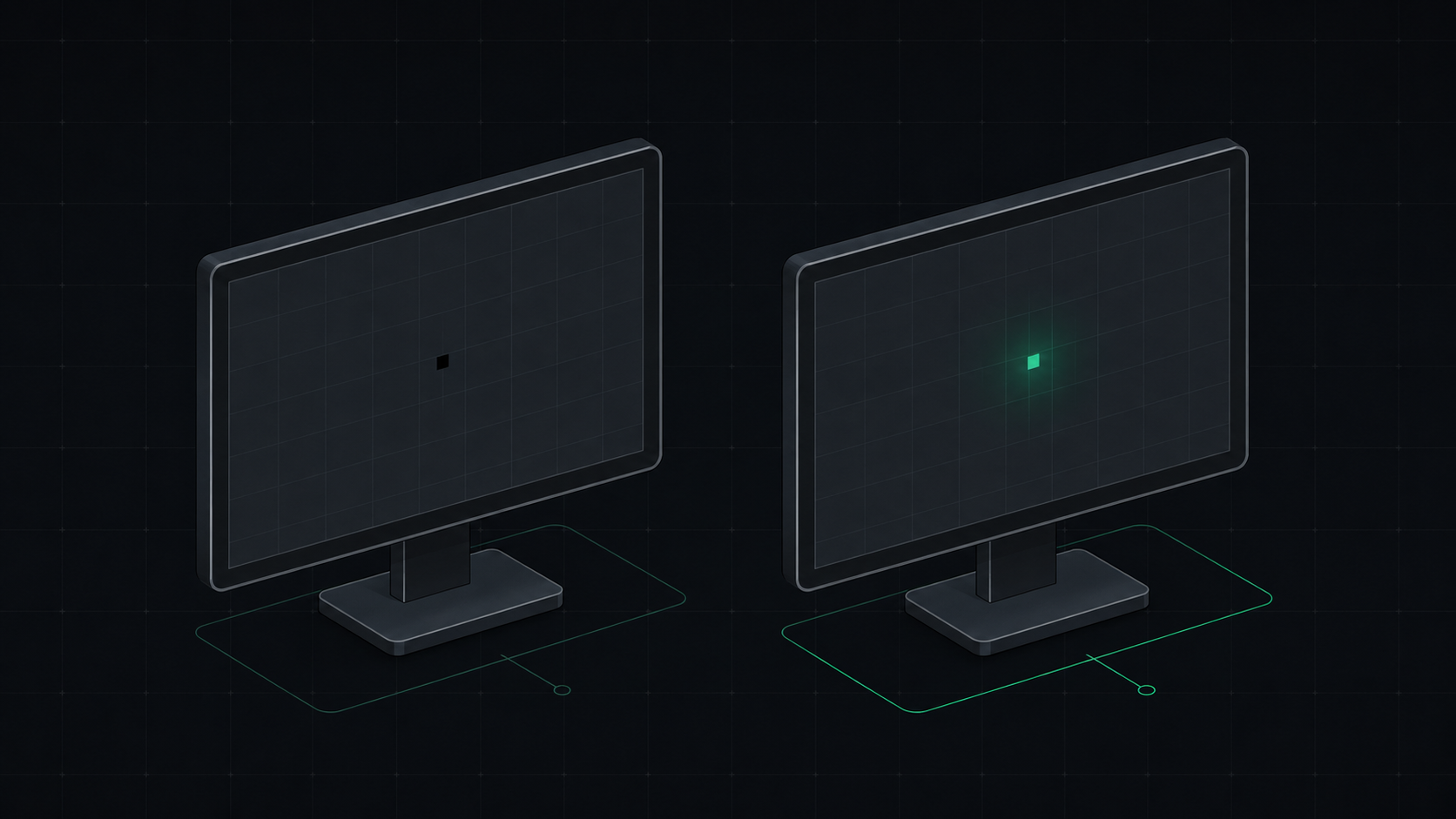 6 min read
Dead Pixel vs Stuck Pixel: How to Tell the Difference and Fix It
Learn the exact difference between a dead pixel and a stuck pixel, how to test for both, and what you can do to fix a stuck pixel on your monitor, laptop, or phone screen.
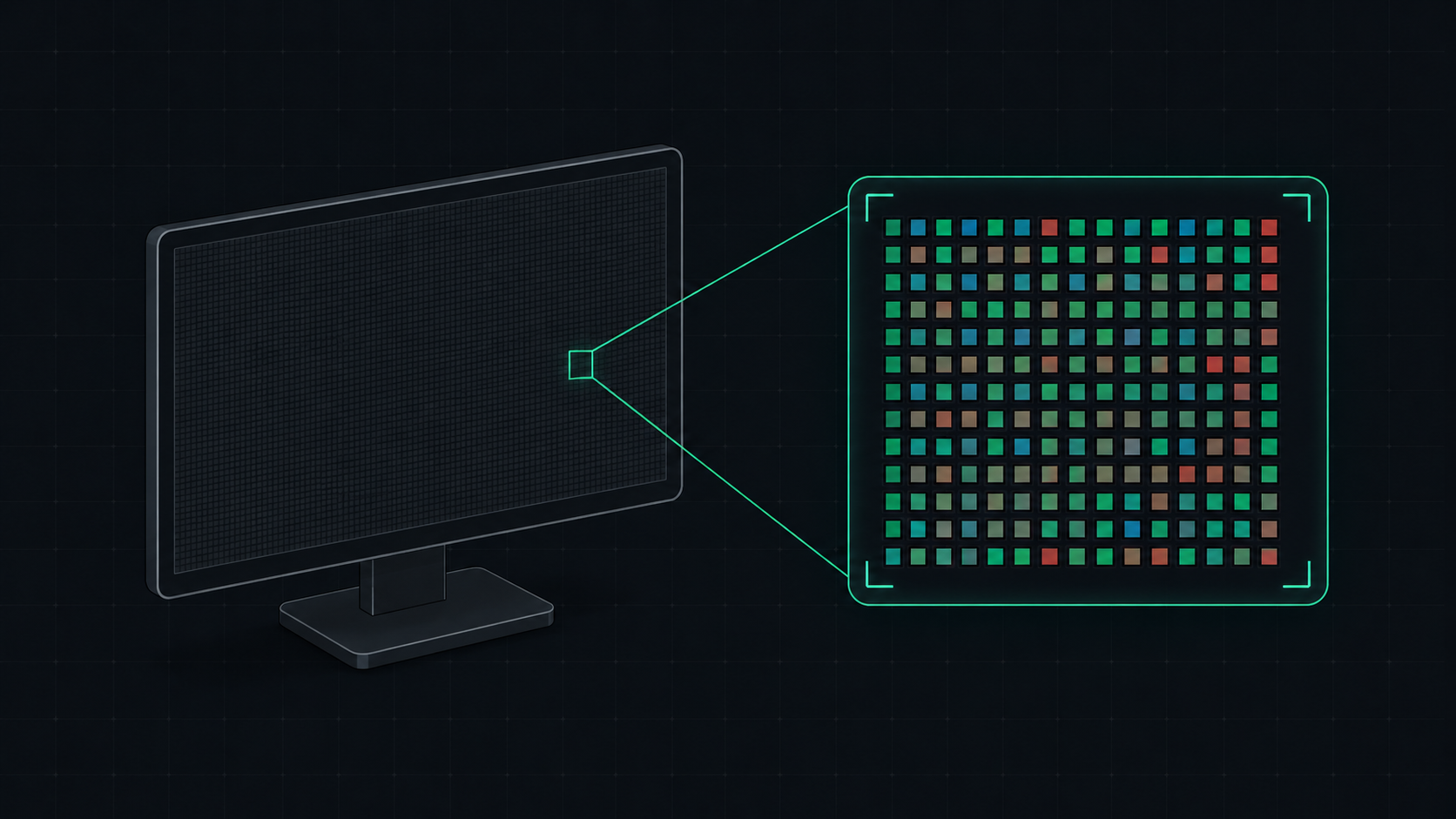 5 min read
What is PPI? Pixels Per Inch Explained Simply
PPI (Pixels Per Inch) measures how many pixels are packed into one inch of a display screen. Learn what PPI means, how it affects image quality, and what a good PPI is for monitors, phones, and TVs.
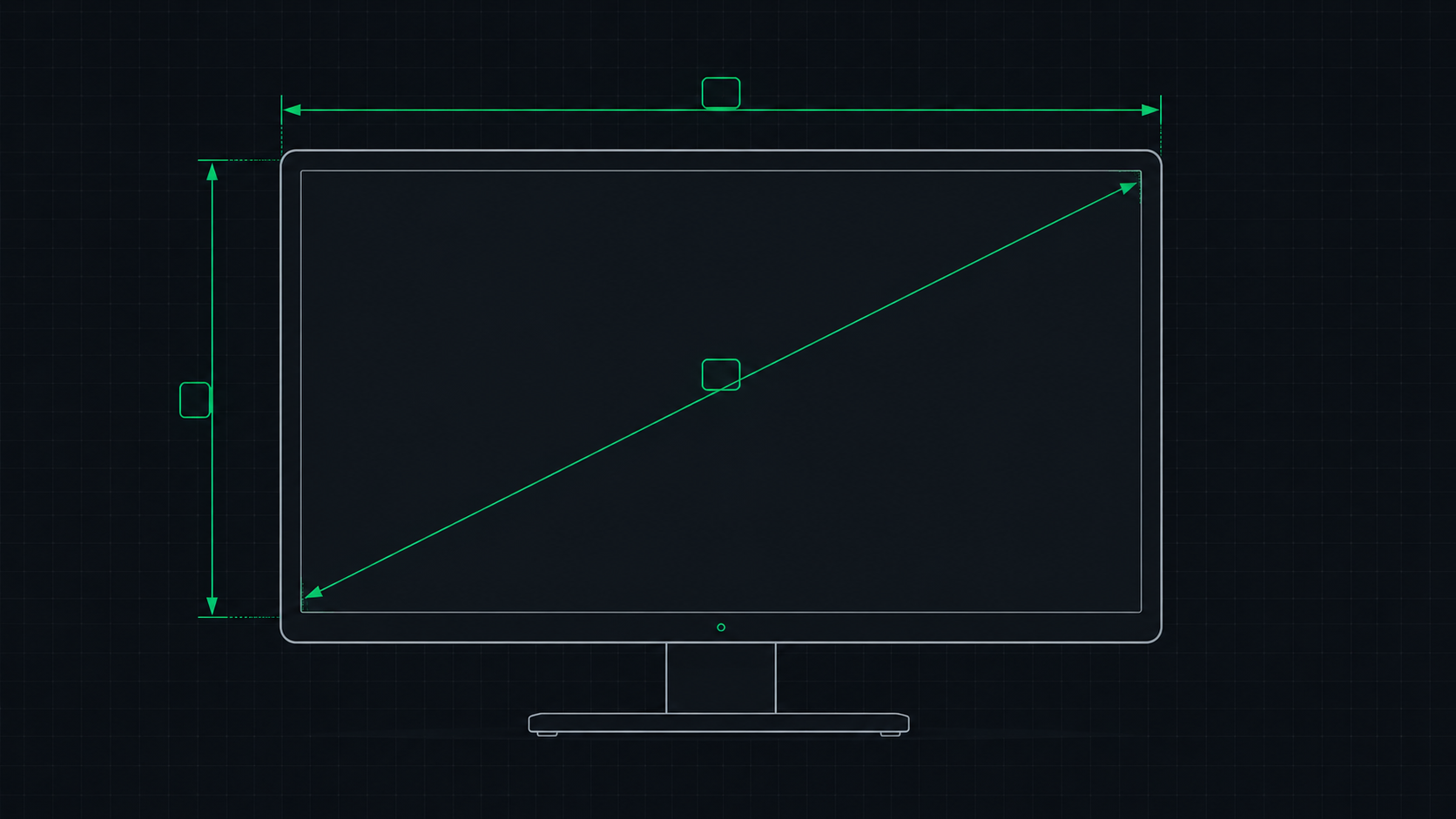 5 min read
PPI Calculator: How to Find Your Monitor's Pixel Density
Learn how to use a PPI calculator to find your monitor's pixels per inch, understand what the number means, and compare pixel density across popular monitors, phones, and TVs.
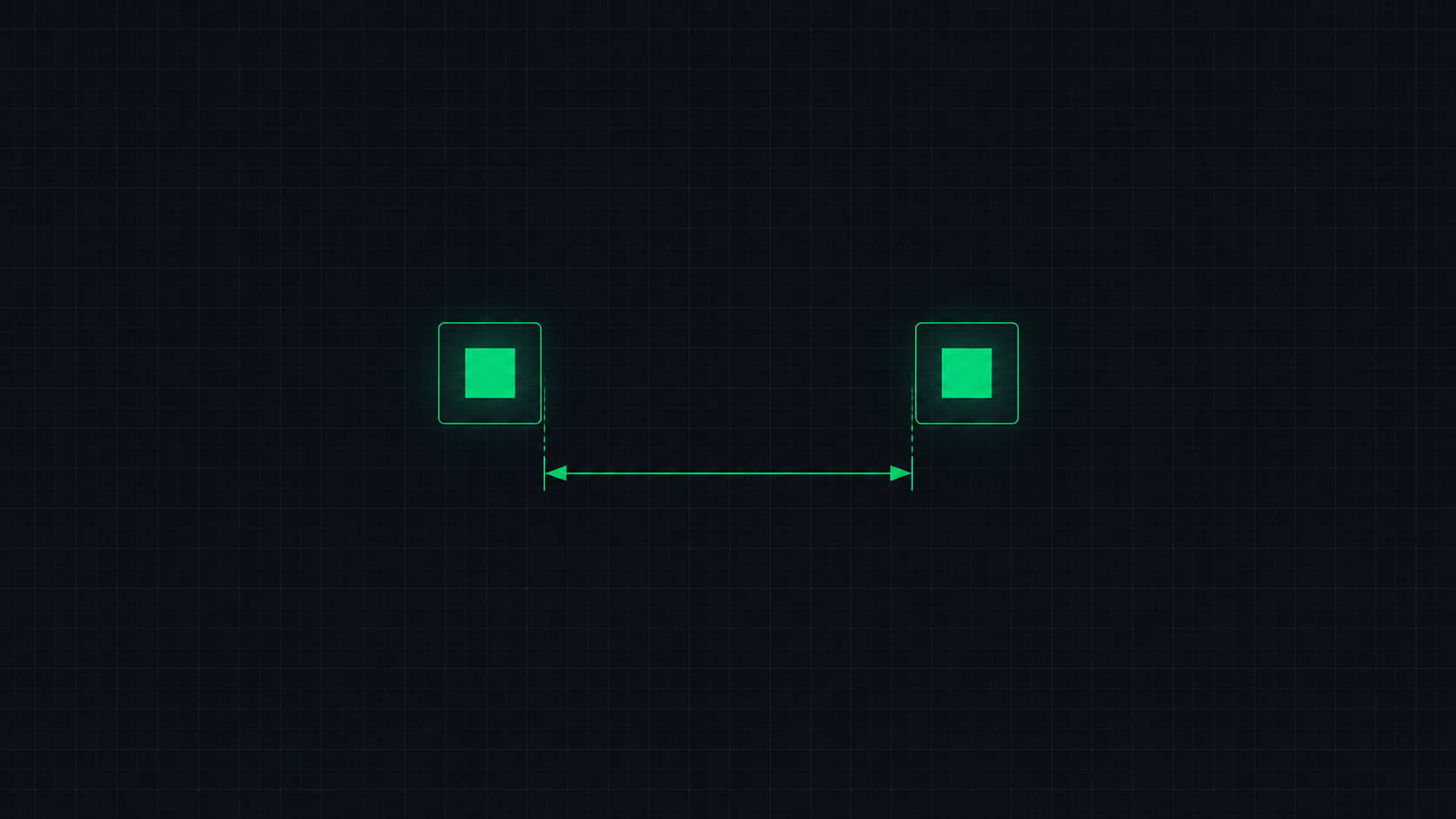 4 min read
What is Dot Pitch? Monitor Pixel Pitch Explained
Dot pitch (pixel pitch) measures the distance between pixels on a display in millimeters. Learn what dot pitch means, how it relates to PPI, and what a good dot pitch is for monitors, gaming displays, and professional screens.
 5 min read
What is a Retina Display? Apple's Pixel Density Standard Explained
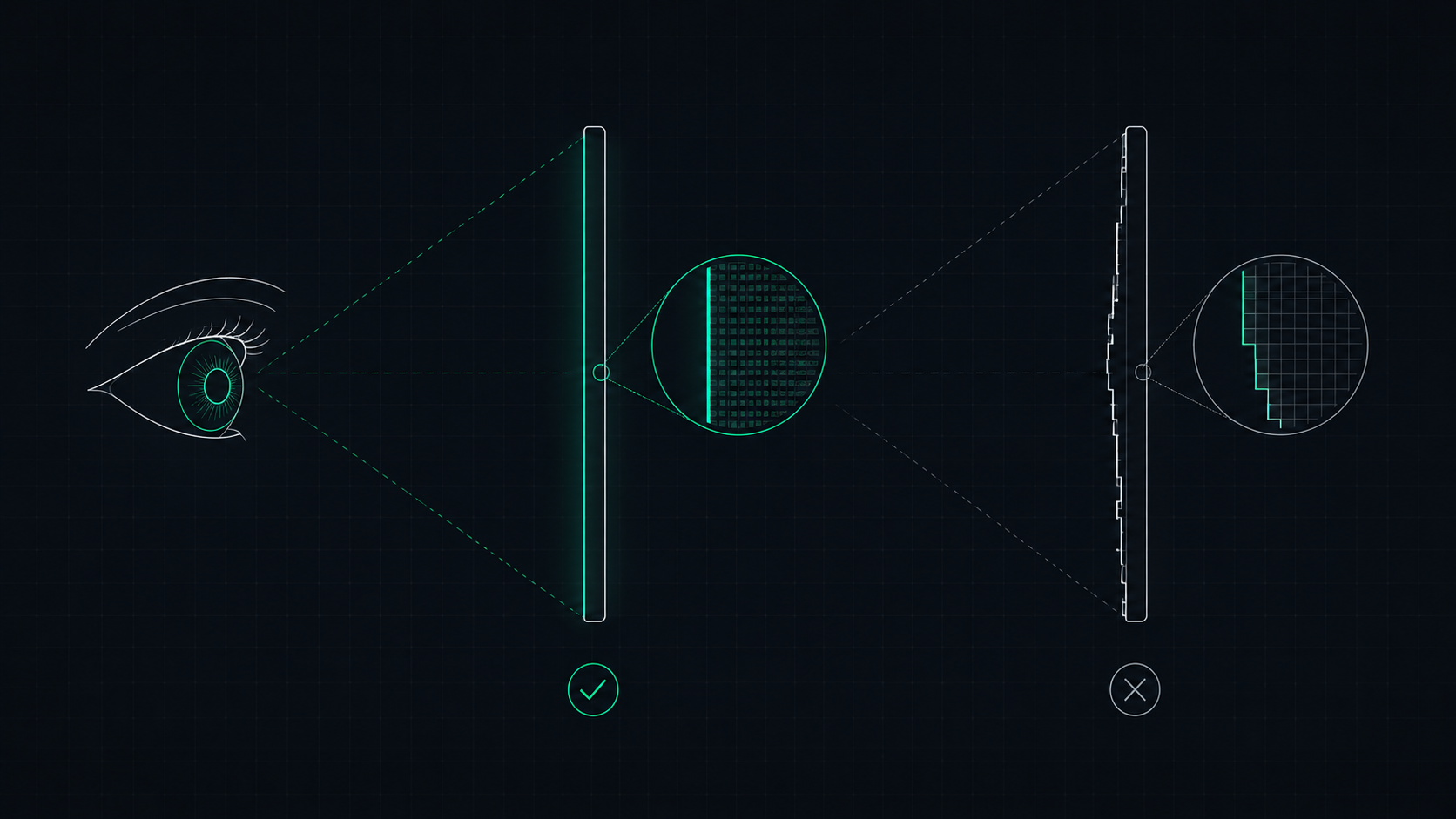
Apple's Retina display is a screen where pixels are so dense that the human eye cannot distinguish individual pixels at a normal viewing distance. Learn what makes a display Retina, what PPI qualifies, and how to check if your screen is Retina-quality.
 8 min read
1080p vs 1440p vs 4K: Which Resolution Is Right For You in 2026?
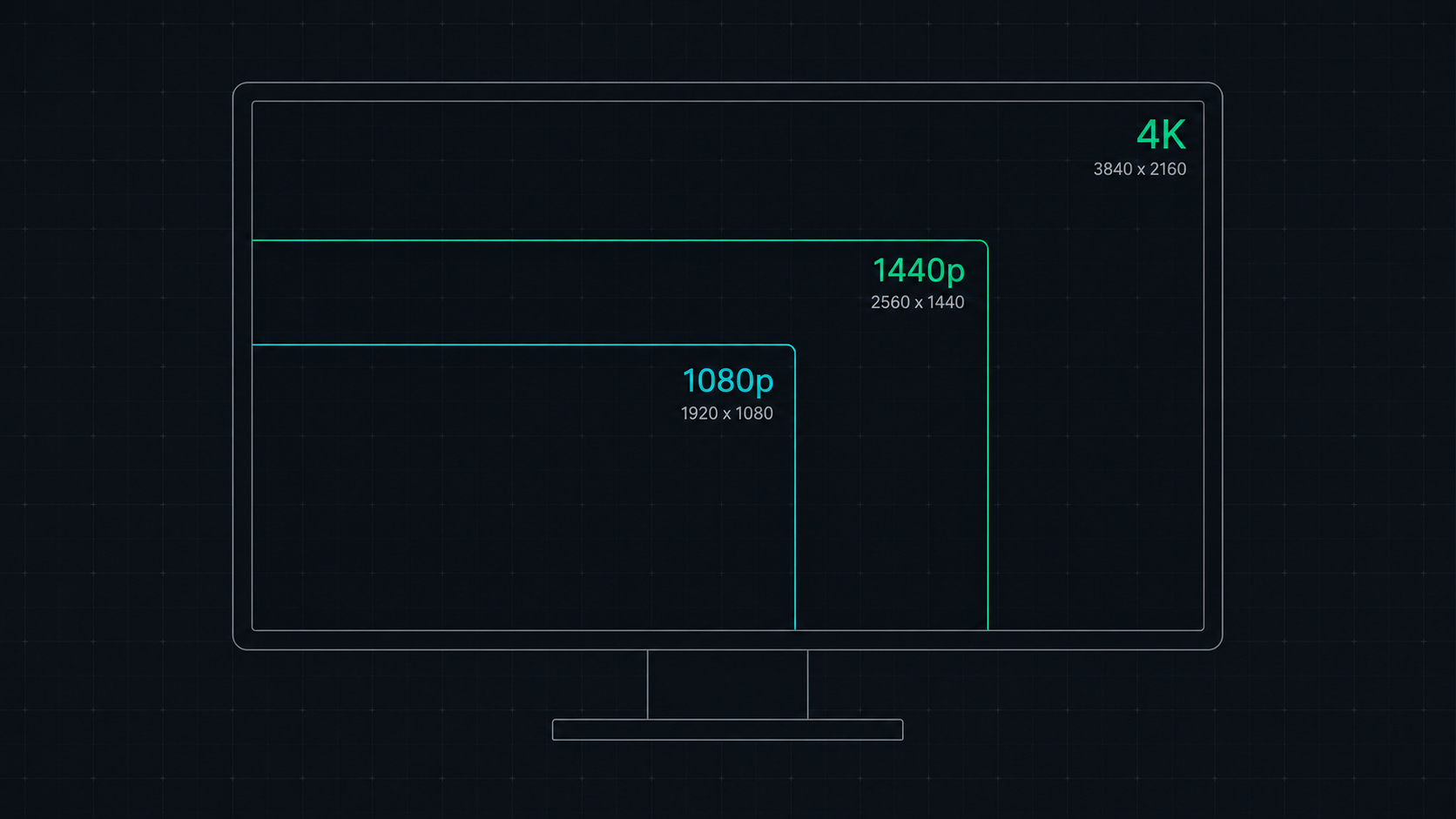
Comprehensive comparison of 1080p, 1440p, and 4K resolutions for gaming, work, and creative use. Find out which screen resolution is worth it in 2026 based on your monitor size, GPU, and viewing distance.
Research & Buying Advisor
Monitor Specs Database
Explore our comprehensive database of over 50+ models. Check verified technical specifications, view prices, and read aggregated owner feedback.
Side-by-Side Comparison
Can't decide between two monitors? Run a head-to-head comparison to see which model wins out on refresh rate, response time, and value.
Best Monitors for Valorant
Top 240Hz, 360Hz & 540Hz low-latency displays for Valorant competitive play.
Best Monitors for CS2
DyAc motion strobing & 4:3 stretched resolution picks for Counter-Strike 2.
Best Monitors for Apex
1440p 240Hz & OLED fast-tracking screens for Apex Legends fast movement.
Understanding Your Screen
We spend hours every day looking at screens—phones, laptops, and monitors. But sometimes, things don't look quite right. Maybe the text is too small, or an image looks blurry. Knowing a little bit about how your screen works can help you fix these issues.
When we talk about screens, there are two main things to know: your Screen Resolution and your Browser Window Size (also called viewport). Your screen resolution is the actual physical size of your monitor, measured in tiny dots called pixels. Your browser window size is just the space your web browser takes up on that screen.
// Why Do Some Screens Look Sharper?
Newer devices, like Apple's Retina displays or modern smartphones, pack a lot more pixels into the same amount of space. This makes everything look crisp and clear. But if they just made the pixels smaller, everything on your screen would shrink too!
To solve this, your computer automatically "zooms in" to make sure text and icons stay a readable size, while using those extra pixels to make everything look incredibly sharp.
// Why Does Zooming Change Things?
When you use the zoom feature in your browser, you are changing how big everything appears. This can sometimes make websites look different because the website thinks your screen got smaller or bigger. Checking your screen details can help you understand if a website looks weird because of your zoom settings.
// Checking for Screen Issues
Sometimes, a tiny dot on your screen might stay black or get stuck on one color. Knowing the exact size and details of your screen can help you or a technician figure out if there's a hardware problem. ScreenInspector gives you a quick, simple way to check all these details in one place!
Frequently Asked Questions
What is the difference between screen resolution and viewport size?
Screen resolution is the total number of physical pixels on your monitor (e.g., 1920x1080). Viewport size is the actual area in CSS pixels available in the browser window to render the webpage. Due to high-density displays (like Apple Retina or Windows scaling), the viewport size is often smaller than the physical resolution.
What is Device Pixel Ratio (DPR)?
Device Pixel Ratio (DPR) is the ratio between physical pixels and CSS pixels on a display. For standard monitors, the DPR is 1.0. For Retina or high-definition screens, it is typically 2.0 or 3.0, meaning multiple physical pixels are combined to render a single, sharp CSS pixel.
Why does my display scaling make text look blurry?
When Windows or macOS scaling is set to a fractional value (like 125% or 150%), the browser must interpolate pixel layouts. This can cause text subpixel rendering to misalign, making fonts and UI elements appear slightly blurry compared to integer scaling (100% or 200%).
How do I check my screen resolution online for free?
Simply visit ScreenInspector.com and the screen resolution checker tool instantly reads your display's physical resolution, logical size, and device pixel ratio (DPR) from your browser in real time — no software installation or downloads required.
What is the difference between 1080p, 1440p, and 4K resolution?
1080p (Full HD) is 1920×1080 pixels. 1440p (Quad HD / 2K) is 2560×1440 pixels, offering ~78% more pixels than 1080p. 4K (Ultra HD) is 3840×2160 pixels — four times the pixel count of 1080p. Higher resolution means more detail, but requires more GPU power to drive at smooth frame rates.
Why does my screen look different on different browsers?
Each browser may apply its own default zoom level, handle system DPI scaling differently, or round pixel values slightly. This can cause your reported viewport size to differ between Chrome, Firefox, and Safari by a few pixels, which is normal behavior.
How do I check my refresh rate online?
Use the Refresh Rate Checker tool on ScreenInspector. It uses the browser's requestAnimationFrame API to measure how many frames your display renders per second (FPS), which directly corresponds to your monitor's active refresh rate in Hertz (Hz).
What is PPI and how is it calculated?
PPI stands for Pixels Per Inch, a measure of pixel density. It is calculated using the formula: PPI = √(width² + height²) / diagonal screen size in inches. A higher PPI (like 220+ on a Retina display) means a sharper image, because more pixels are packed into each inch of the display.
How can I test for dead pixels on my monitor?
Use ScreenInspector's Dead Pixel Test tool. It fills your entire screen with solid colors — red, green, blue, black, and white — allowing you to visually scan for pixels that are permanently stuck on one color, showing as a contrasting dot against the solid background.
What is the most common screen resolution in 2026?
According to global web analytics in 2026, 1920×1080 (Full HD / 1080p) remains the most widely used desktop resolution, followed by 2560×1440 (QHD) and 3840×2160 (4K). On mobile devices, 390×844 and 393×852 (modern iPhone and Android viewports) lead overall usage worldwide.