System Info
Discover what your browser reveals about your device. We analyze your OS, browser engine, hardware capabilities, and network connection.
The software you are using to surf the web.
Approximate RAM capacity (Chromium only).
Speed data unavailable.
---
Do Not Track: ---
What is Browser & System Hardware Fingerprinting?
Browser fingerprinting is the collection of device attributes—such as CPU concurrency, WebGL GPU rendering details, screen resolution, and OS user agent—to identify individual client devices without tracking cookies.
Frequently Asked Questions
Learn about browser fingerprinting and system capabilities.
What is Browser Fingerprinting?
Browser fingerprinting is a technique used by websites to identify and track you based on the unique combination of your browser's settings, hardware, and operating system, even if you clear your cookies.
Why do websites need to know my Hardware Concurrency or Device Memory?
Some web applications use hardware APIs to determine how much computing power your device has. This allows them to scale down graphics or disable heavy animations for lower-end devices to maintain a smooth experience.
Is it safe that this information is exposed?
Most of this data is standard and required for the modern web to function properly (like your screen size or language). However, privacy-focused browsers or extensions may spoof or block some of these APIs to prevent tracking.
Recommended Technical Guides
 6 min read
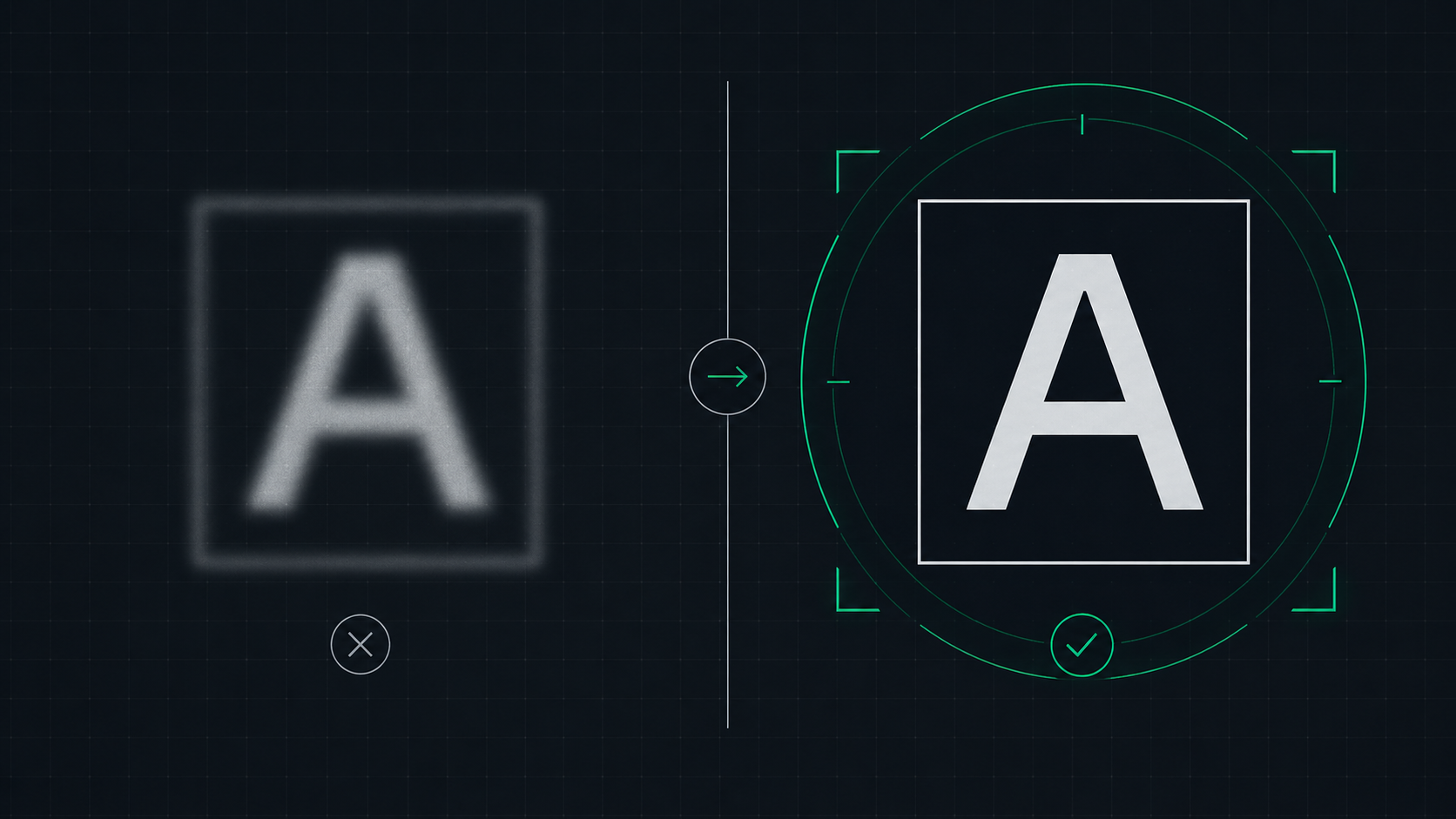
How to Fix a Blurry Screen on Windows and Mac (2026 Guide)
Step-by-step guide to fixing blurry text and blurry displays on Windows 11, Windows 10, and macOS. Fix display scaling issues, ClearType settings, and external monitor blurriness caused by incorrect resolution or HiDPI settings.
 5 min read
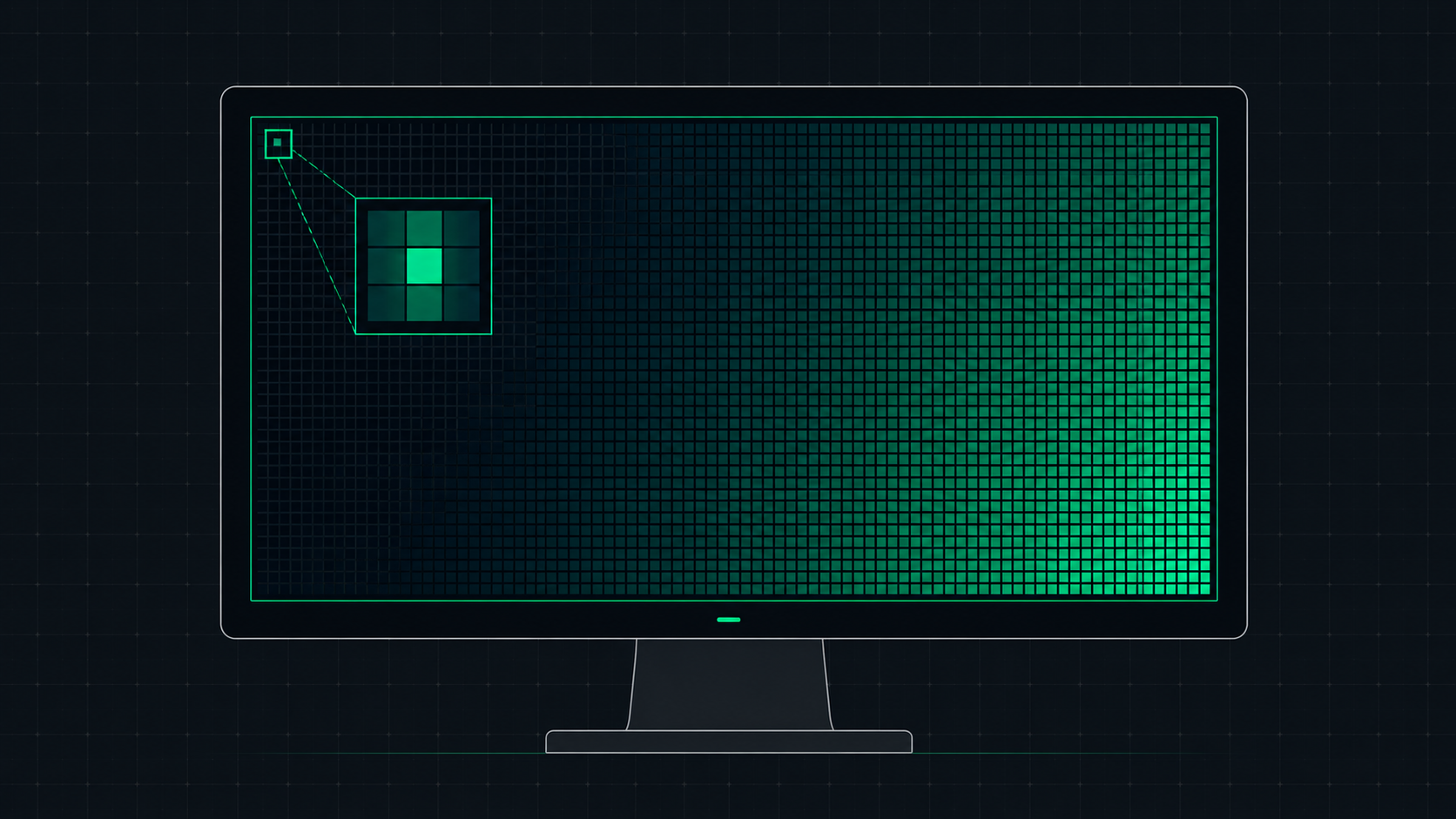
What is Screen Resolution? A Plain-English Guide
Screen resolution is the number of pixels displayed on your screen horizontally and vertically. Learn what resolution means, the difference between HD, Full HD, QHD, and 4K, and how to check and change your display resolution.
 7 min read
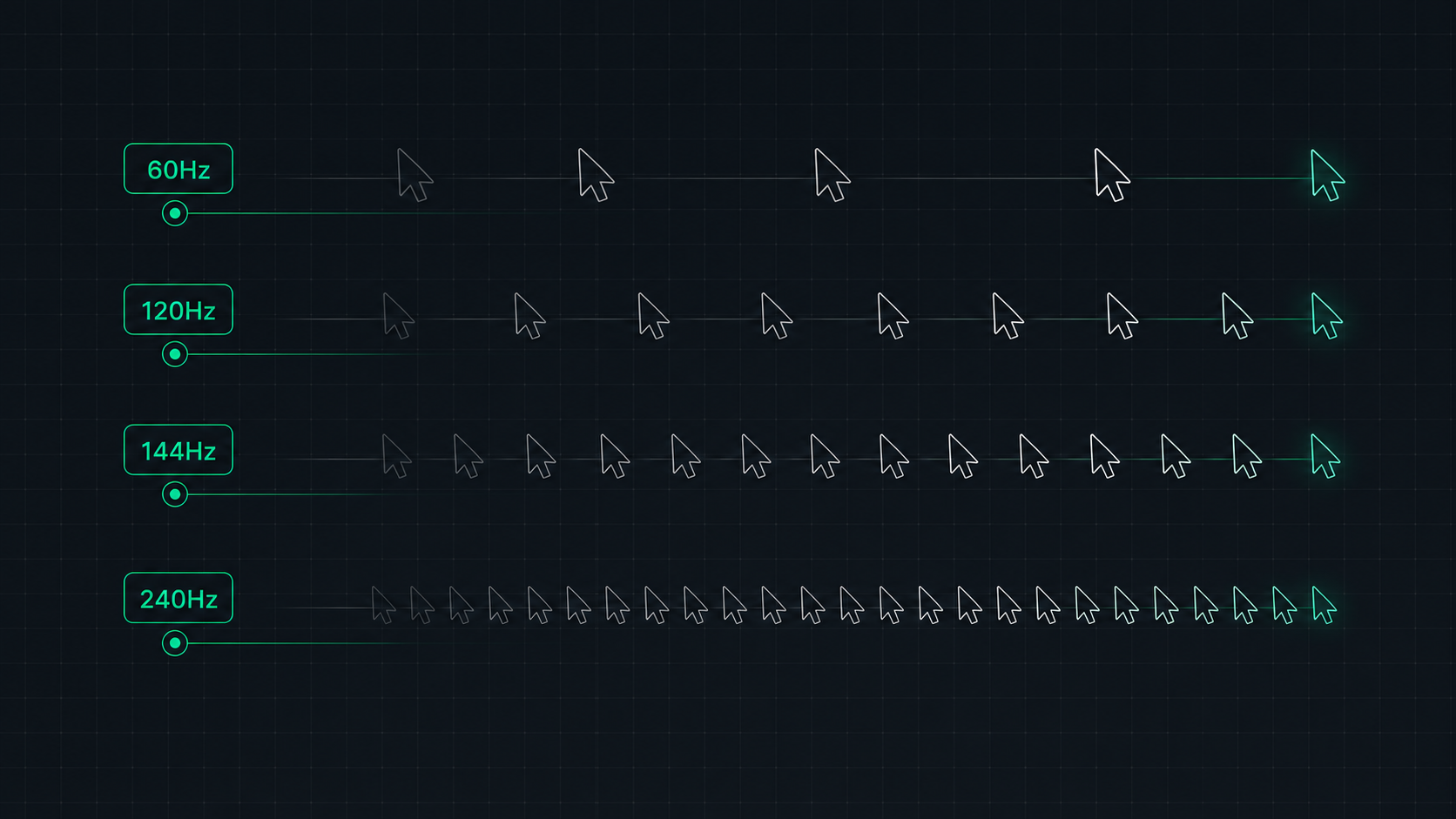
Monitor Refresh Rate Explained: 60Hz vs 120Hz vs 144Hz vs 240Hz
Understand monitor refresh rates and how they impact gaming, video, and everyday use. Learn the real difference between 60Hz, 120Hz, 144Hz, and 240Hz displays and which is right for your setup in 2026.