Color Accuracy & Gamma Test
Evaluate your monitor's color rendering, shadow detail, and gamma balance. Inspect grayscale steps and RGB gradient smoothness.
1. Black Level & Shadow Detail Check
Can you distinguish the dark gray blocks from pure black? If blocks 1–4 are invisible, your screen is crushing shadow detail (adjust monitor Brightness/Gamma).
2. 256-Step Grayscale Gradient (Color Banding)
Look across the bar below. It should transition seamlessly from black to white. Any harsh vertical stripes indicate color banding (posterization).
3. Primary Sub-Pixel Color Smoothness
What is Color Accuracy & Gamma 2.2?
Color accuracy represents how faithfully a monitor reproduces color coordinates and luminance curves defined in industry color spaces (sRGB, DCI-P3). Gamma 2.2 ensures midtones and shadows scale smoothly to human eye perception.
Quick OSD Calibration Tips
If Blacks Are Crushed
Slightly increase your monitor's Brightness or change the OSD Black Equalizer / Shadow Control setting to a lower intensity.
If Colors Look Washed Out
Check your GPU Control Panel (NVIDIA/AMD) and ensure the Output Dynamic Range is set to Full (0-255) instead of Limited (16-235).
Frequently Asked Questions
How do I test my monitor for color accuracy? ↓
To test monitor color accuracy online, view a 256-step grayscale gradient, Gamma 2.2 reference target, and primary RGB color bands. Ensure smooth color transitions without visible vertical banding lines or crushed shadow details.
What is shadow crushing (crushed blacks)? ↓
Shadow crushing occurs when a display fails to distinguish dark gray steps (values 1–10) from pure black (0). Dark areas in movies and games appear completely black with zero visible texture detail.
What is Gamma 2.2? ↓
Gamma 2.2 is the standard display luminance curve for Windows, web browsers, and sRGB color spaces. It balances how human vision perceives brightness transitions from absolute black to maximum white.
What causes color banding on a screen? ↓
Color banding (posterization) occurs when an 8-bit or 6-bit display receives color data or OS scaling that lacks sufficient color depth, causing smooth gradients to break into distinct harsh steps.
Can I calibrate my monitor without a hardware colorimeter? ↓
Yes. By using our online calibration patterns, you can adjust your monitor's OSD Brightness, Contrast, Gamma, and RGB gain sliders to achieve near-accurate sRGB color rendering without buying a calibration probe.
Recommended Technical Guides
 5 min read
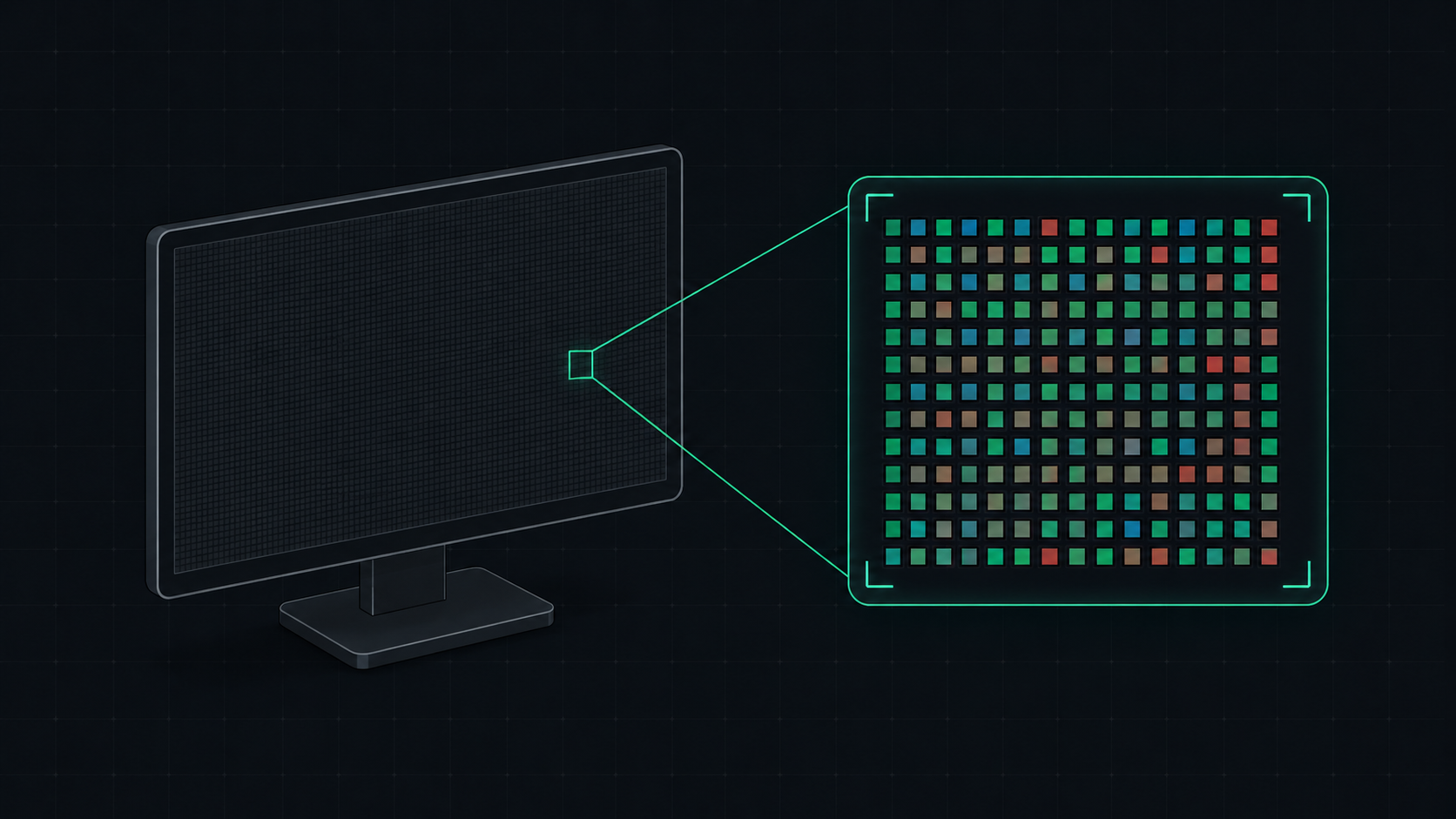
What is PPI? Pixels Per Inch Explained Simply
PPI (Pixels Per Inch) measures how many pixels are packed into one inch of a display screen. Learn what PPI means, how it affects image quality, and what a good PPI is for monitors, phones, and TVs.
 5 min read
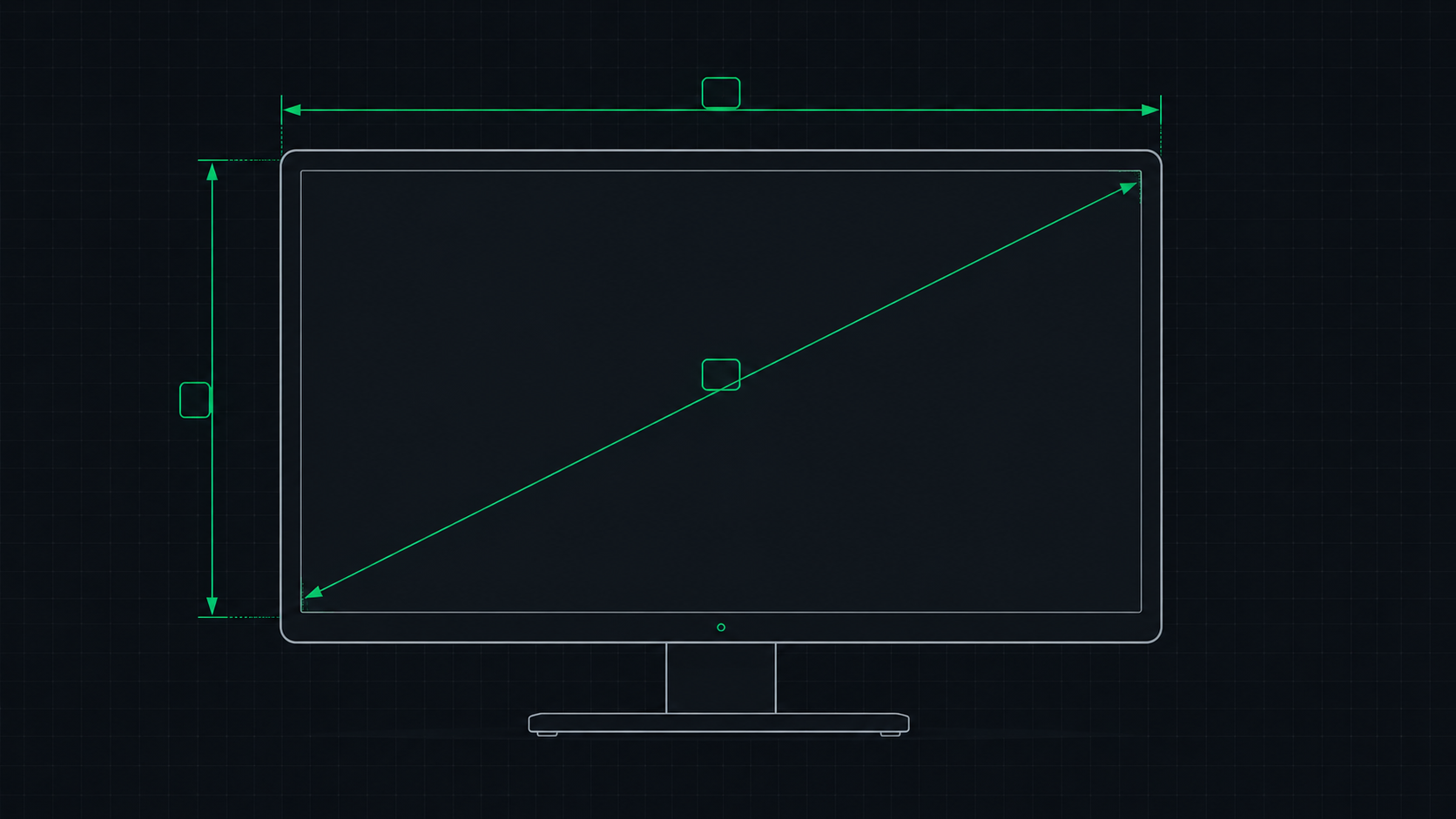
PPI Calculator: How to Find Your Monitor's Pixel Density
Learn how to use a PPI calculator to find your monitor's pixels per inch, understand what the number means, and compare pixel density across popular monitors, phones, and TVs.
 9 min read
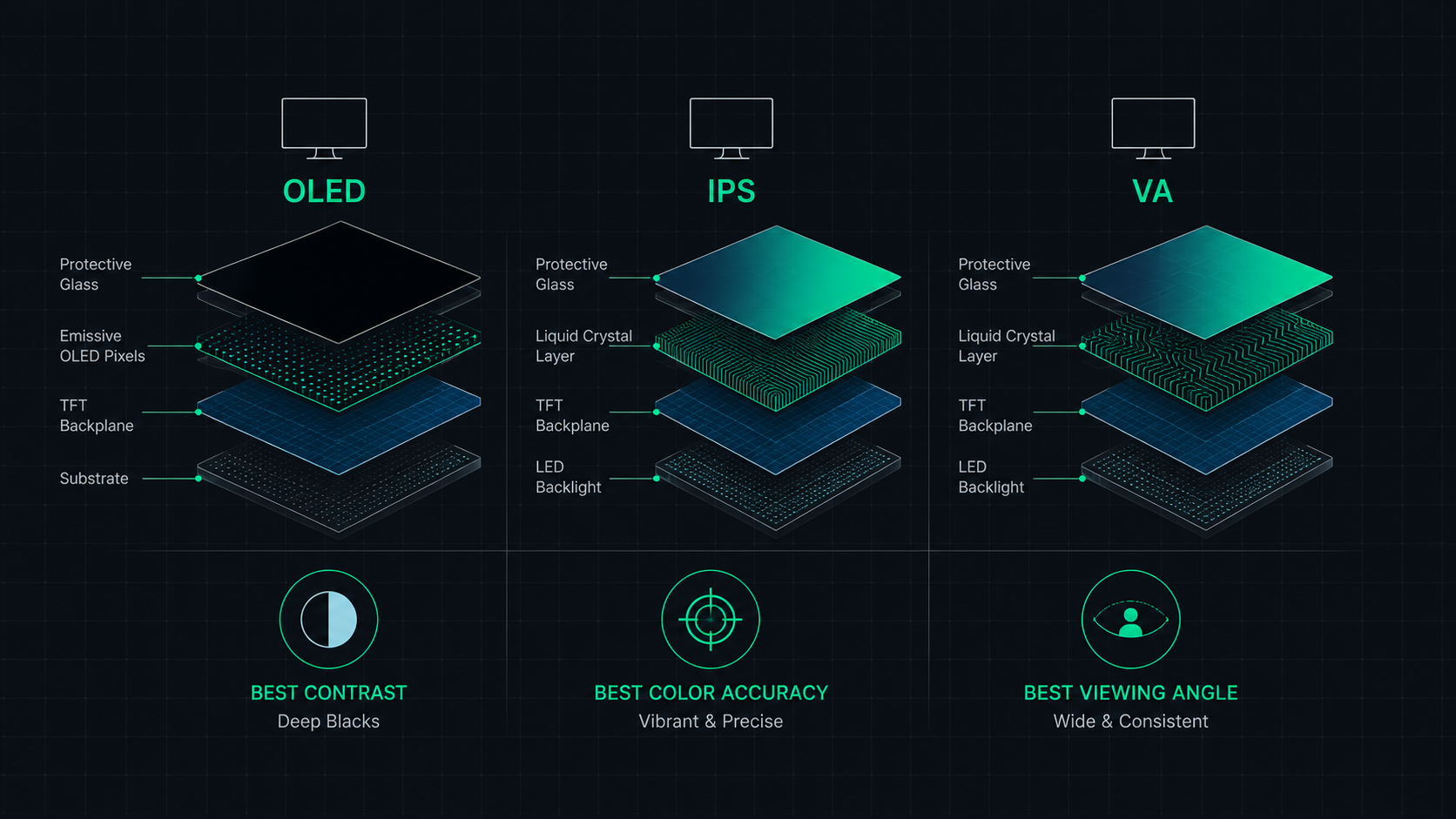
OLED vs IPS vs VA: Which Monitor Panel Type Is Best for You?
Complete comparison of OLED, IPS, and VA monitor panel technologies for gaming, creative work, and everyday use. Understand the trade-offs of contrast, color accuracy, response time, and burn-in risk to make the right choice in 2026.