Backlight Bleed Test
Inspect your screen for light leakage, corner IPS glow, and dark uniformity defects. Launch our dark-room full-screen checker to evaluate display quality.
Enters full-screen dark mode. Press ESC or double click anytime to exit.
What is Backlight Bleeding?
Backlight bleeding is an optical defect where light from an LCD screen's CCFL or LED backlight array physically leaks past the liquid crystal panel along the bezel edges or corners, creating persistent bright yellow/white flares on pure black backgrounds.
How to Distinguish IPS Glow vs. Backlight Bleed
Backlight Bleed
Caused by physical pressure on the LCD panel from frame bezels. Light leaks out consistently at specific points (usually corners or bottom edges). Does not change position when you tilt your head or move away from the monitor.
IPS Glow
An inherent characteristic of In-Plane Switching (IPS) panel technology due to light refraction at wide viewing angles. Appears as a white or yellowish sheen. Shifts and disappears as you change your viewing position or move back 3 feet.
Frequently Asked Questions
What is backlight bleed? ↓
Backlight bleed occurs when light leaks around the edges or corners of an LCD screen, creating bright patches or uneven glowing spots that are visible on dark backgrounds in a dimly lit room.
How do I identify a glowing screen corner in a dark room vs hardware light leakage? ↓
Step back 1 to 2 meters and observe the corners while tilting your head. If the glow shifts intensity, changes color (amber/silver), and reduces from a straight-on perpendicular angle, it is normal IPS glow. If bright white/yellow light pools stay anchored to the bezel edge from all angles, it is true backlight bleed.
Does backlight bleeding get worse over time on LCD monitors? ↓
Backlight bleed typically does not worsen on its own unless the monitor suffers physical impacts, thermal warping of the plastic housing from excessive heat, or improper handling that stresses panel bezel mounts.
What is the difference between backlight bleed and IPS glow? ↓
IPS glow changes intensity and position depending on your viewing angle, whereas true backlight bleed stays in the exact same spot and remains visible regardless of the angle from which you view the screen.
Is backlight bleed normal on new monitors? ↓
Minor edge glowing is common on IPS and VA monitors due to panel manufacturing tolerances. However, severe light patches or yellow bleeding that obscure dark scenes in games or movies are considered hardware defects covered under warranty.
How do I fix backlight bleeding on my monitor? ↓
While hardware backlight bleed cannot be completely fixed without replacing the panel, you can reduce its visibility by lowering screen brightness, increasing room ambient lighting, or carefully loosening bezel pressure screws.
How can I test my screen for backlight bleed? ↓
To test for backlight bleed, turn off your room lights, set display brightness to 80-100%, and launch our full-screen black test. Inspect all four corners and edges for uneven light leakage.
Recommended Technical Guides
 9 min read
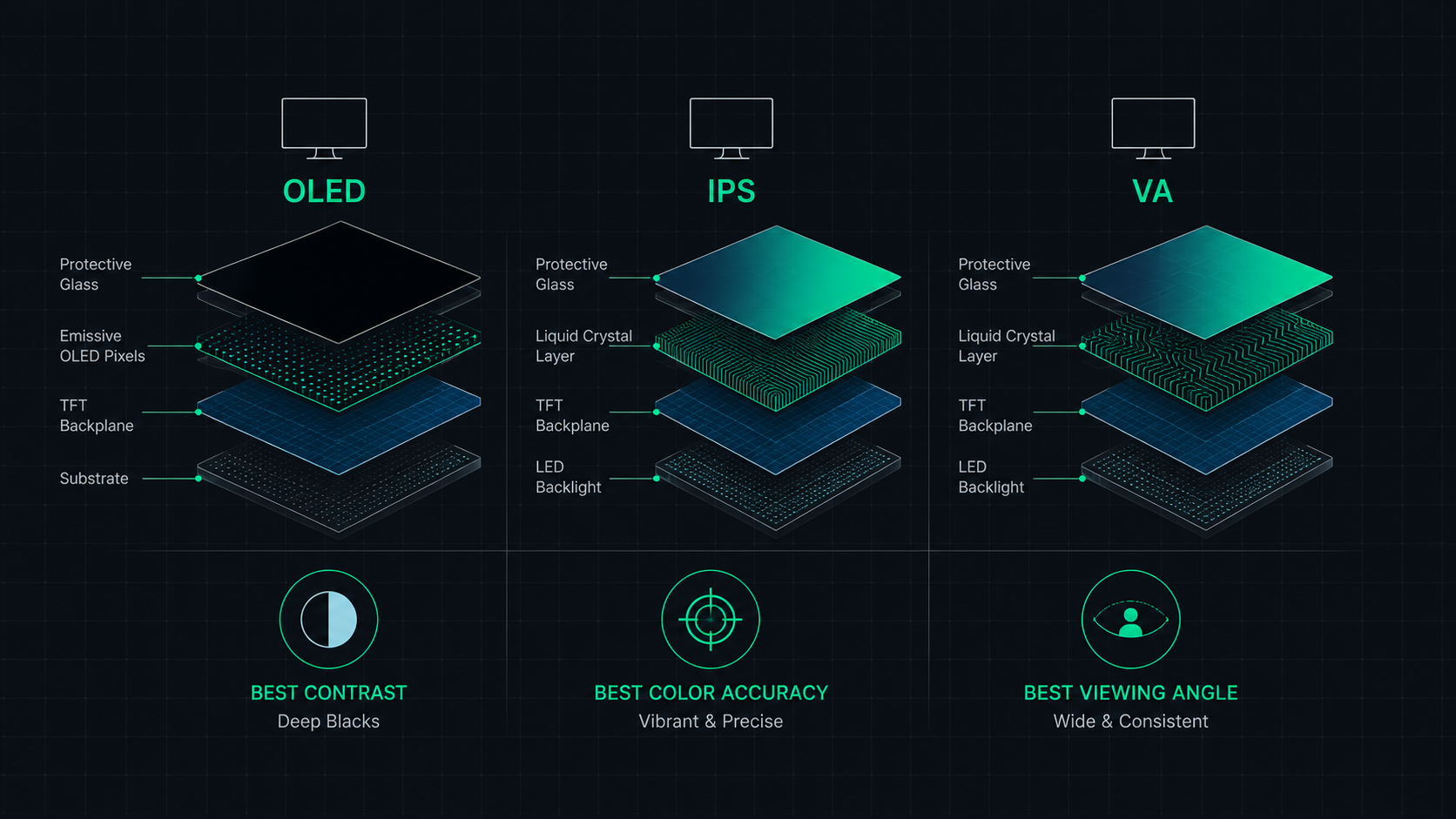
OLED vs IPS vs VA: Which Monitor Panel Type Is Best for You?
Complete comparison of OLED, IPS, and VA monitor panel technologies for gaming, creative work, and everyday use. Understand the trade-offs of contrast, color accuracy, response time, and burn-in risk to make the right choice in 2026.
 6 min read
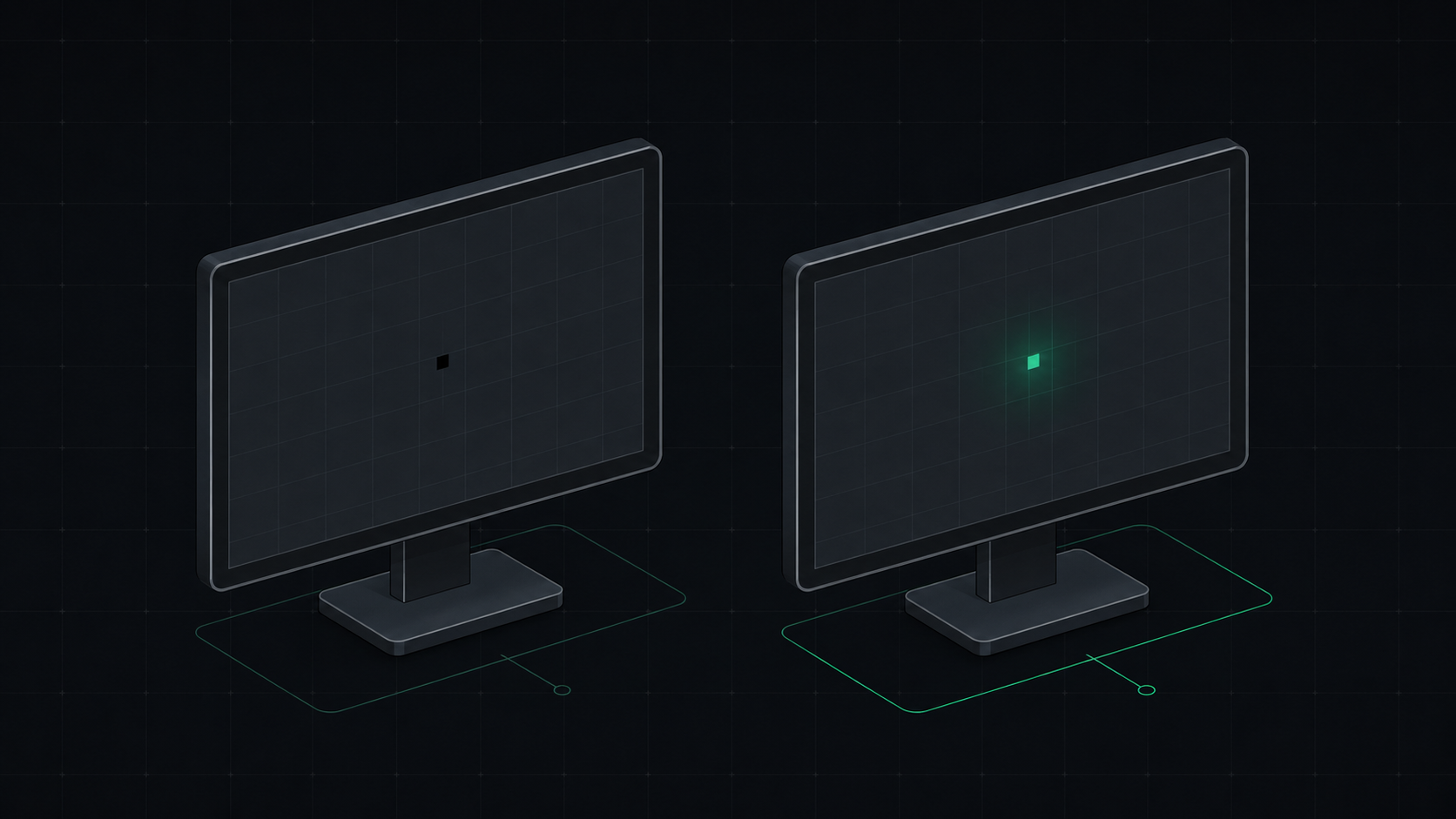
Dead Pixel vs Stuck Pixel: How to Tell the Difference and Fix It
Learn the exact difference between a dead pixel and a stuck pixel, how to test for both, and what you can do to fix a stuck pixel on your monitor, laptop, or phone screen.
 6 min read
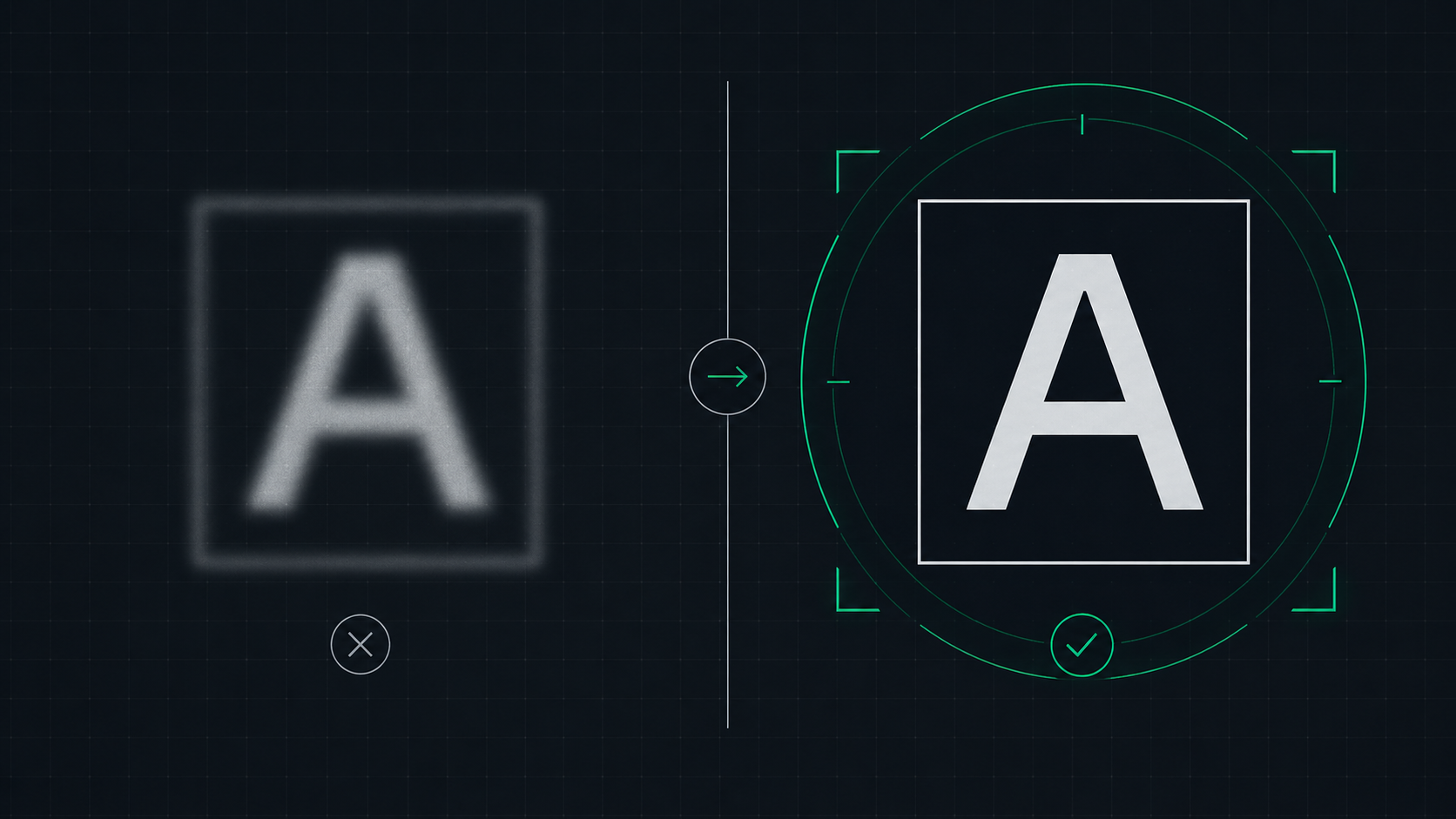
How to Fix a Blurry Screen on Windows and Mac (2026 Guide)
Step-by-step guide to fixing blurry text and blurry displays on Windows 11, Windows 10, and macOS. Fix display scaling issues, ClearType settings, and external monitor blurriness caused by incorrect resolution or HiDPI settings.