Viewing Distance Calculator
Calculate the perfect seating distance for your monitor or TV based on screen size, resolution, and THX visual acuity standards.
Max immersion for gaming & movies.
Balanced distance for coding & work.
Nearest distance before pixels show.
What is Optimal Display Viewing Distance?
Optimal viewing distance is the calculated physical gap between your eyes and a screen that balances visual immersion (field of view) with human visual acuity, preventing both eye strain and visible pixel grain.
Viewing Distance Cheat Sheet for Popular Monitors
| Screen Size | Resolution | THX Ideal (Cinema) | SMPTE (Office/Coding) |
|---|---|---|---|
| 24 Inch | 1080p Full HD | 2.7 ft (83 cm) | 3.3 ft (100 cm) |
| 27 Inch | 1440p Quad HD | 3.1 ft (95 cm) | 3.7 ft (113 cm) |
| 32 Inch | 4K Ultra HD | 3.6 ft (110 cm) | 4.4 ft (134 cm) |
| 42 Inch | 4K OLED TV | 4.8 ft (145 cm) | 5.7 ft (175 cm) |
| 55 Inch | 4K Smart TV | 6.2 ft (190 cm) | 7.5 ft (230 cm) |
Frequently Asked Questions
What is the optimal viewing distance for a 27-inch 1440p monitor? ↓
The optimal viewing distance for a 27-inch 1440p monitor is between 2.6 to 3.5 feet (80 to 105 cm). At this distance, your field of view is filled comfortably without needing to turn your neck, and individual pixels blend smoothly into a sharp image.
How far should I sit from a 4K monitor? ↓
Because 4K resolution has 4 times the pixel density of 1080p, you can sit closer to a 4K monitor without seeing individual pixels. For a 32-inch 4K screen, the visual acuity distance is roughly 2.0 to 2.8 feet (60 to 85 cm).
What is the difference between THX and SMPTE viewing distance? ↓
THX recommends a 36° field of view for an immersive, cinema-like experience. SMPTE (Society of Motion Picture and Television Engineers) recommends a 30° field of view, which is better suited for mixed desk work, coding, and general gaming.
Will sitting too close to a monitor damage my eyes? ↓
Sitting too close does not cause permanent eye damage, but it causes digital eye strain, dryness, and muscle fatigue. Maintaining a proper viewing distance (at least an arm's length away) reduces eye strain.
Recommended Technical Guides
 5 min read
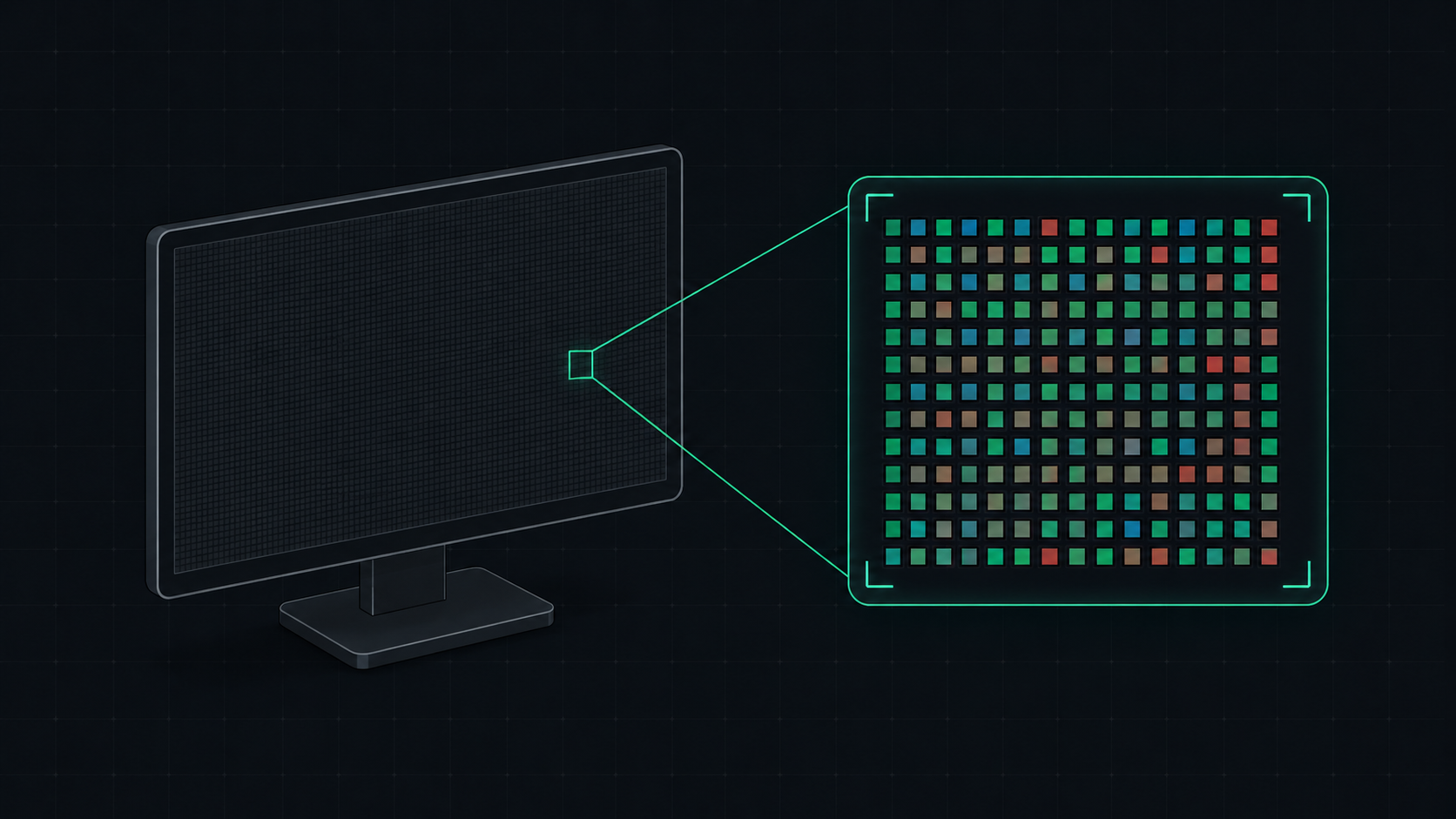
What is PPI? Pixels Per Inch Explained Simply
PPI (Pixels Per Inch) measures how many pixels are packed into one inch of a display screen. Learn what PPI means, how it affects image quality, and what a good PPI is for monitors, phones, and TVs.
 5 min read
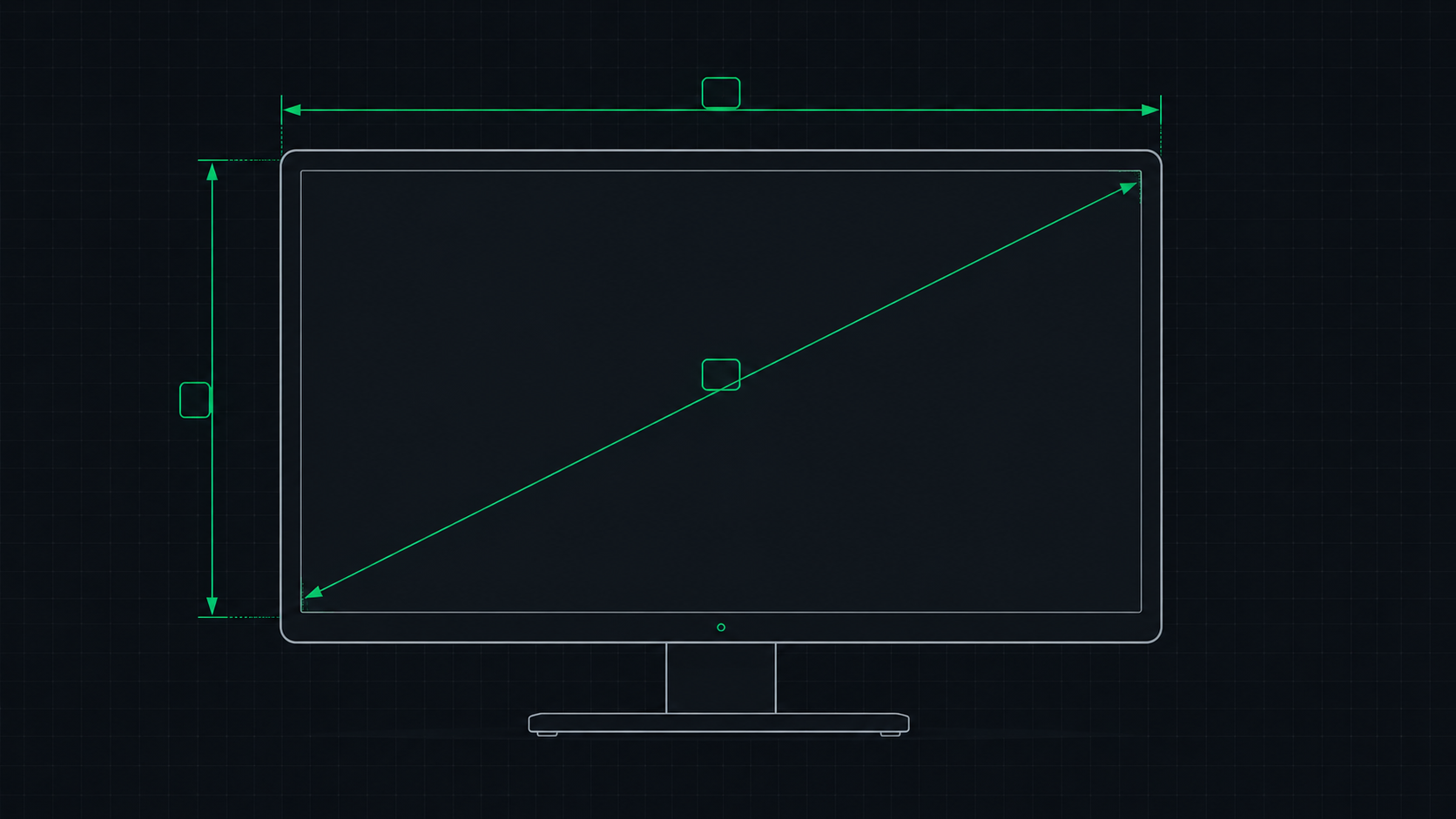
PPI Calculator: How to Find Your Monitor's Pixel Density
Learn how to use a PPI calculator to find your monitor's pixels per inch, understand what the number means, and compare pixel density across popular monitors, phones, and TVs.
 8 min read
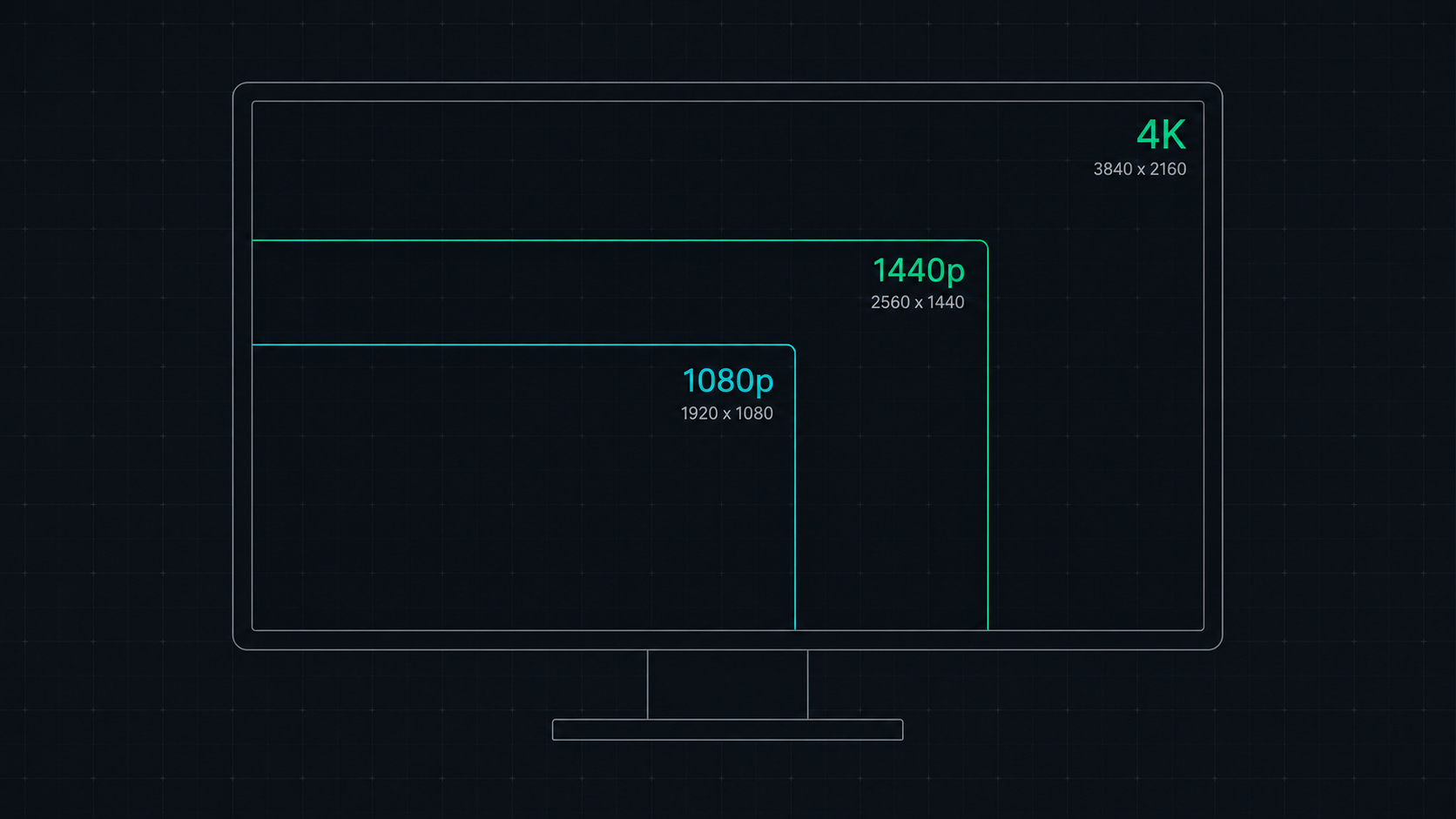
1080p vs 1440p vs 4K: Which Resolution Is Right For You in 2026?
Comprehensive comparison of 1080p, 1440p, and 4K resolutions for gaming, work, and creative use. Find out which screen resolution is worth it in 2026 based on your monitor size, GPU, and viewing distance.