Dot pitch (pixel pitch) measures the distance between pixels on a display in millimeters. Learn what dot pitch means, how it relates to PPI, and what a good dot pitch is for monitors, gaming displays, and professional screens.
What Is Dot Pitch?
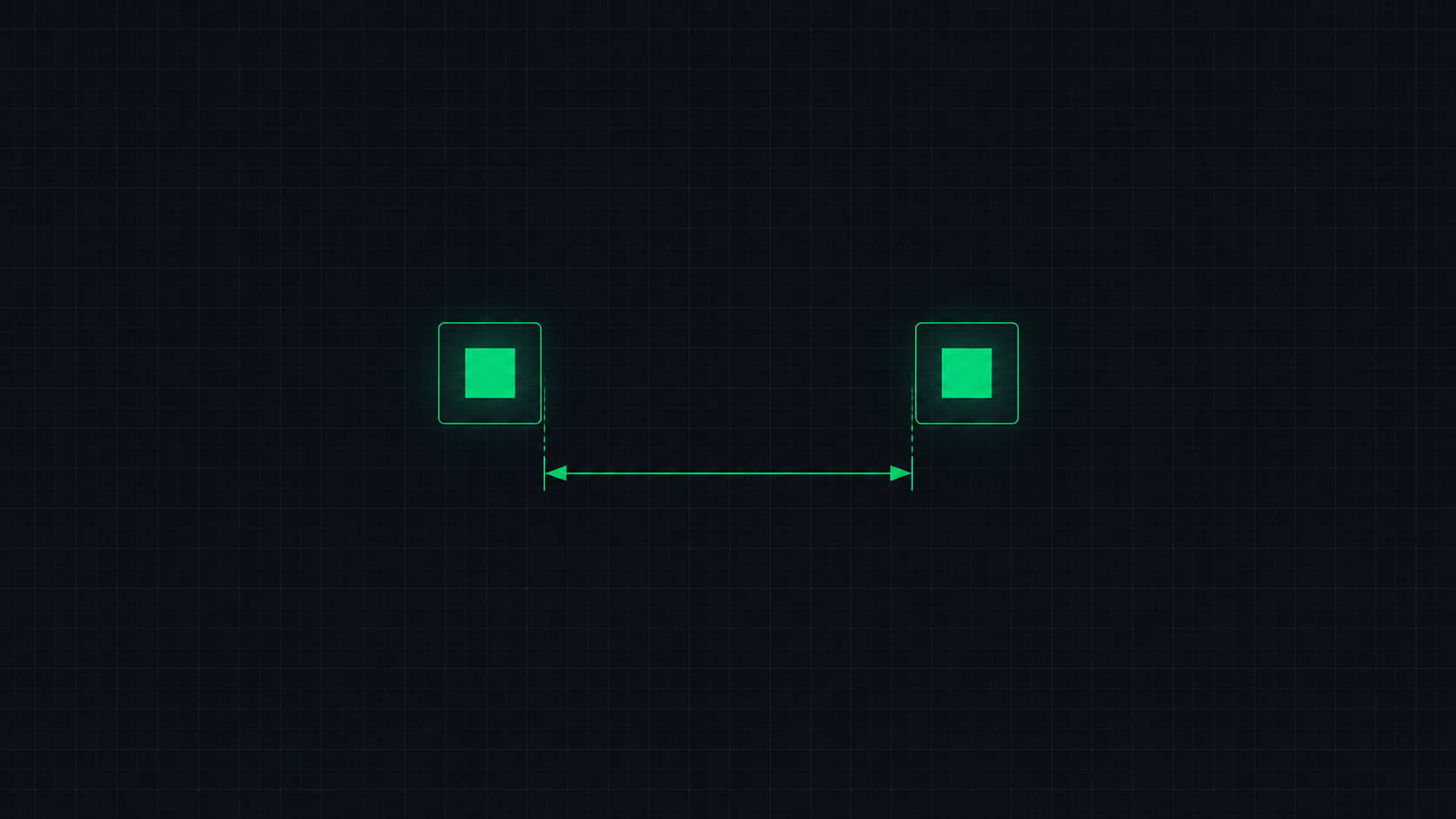
Dot pitch (also called pixel pitch) is the physical distance, measured in millimeters, between the centers of two adjacent pixels of the same color on a display screen. It directly tells you how closely packed the pixels are on the physical panel.
A smaller dot pitch = higher pixel density = sharper image. A larger dot pitch means pixels are spread further apart, and at close viewing distances, you may begin to see individual pixels or the gaps between them.
Dot Pitch vs PPI: What's the Relationship?
Dot pitch and PPI (Pixels Per Inch) describe the same physical property from opposite directions:
- PPI counts how many pixels fit in one inch — higher is sharper
- Dot pitch measures the gap between pixels in millimeters — smaller is sharper
The conversion formula is: Dot Pitch (mm) = 25.4 ÷ PPI
This means a 109 PPI monitor has a dot pitch of 25.4 ÷ 109 = 0.233mm.
Dot Pitch Reference Chart
| Monitor | Resolution | PPI | Dot Pitch | Sharpness |
|---|---|---|---|---|
| 27" 1080p | 1920×1080 | 82 | 0.311mm | Low — pixels visible |
| 24" 1080p | 1920×1080 | 92 | 0.276mm | Acceptable |
| 27" 1440p | 2560×1440 | 109 | 0.233mm | Excellent |
| 24" 1440p | 2560×1440 | 122 | 0.208mm | Very sharp |
| 27" 4K | 3840×2160 | 163 | 0.156mm | Ultra sharp |
| 32" 4K | 3840×2160 | 138 | 0.184mm | Excellent |
What Is a Good Dot Pitch?
For typical desktop use (sitting about 60–80 cm from the screen):
- Excellent: 0.15mm – 0.23mm — Ultra sharp, pixels invisible at normal viewing distance
- Good: 0.23mm – 0.27mm — Crisp and clear for everyday use
- Acceptable: 0.27mm – 0.30mm — Standard for entry-level monitors
- Poor: Above 0.30mm — Pixelation may be visible at close distances
Dot Pitch in Gaming and Professional Monitors
Gaming monitors prioritize refresh rate (144Hz, 240Hz) alongside a moderate dot pitch. A 27-inch 1440p gaming monitor (0.233mm dot pitch) is widely considered the sweet spot between visual clarity and GPU performance requirements.
Professional photo and video editing monitors benefit most from a low dot pitch — ideally below 0.20mm — to ensure that fine color gradients and detail are accurately reproduced. This is why professional monitors tend to use 4K resolution at 24–27 inches.
Dot Pitch in LED Display Walls
In the world of large LED video walls, pixel pitch is a critical specification. Unlike consumer monitors where dot pitches are below 0.30mm, LED walls can have pitches of 1mm, 2mm, or even 10mm. The appropriate pitch depends on the minimum viewing distance — a lobby display seen from 5 meters away uses very different specs than a monitor viewed at arm's length.
Calculate Your Monitor's Dot Pitch
Our PPI Calculator automatically calculates your monitor's dot pitch alongside PPI. Enter your screen resolution and physical diagonal size to get a complete breakdown of your display's pixel density specifications.
ScreenInspector Editorial & Hardware Team
Verified Display AnalystWritten and verified by display engineers and hardware analysts. Data is cross-referenced with browser API standards, panel manufacturer datasheets, and physical pixel density metrics.
Frequently Asked Questions
What is dot pitch on a monitor?
Dot pitch (also called pixel pitch) is the physical distance in millimeters between the centers of two adjacent pixels of the same color on a display. A smaller dot pitch means pixels are packed more closely together, resulting in a higher pixel density (PPI) and sharper image.
What is a good dot pitch for a monitor?
For standard desktop monitors, a dot pitch of 0.20mm to 0.27mm is considered excellent. A 27-inch 1440p monitor has a dot pitch of approximately 0.233mm. A 27-inch 4K monitor has approximately 0.156mm — extremely sharp. Higher dot pitches (above 0.30mm) mean lower pixel density and a less sharp image.
What is the difference between dot pitch and PPI?
Dot pitch and PPI measure the same property from different angles. Dot pitch measures the physical space between pixels in millimeters (smaller = better). PPI measures how many pixels fit in one inch (higher = better). They are inverse of each other — as PPI increases, dot pitch decreases.
How do I calculate dot pitch?
Dot pitch (in mm) = 25.4 ÷ PPI. For example, if your monitor has a PPI of 109, the dot pitch is 25.4 ÷ 109 ≈ 0.233mm. Our PPI Calculator automatically shows you the dot pitch when you enter your monitor's resolution and screen size.