Pixel Density Calculator
Find the exact pixel density (PPI) and physical dot pitch of your display. Enter your screen size and resolution, or click a preset below to see the sharpness rating.
Standard monitor sharpness. Individual pixels are easily visible at normal desktop distances.
What is Pixels Per Inch (PPI)?
Pixels Per Inch (PPI) measures the linear pixel density of a screen, calculated using the Pythagorean formula: PPI = √(width² + height²) / diagonal inches. Higher PPI values deliver smoother font curves and imperceptible pixel grids at normal viewing distances.
What is Pixel Density?
Pixel Density, measured in Pixels Per Inch (PPI), describes how many individual pixels are packed into one physical inch of a screen. A higher PPI creates sharper images and crisper text because the pixels are too small for the human eye to distinguish individually.
PPI Examples by Device
| Device Category | Typical PPI Range | Visual Clarity |
|---|---|---|
| Desktop Monitors (1080p) | 80 - 100 PPI | Standard (Pixels visible close up) |
| Desktop Monitors (1440p) | 100 - 120 PPI | Sharp (Sweet spot) |
| Laptops & 4K Monitors | 140 - 200+ PPI | Very Sharp (Requires scaling) |
| Smartphones & Tablets | 300 - 450+ PPI | Retina (Pixels invisible) |
Frequently Asked Questions
Learn about pixel packing, screen clarity, and PPI calculations.
What is PPI (Pixels Per Inch)?
PPI stands for Pixels Per Inch. It is a measurement of pixel density (the number of pixels packed into a physical inch of a display screen). A higher PPI means the screen has smaller, more tightly packed pixels, resulting in much sharper text and image details.
How do I tell what PPI my laptop screen is without downloading third-party software?
Check your laptop's diagonal screen size (e.g. 14 or 16 inches) and native resolution in Windows Display Settings or macOS System Settings > Displays (e.g. 2560×1600). Enter both numbers into our free calculator above to compute your exact hardware PPI in seconds.
What is considered a good PPI for a 27-inch, 32-inch, and 50-inch screen?
For a 27-inch monitor, 109 PPI (1440p) is ideal. For a 32-inch monitor, 140 PPI (4K) is recommended for crisp detail. For a 50-inch 4K TV viewed from 2 meters away, ~88 PPI provides excellent sharpness because greater viewing distance compensates for lower density.
What is the difference between PPI and DPI?
While often used interchangeably, PPI (Pixels Per Inch) refers to digital screens and describes how many pixels are shown per physical inch of a display. DPI (Dots Per Inch) is a printing term describing how many physical ink dots a printer places on a physical piece of paper.
How do you calculate Pixels Per Inch?
To calculate PPI, use the Pythagorean theorem to find the diagonal resolution in pixels: Diagonal Resolution = √(Width² + Height²). Then, divide the diagonal resolution by the physical diagonal screen size in inches: PPI = Diagonal Resolution / Diagonal Size.
What is a good PPI for a computer monitor?
For standard desktop monitors, a PPI between 90 and 120 is considered good and readable without scaling (e.g., 109 PPI for a 27-inch 1440p monitor). High-density screens (like 4K monitors) usually have a PPI of 140 to 160+, which requires software scaling in Windows or macOS.
What is a good PPI for a gaming monitor?
For gaming, a PPI around 109 is often considered the 'sweet spot' (typically a 27-inch 1440p monitor) because it offers great clarity without putting too much strain on the graphics card. Higher PPIs like 163 (27-inch 4K) are incredibly sharp but require a powerful GPU to maintain high frame rates.
Does higher PPI mean better picture quality?
Higher PPI means sharper details, smoother text, and less visible pixelation, which greatly improves perceived image quality. However, overall picture quality also depends on color accuracy, contrast ratio, panel type (OLED vs IPS), and refresh rate.
What is the standard PPI calculation formula?
The PPI calculation formula is: square root of (width² + height²) divided by the diagonal screen size in inches. This calculates the total diagonal resolution and divides it by the physical diagonal length.
How do I use a PPI calculator for a monitor?
To use a PPI calculator monitor tool, you need to know the monitor's exact physical resolution (e.g., 1920x1080) and its diagonal size in inches (e.g., 24 inches). Enter these values into our tool to find the pixel density.
Recommended Technical Guides
 5 min read
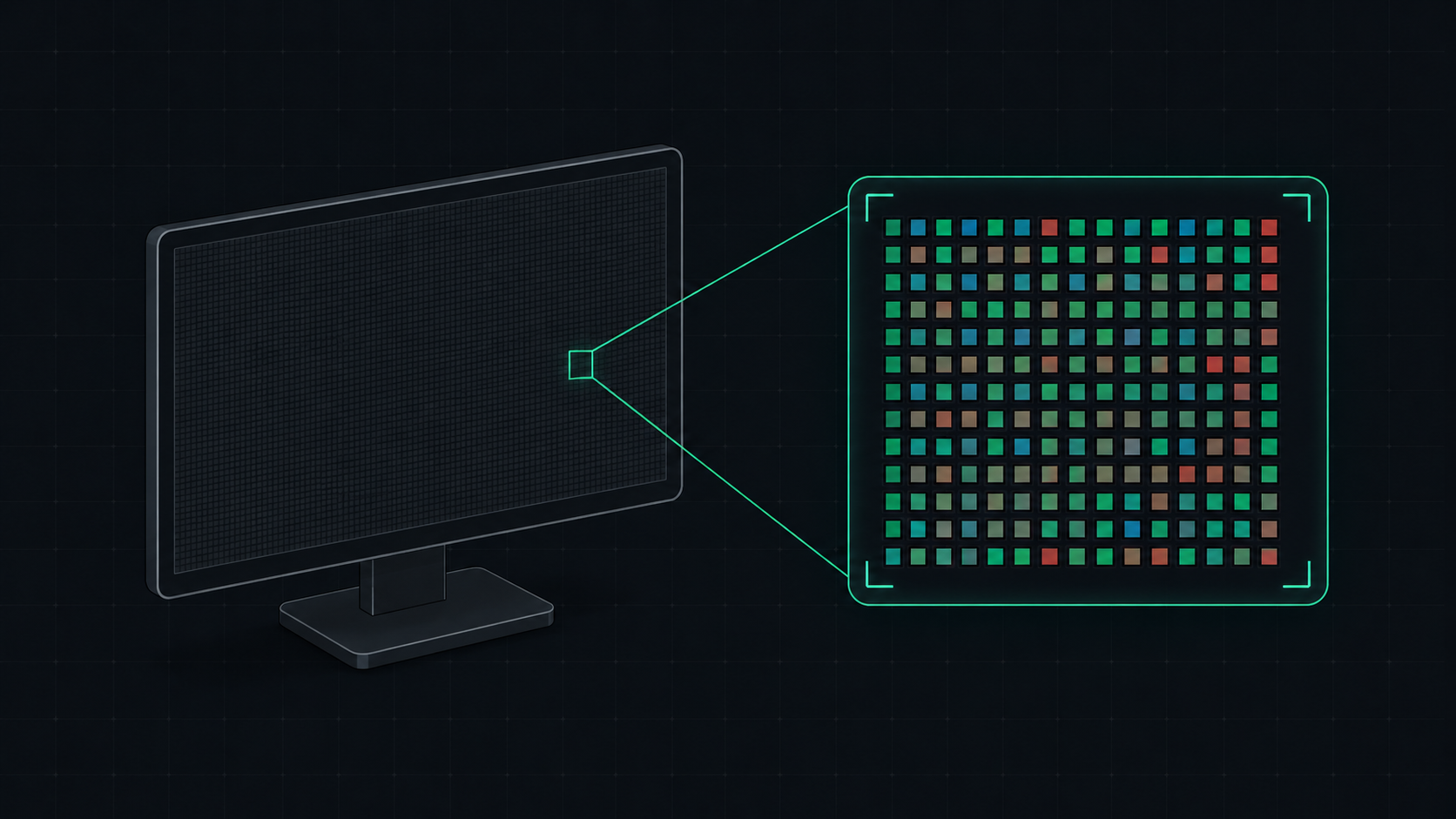
What is PPI? Pixels Per Inch Explained Simply
PPI (Pixels Per Inch) measures how many pixels are packed into one inch of a display screen. Learn what PPI means, how it affects image quality, and what a good PPI is for monitors, phones, and TVs.
 5 min read
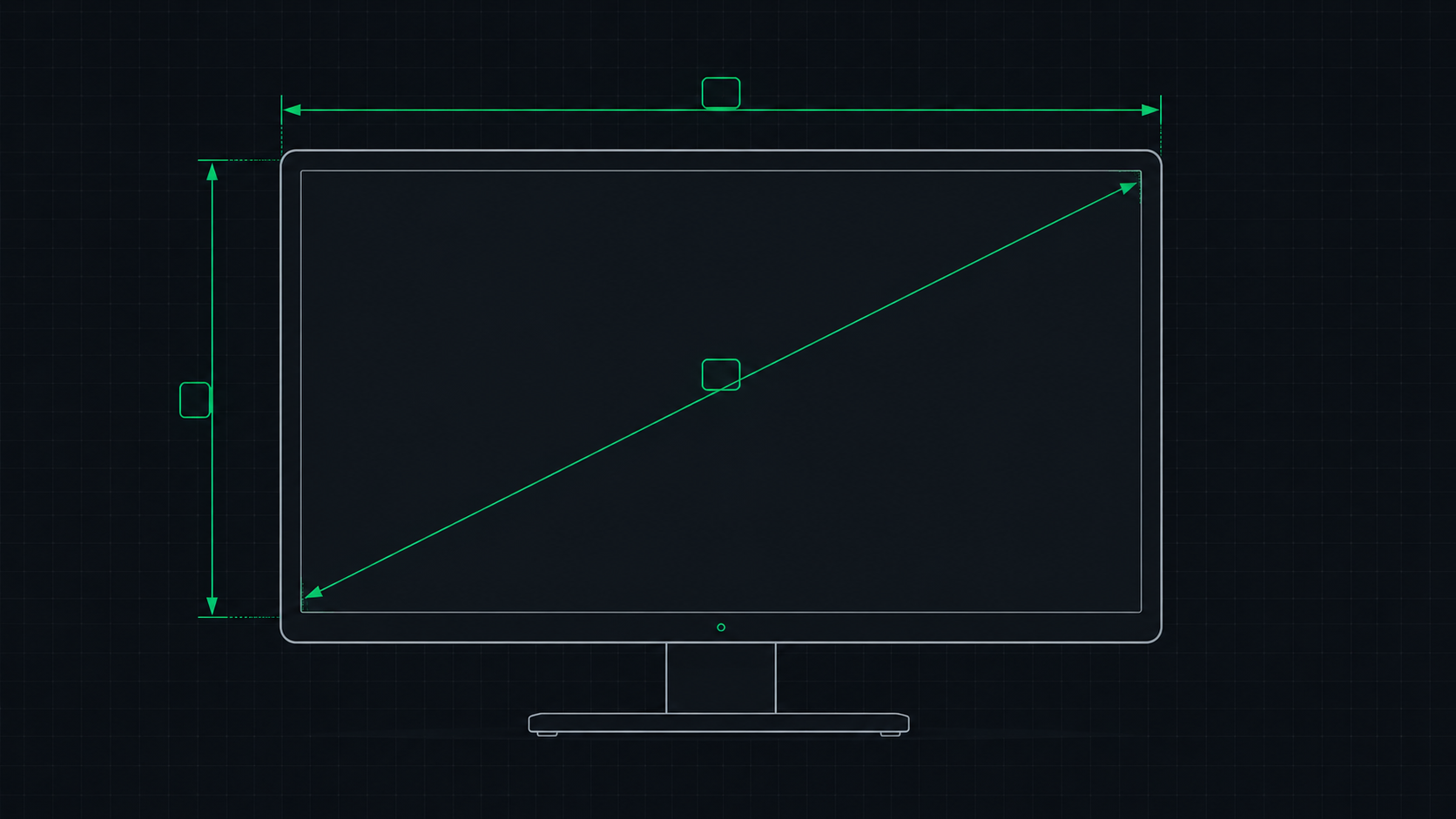
PPI Calculator: How to Find Your Monitor's Pixel Density
Learn how to use a PPI calculator to find your monitor's pixels per inch, understand what the number means, and compare pixel density across popular monitors, phones, and TVs.
 4 min read
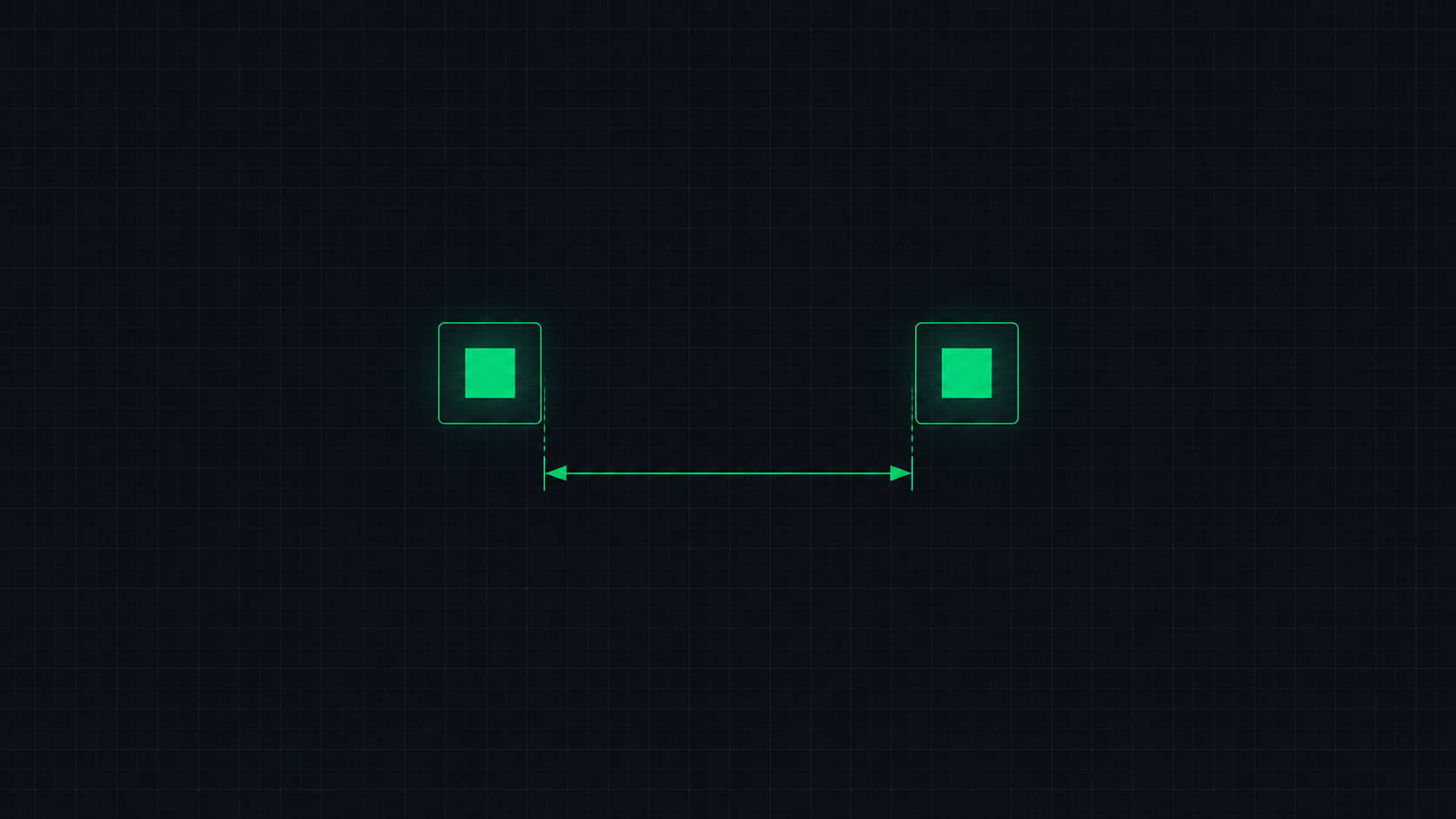
What is Dot Pitch? Monitor Pixel Pitch Explained
Dot pitch (pixel pitch) measures the distance between pixels on a display in millimeters. Learn what dot pitch means, how it relates to PPI, and what a good dot pitch is for monitors, gaming displays, and professional screens.
 5 min read
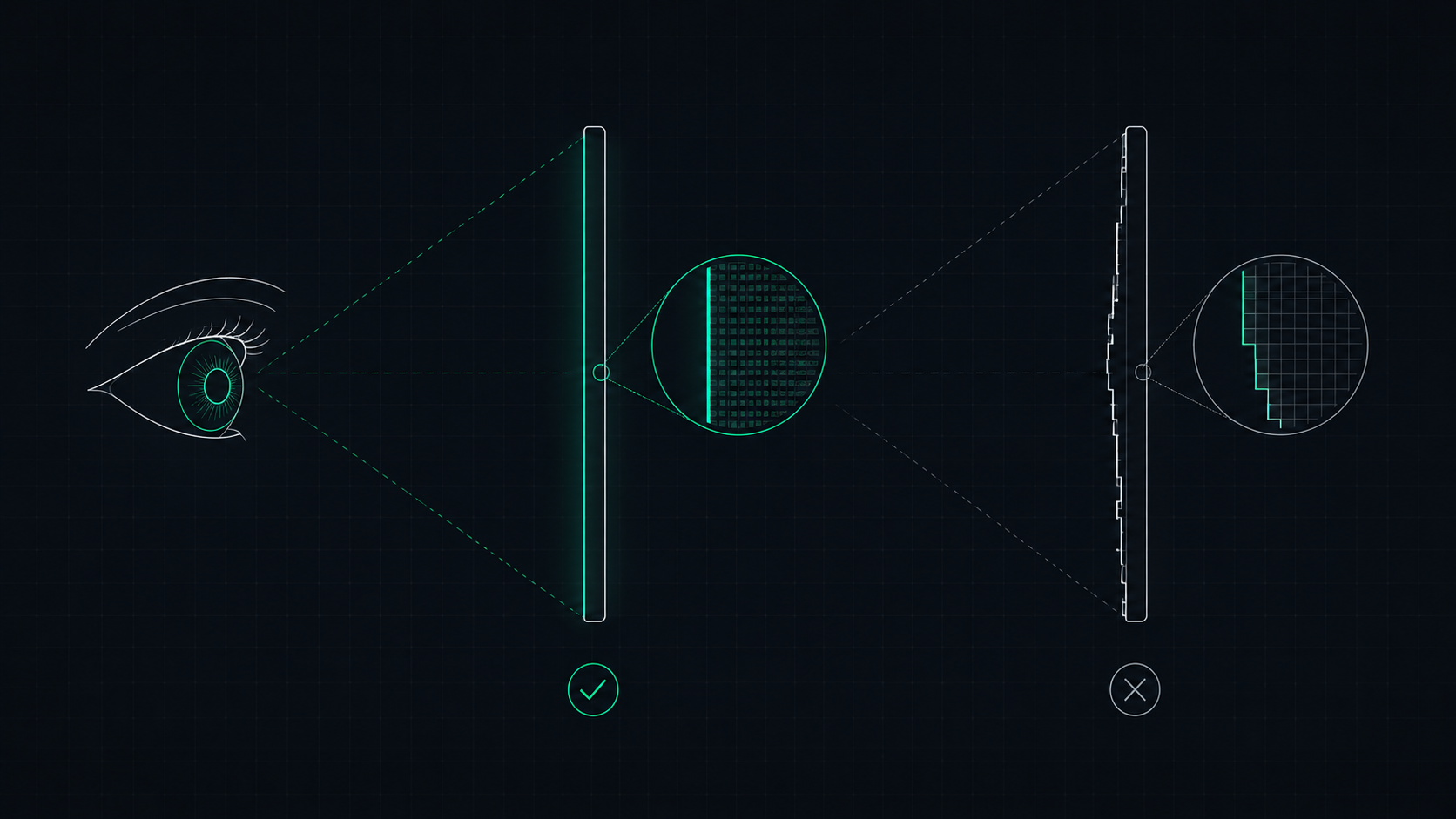
What is a Retina Display? Apple's Pixel Density Standard Explained
Apple's Retina display is a screen where pixels are so dense that the human eye cannot distinguish individual pixels at a normal viewing distance. Learn what makes a display Retina, what PPI qualifies, and how to check if your screen is Retina-quality.