Display & DPI Scaling Calculator
Calculate effective logical viewport dimensions, UI pixel density, and detect fractional scaling blur issues across Windows 11 and macOS.
Workspace size reported to web browser.
Perceived text & element scale.
Interpolated sub-pixel rendering.
What is Display DPI Scaling (Integer vs Fractional)?
DPI scaling is an operating system rendering feature that enlarges user interface elements and text on high-density screens by translating logical CSS pixels to physical display pixels via integer or fractional multipliers.
Integer vs. Fractional Scaling Breakdown
| Scaling % | Ratio | Scaling Type | Clarity & Performance |
|---|---|---|---|
| 100% | 1.0x | Integer (Native) | 100% Sharp | Zero Overhead |
| 125% | 1.25x | Fractional | Minor Text Interpolation Blur |
| 150% | 1.50x | Fractional | Standard 4K Desktop Setting |
| 200% | 2.0x | Integer (Retina) | Pixel Perfect 4-to-1 Mapping |
Frequently Asked Questions
Why does 150% scaling make text blurry on Windows or Mac? ↓
Fractional scaling (like 125% or 150%) forces the OS to map non-integer pixel ratios. On macOS, it renders UI at double resolution (5K) and scales down, causing slight blurriness and GPU overhead. On Windows, legacy desktop apps fail subpixel font anti-aliasing.
What is the difference between logical viewport and physical resolution? ↓
Physical resolution is the actual number of hardware LED pixels on your monitor (e.g. 3840×2160). Logical viewport is the size reported to browsers and software after applying OS DPI scaling (e.g. 2560×1440 at 150% scaling).
What is integer scaling vs. fractional scaling? ↓
Integer scaling uses exact whole-number multipliers like 100% (1x) or 200% (2x Retina), where 1 logical pixel maps to exactly 4 physical hardware pixels. Fractional scaling uses decimal multipliers like 125% or 150%, requiring interpolation that reduces text sharpness.
What is the best scaling setting for a 27-inch 4K monitor? ↓
For a 27-inch 4K monitor (163 PPI), 150% scaling provides the standard 2560×1440 logical workspace with comfortable UI sizing. For absolute 2x Retina sharpness, 200% scaling provides a 1920×1080 logical workspace.
Recommended Technical Guides
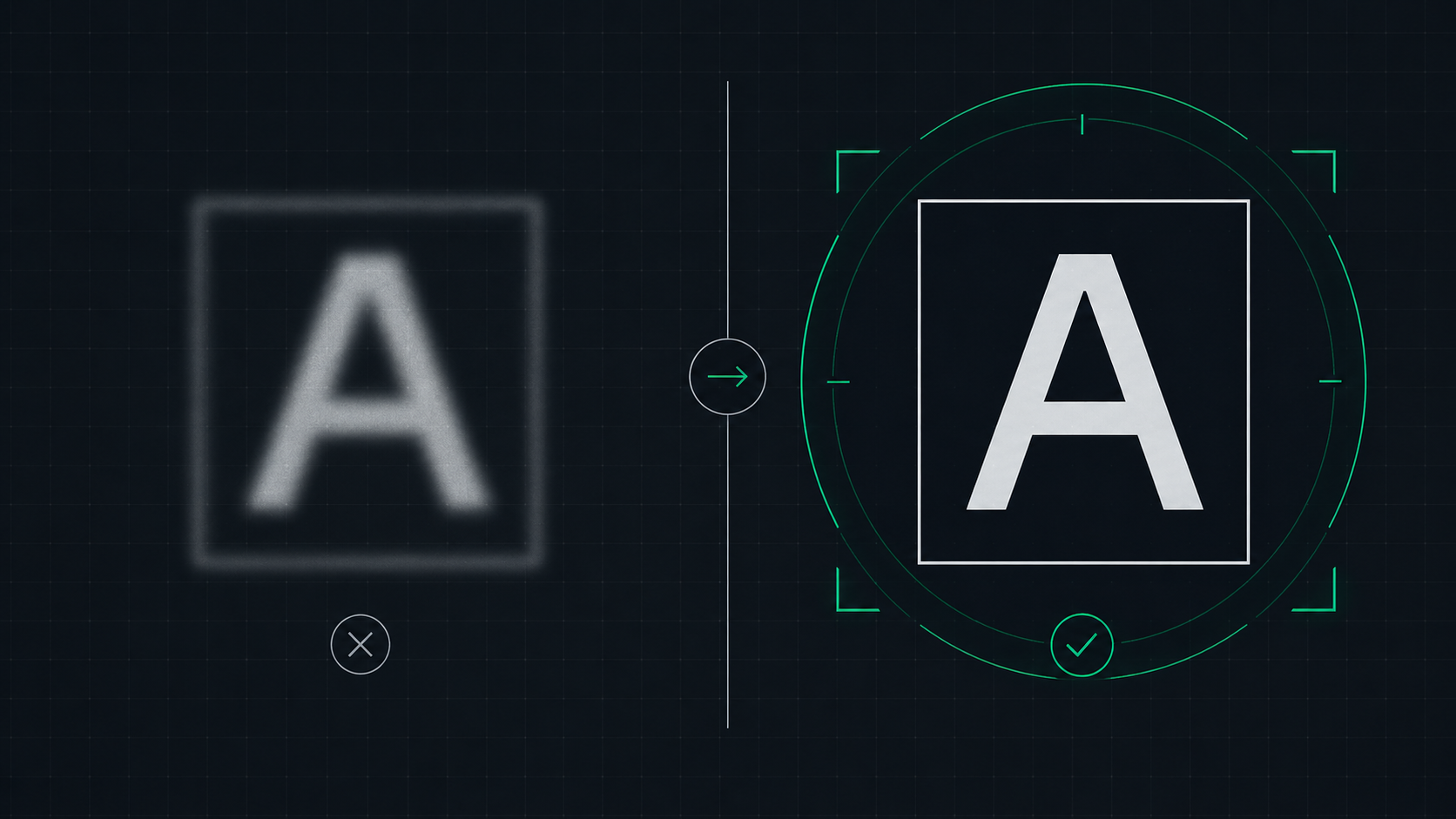 6 min read
How to Fix a Blurry Screen on Windows and Mac (2026 Guide)
Step-by-step guide to fixing blurry text and blurry displays on Windows 11, Windows 10, and macOS. Fix display scaling issues, ClearType settings, and external monitor blurriness caused by incorrect resolution or HiDPI settings.
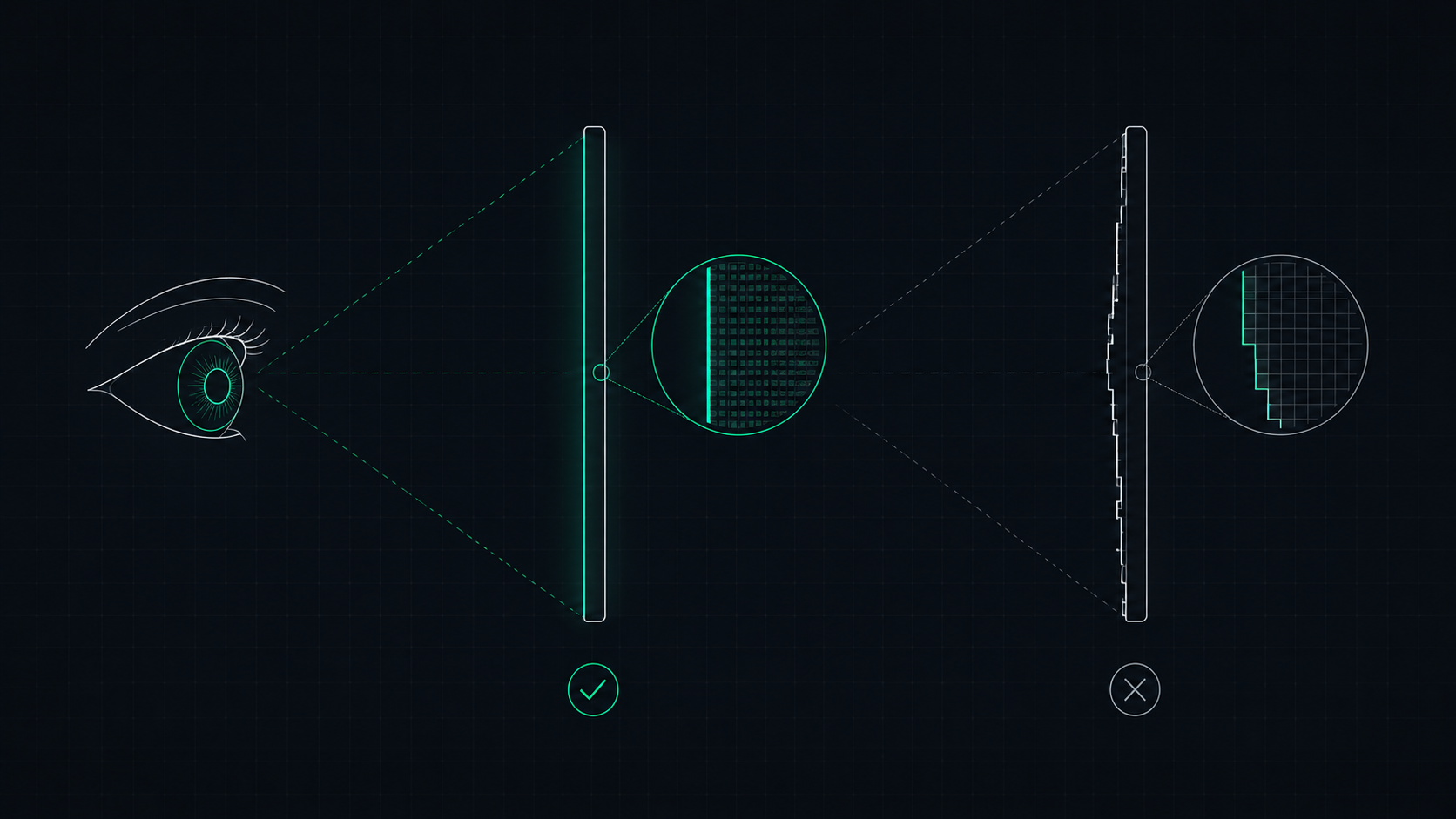 5 min read
What is a Retina Display? Apple's Pixel Density Standard Explained
Apple's Retina display is a screen where pixels are so dense that the human eye cannot distinguish individual pixels at a normal viewing distance. Learn what makes a display Retina, what PPI qualifies, and how to check if your screen is Retina-quality.
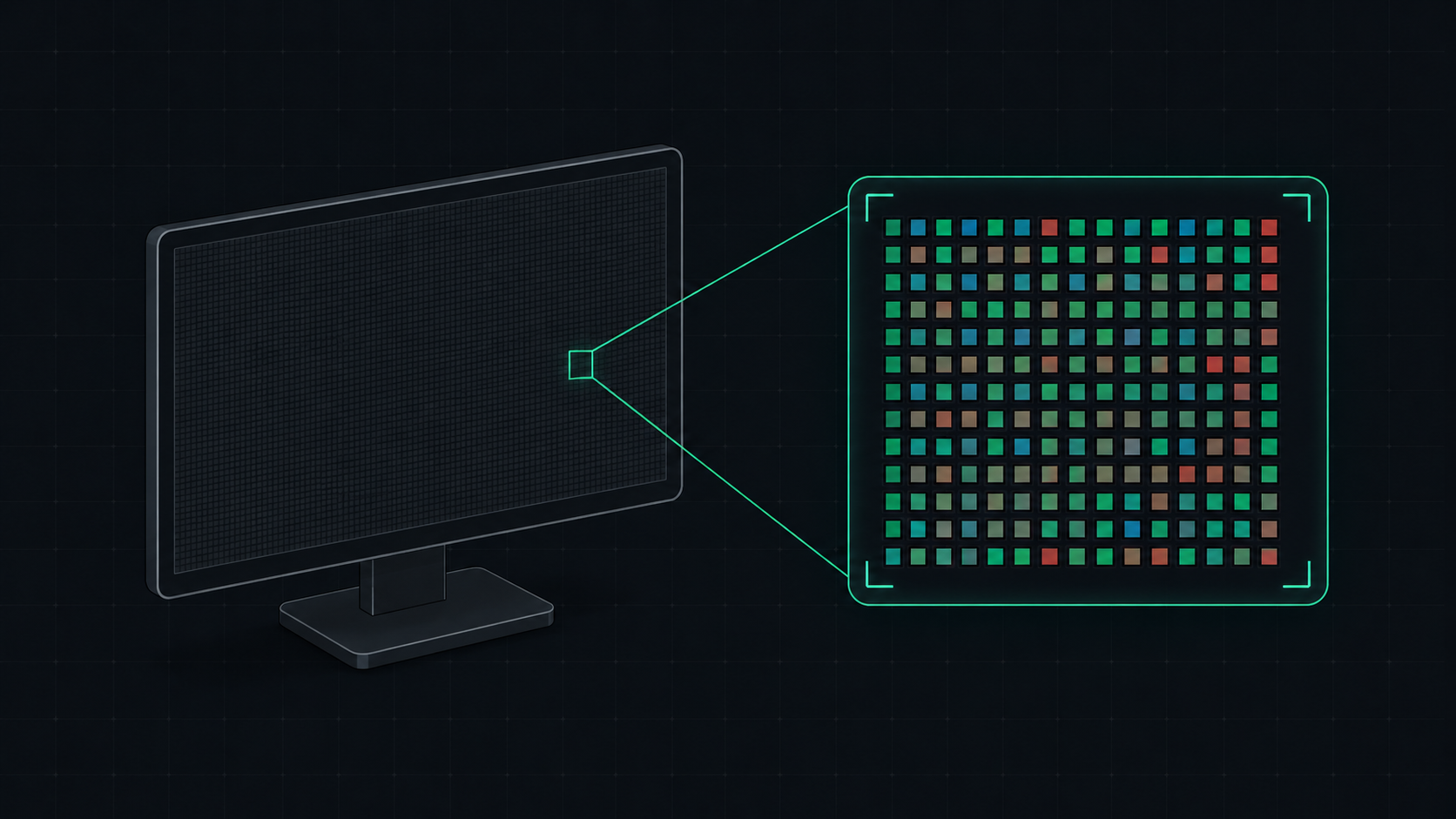 5 min read
What is PPI? Pixels Per Inch Explained Simply
PPI (Pixels Per Inch) measures how many pixels are packed into one inch of a display screen. Learn what PPI means, how it affects image quality, and what a good PPI is for monitors, phones, and TVs.