OLED Burn-In Test
Check your OLED monitor, TV, or phone for static taskbar shadows, logo ghosting, and pixel degradation using 5% dark gray and primary color screens.
Tip: 5% dark gray is the industry standard for uncovering early-stage OLED burn-in shadows.
What is OLED Screen Burn-In?
OLED burn-in is permanent localized luminance degradation that occurs when organic sub-pixels wear out at uneven rates from displaying static, high-contrast imagery—such as desktop taskbars, channel logos, or video game HUDs—for prolonged periods at high brightness.
How OLED Burn-in Occurs
Static Elements
Displaying fixed UI elements (taskbars, health bars, channel logos) forces specific pixels to emit continuous high light.
Uneven Wear
Organic sub-pixels age faster than surrounding pixels, resulting in uneven luminance drop across the panel.
Permanent Shadow
A permanent ghost outline remains visible, especially when viewing solid gray, red, or dark background content.
Frequently Asked Questions
What is OLED burn-in? ↓
OLED burn-in is permanent image degradation caused by organic light-emitting diodes unevenly wearing out over time when displaying static UI elements like taskbars, logos, or HUDs at high brightness.
Why do gray screens or retro games look uneven or banded on OLED displays? ↓
Near-black vertical banding and unevenness on 5% gray screens occur because individual sub-pixels have slight voltage and luminance tolerance variations at ultra-low power states. While mild vertical banding is normal on WOLED and QD-OLED panels, distinct outlines of stationary game HUDs or logos indicate true organic sub-pixel burn-in.
How long does it take for permanent burn-in to occur on modern OLED monitors? ↓
Modern OLED monitors with QD-OLED Gen 3 or WOLED panels feature built-in pixel cleaning cycles, thermal heat-sinks, and logo dimmers. Under normal mixed gaming and media workflows, burn-in typically takes thousands of cumulative hours to appear. However, running bright static white or red UI elements at 100% HDR luminance without screen-timeout can induce premature degradation within 6 to 12 months.
What is the difference between image retention and burn-in? ↓
Image retention is temporary ghosting that fades away after switching content or running a pixel refresh routine. Burn-in is permanent hardware degradation that cannot be undone.
How do I test my display for burn-in? ↓
Run our full-screen uniformity test on 5% and 10% dark gray backgrounds. Subtle burn-in patterns from static logos, taskbars, or browser address bars become clearly visible on low-luminance gray screens.
How do I prevent OLED burn-in? ↓
To prevent burn-in on OLED screens, hide your OS taskbar, enable dark mode, set screen sleep timers to 2-3 minutes, use dynamic wallpapers, and avoid running static games or news channels continuously at 100% HDR brightness.
Does pixel flashing fix screen burn-in? ↓
Rapid pixel flashing helps revive stuck sub-pixels and clear temporary image retention (ghosting). While it cannot repair permanently degraded organic OLED material, it can eliminate temporary shadow artifacts.
Recommended Technical Guides
 9 min read
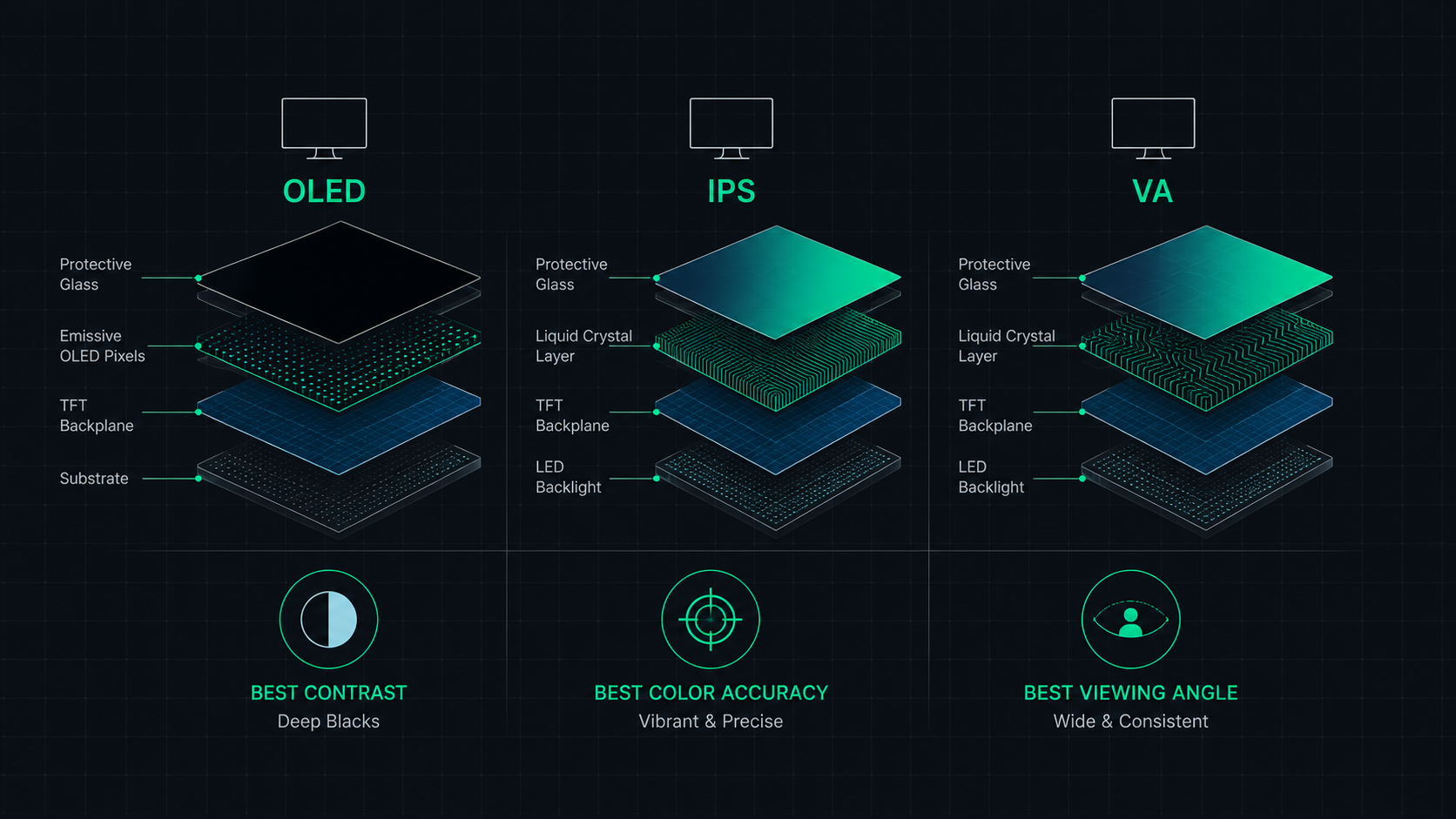
OLED vs IPS vs VA: Which Monitor Panel Type Is Best for You?
Complete comparison of OLED, IPS, and VA monitor panel technologies for gaming, creative work, and everyday use. Understand the trade-offs of contrast, color accuracy, response time, and burn-in risk to make the right choice in 2026.
 6 min read
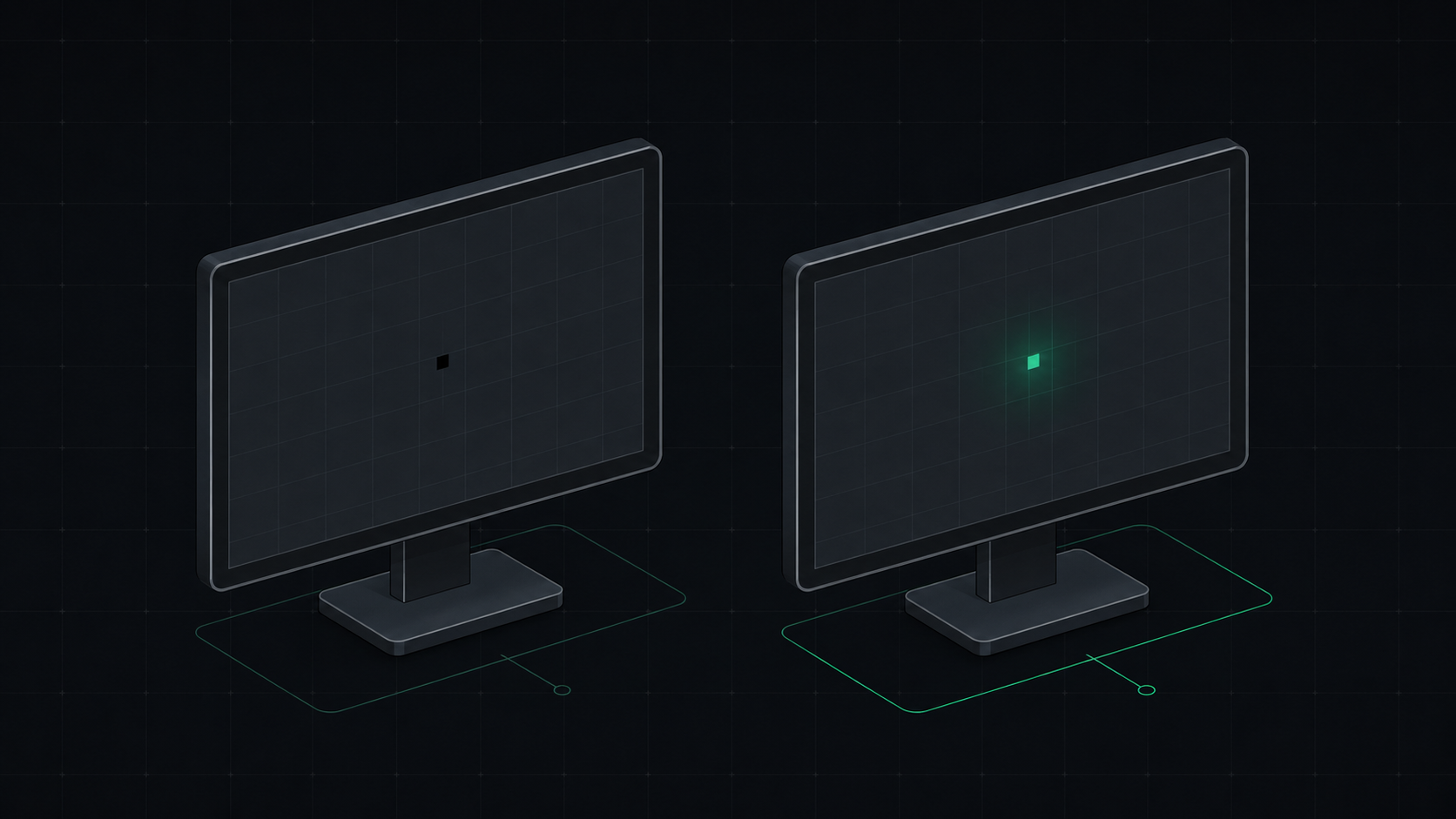
Dead Pixel vs Stuck Pixel: How to Tell the Difference and Fix It
Learn the exact difference between a dead pixel and a stuck pixel, how to test for both, and what you can do to fix a stuck pixel on your monitor, laptop, or phone screen.
 7 min read
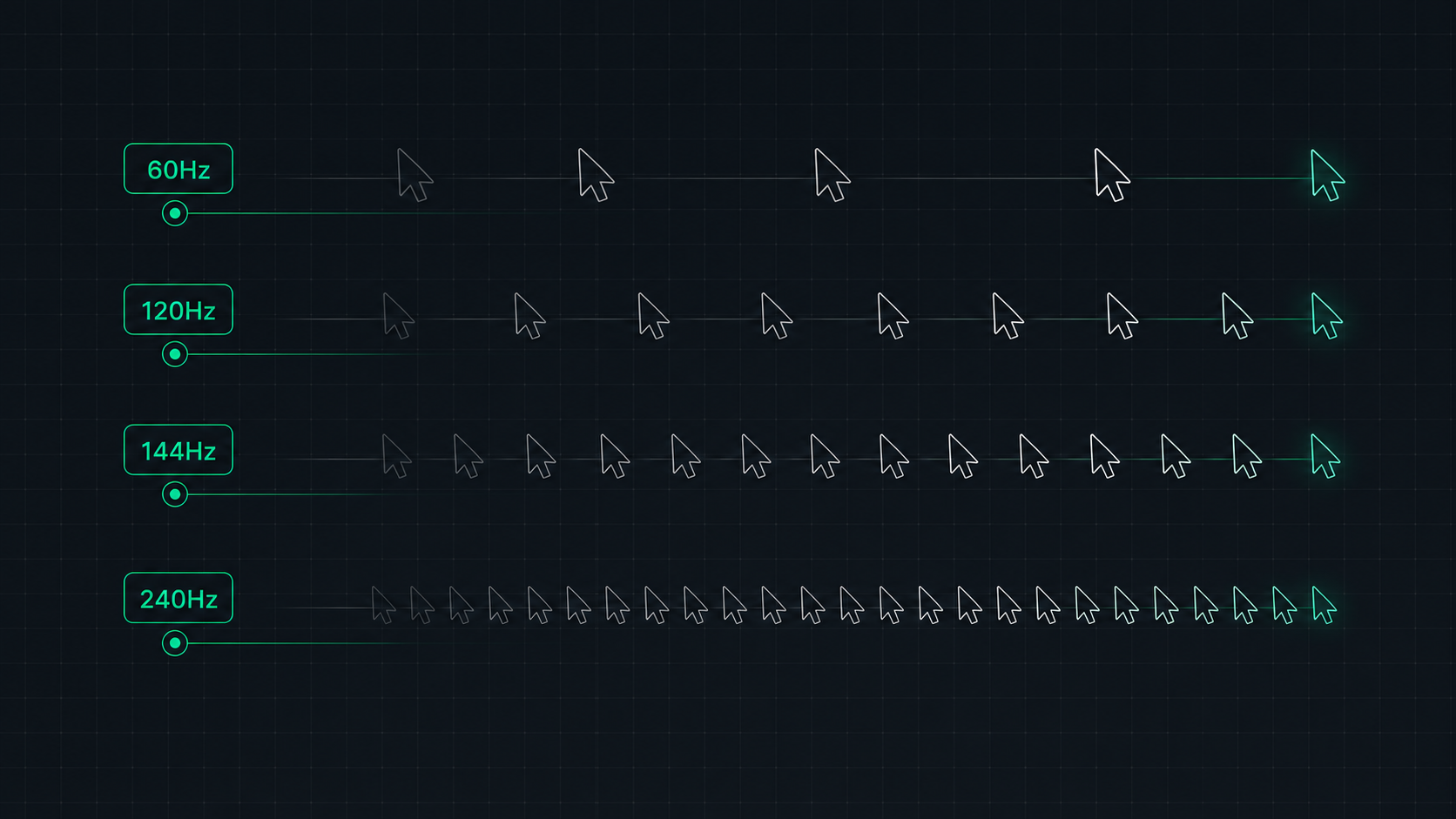
Monitor Refresh Rate Explained: 60Hz vs 120Hz vs 144Hz vs 240Hz
Understand monitor refresh rates and how they impact gaming, video, and everyday use. Learn the real difference between 60Hz, 120Hz, 144Hz, and 240Hz displays and which is right for your setup in 2026.