Best Monitors For CS2 (2026)
Ranked for competitive Counter-Strike 2 performance, fast response times, DyAc strobing, and sub-1ms input latency.
ASUS ROG Swift PG259QN
1920x1080 | IPS | 1ms
ASUS ROG Swift PG27AQN
2560x1440 | IPS | 1ms
Dell Alienware AW2721D
2560x1440 | IPS | 1ms
Samsung Odyssey G7 32
2560x1440 | VA | 1ms
Samsung Odyssey G9
5120x1440 | VA | 1ms
Acer Predator XB273U GX
2560x1440 | IPS | 0.5ms
CS2 Monitor FAQ
What monitor refresh rate do Counter-Strike 2 pros use? ↓
Over 90% of Counter-Strike 2 (CS2) esports pros use 240Hz, 360Hz, or 540Hz displays. High refresh rates reduce motion blur during fast recoil control and A/D strafing.
Does 4:3 stretched resolution look better on 24-inch or 27-inch monitors? ↓
Most CS2 players prefer 24-inch or 24.5-inch 1080p/1440p monitors for 4:3 stretched resolution (such as 1280x960) because it fits comfortably inside central vision.
Recommended Technical Guides
 7 min read
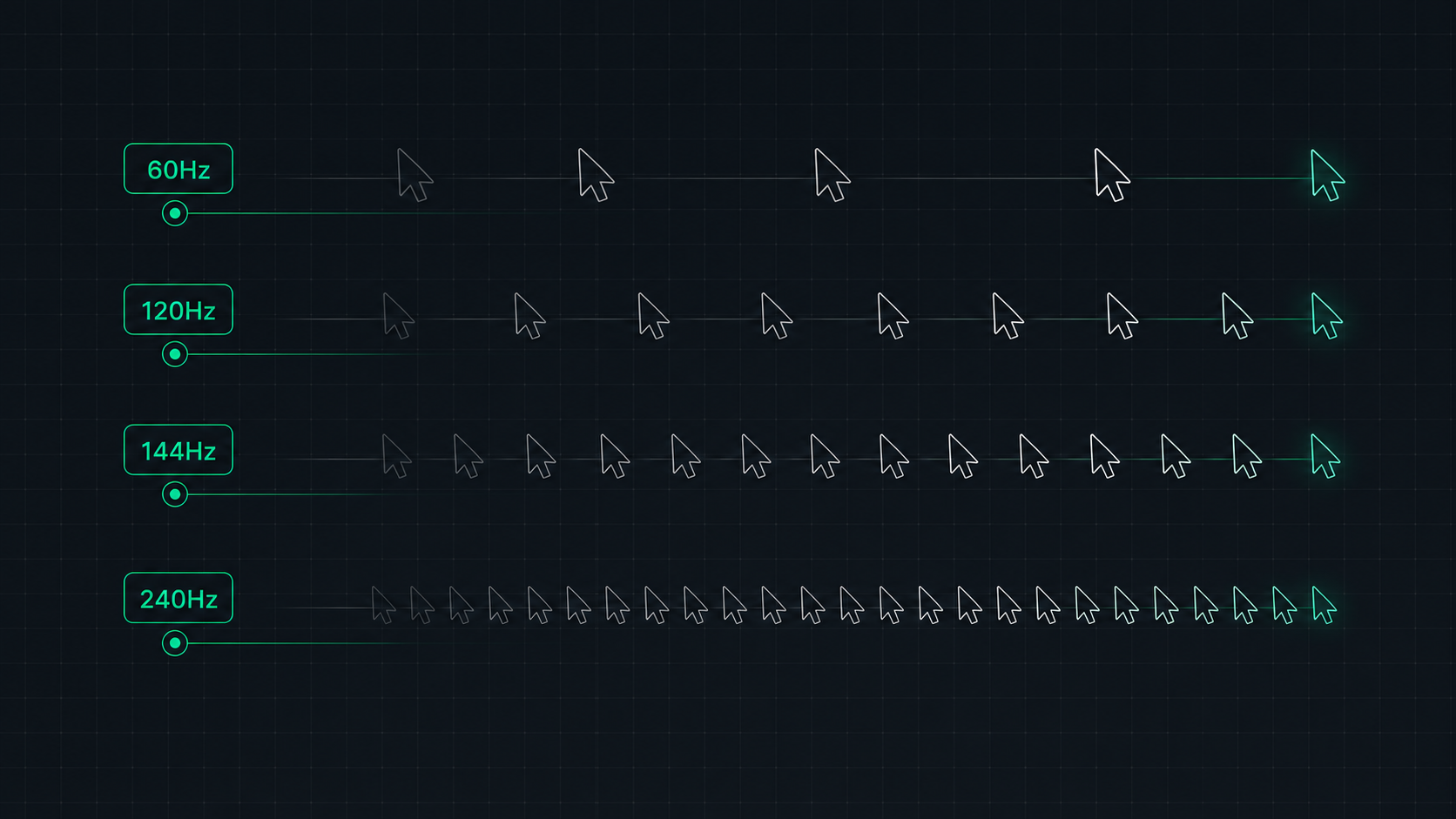
Monitor Refresh Rate Explained: 60Hz vs 120Hz vs 144Hz vs 240Hz
Understand monitor refresh rates and how they impact gaming, video, and everyday use. Learn the real difference between 60Hz, 120Hz, 144Hz, and 240Hz displays and which is right for your setup in 2026.
 8 min read
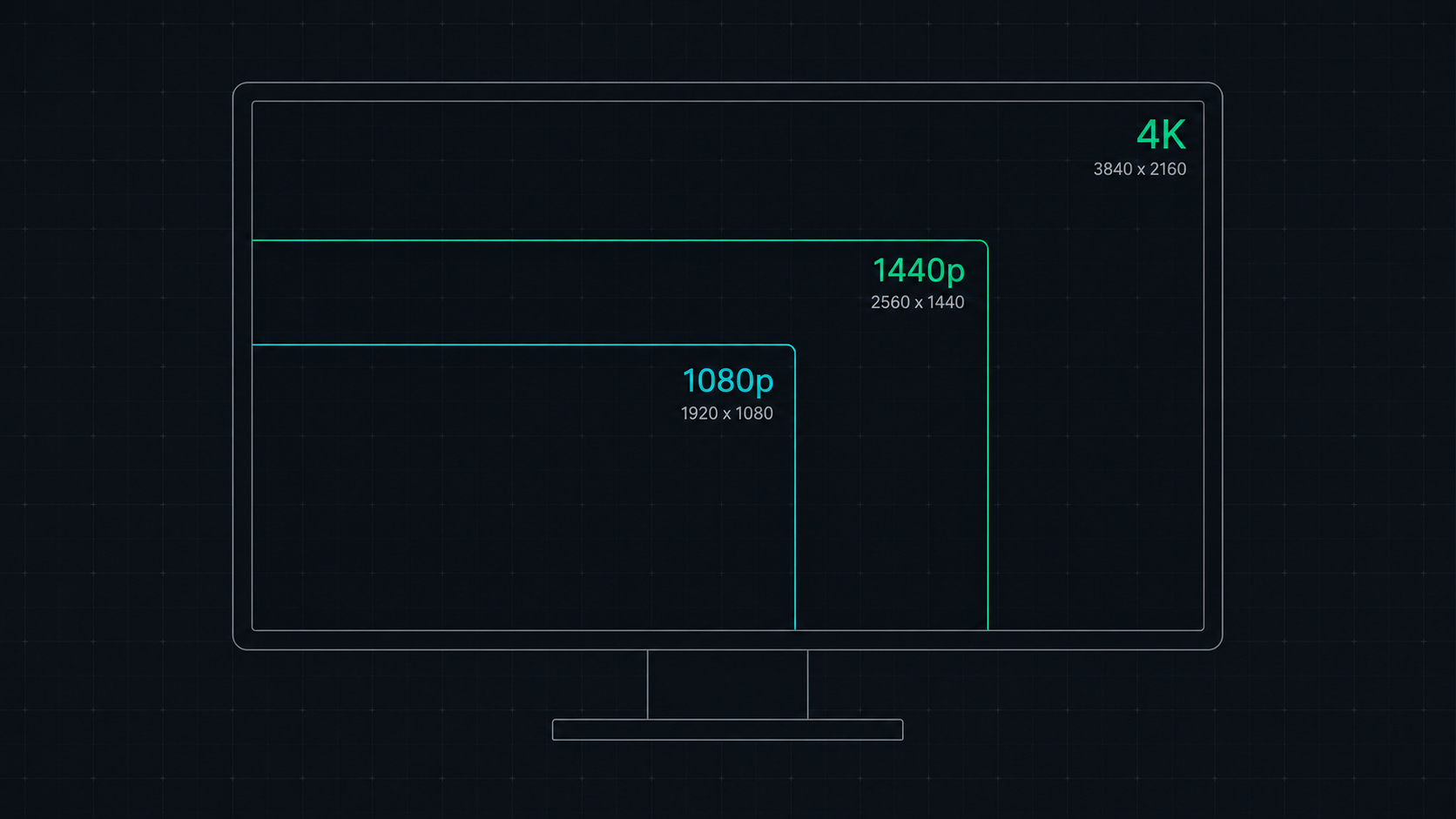
1080p vs 1440p vs 4K: Which Resolution Is Right For You in 2026?
Comprehensive comparison of 1080p, 1440p, and 4K resolutions for gaming, work, and creative use. Find out which screen resolution is worth it in 2026 based on your monitor size, GPU, and viewing distance.