Best Monitors For Apex Legends (2026)
Ranked for high-speed target tracking, 1440p 240Hz clarity, G-Sync VRR support, and sub-1ms response times.
ASUS ROG Swift PG259QN
1920x1080 | IPS | 1ms
ASUS ROG Swift PG27AQN
2560x1440 | IPS | 1ms
Dell Alienware AW2721D
2560x1440 | IPS | 1ms
Samsung Odyssey G7 32
2560x1440 | VA | 1ms
Samsung Odyssey G9
5120x1440 | VA | 1ms
Acer Predator XB273U GX
2560x1440 | IPS | 0.5ms
Apex Legends Monitor FAQ
What is the best resolution and refresh rate for Apex Legends? ↓
1440p 240Hz OLED or IPS is widely considered the best setup for Apex Legends. 1440p provides enhanced target tracking clarity at medium-to-long distances, while 240Hz delivers smooth tracking during fast movement.
Is 240Hz worth it for Apex Legends? ↓
Yes. Due to Apex Legends' high-speed movement mechanics (superglides, wall jumps, tap-strafing), 240Hz dramatically improves tracking clarity over standard 144Hz screens.
Recommended Technical Guides
 8 min read
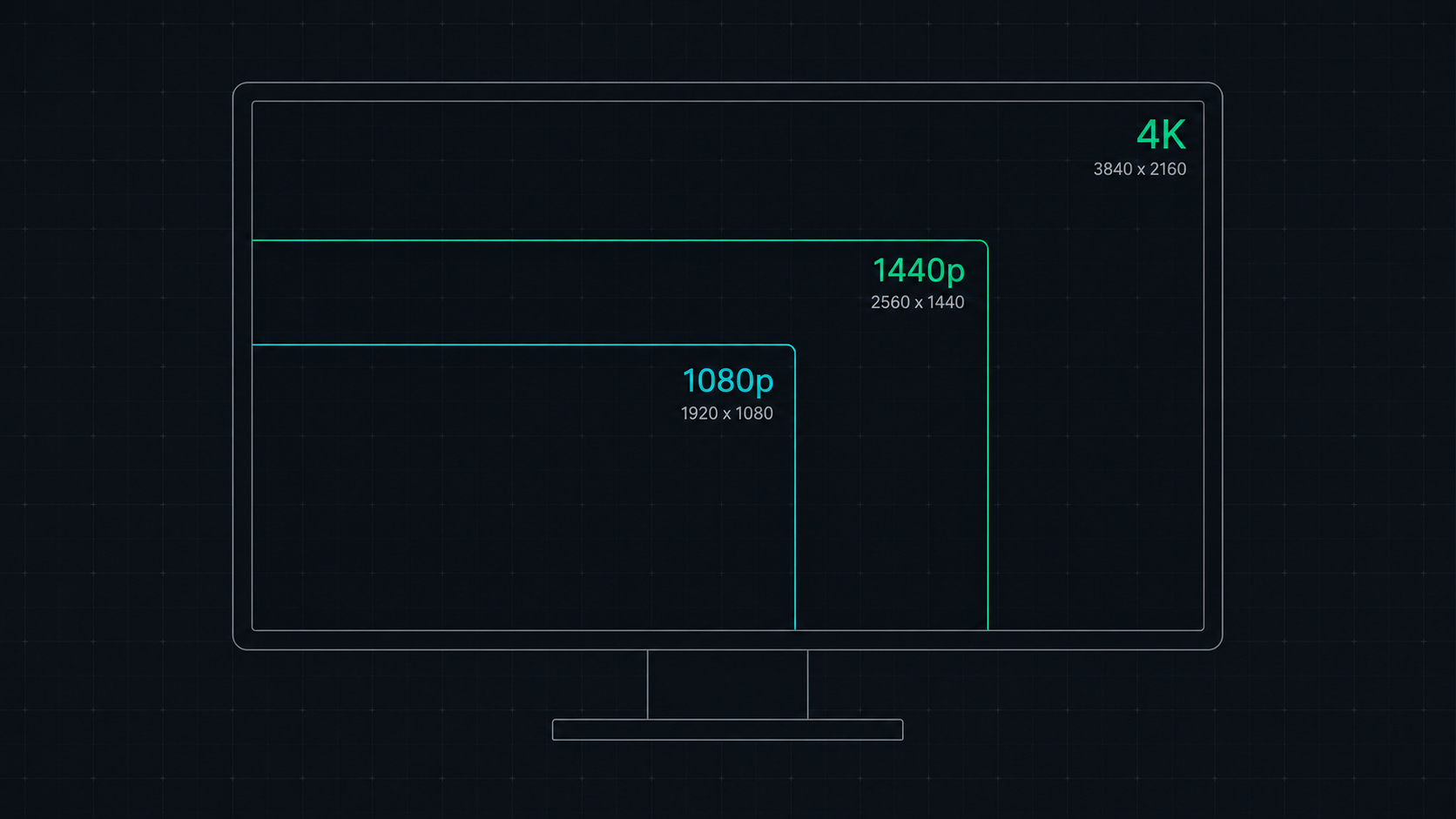
1080p vs 1440p vs 4K: Which Resolution Is Right For You in 2026?
Comprehensive comparison of 1080p, 1440p, and 4K resolutions for gaming, work, and creative use. Find out which screen resolution is worth it in 2026 based on your monitor size, GPU, and viewing distance.
 9 min read
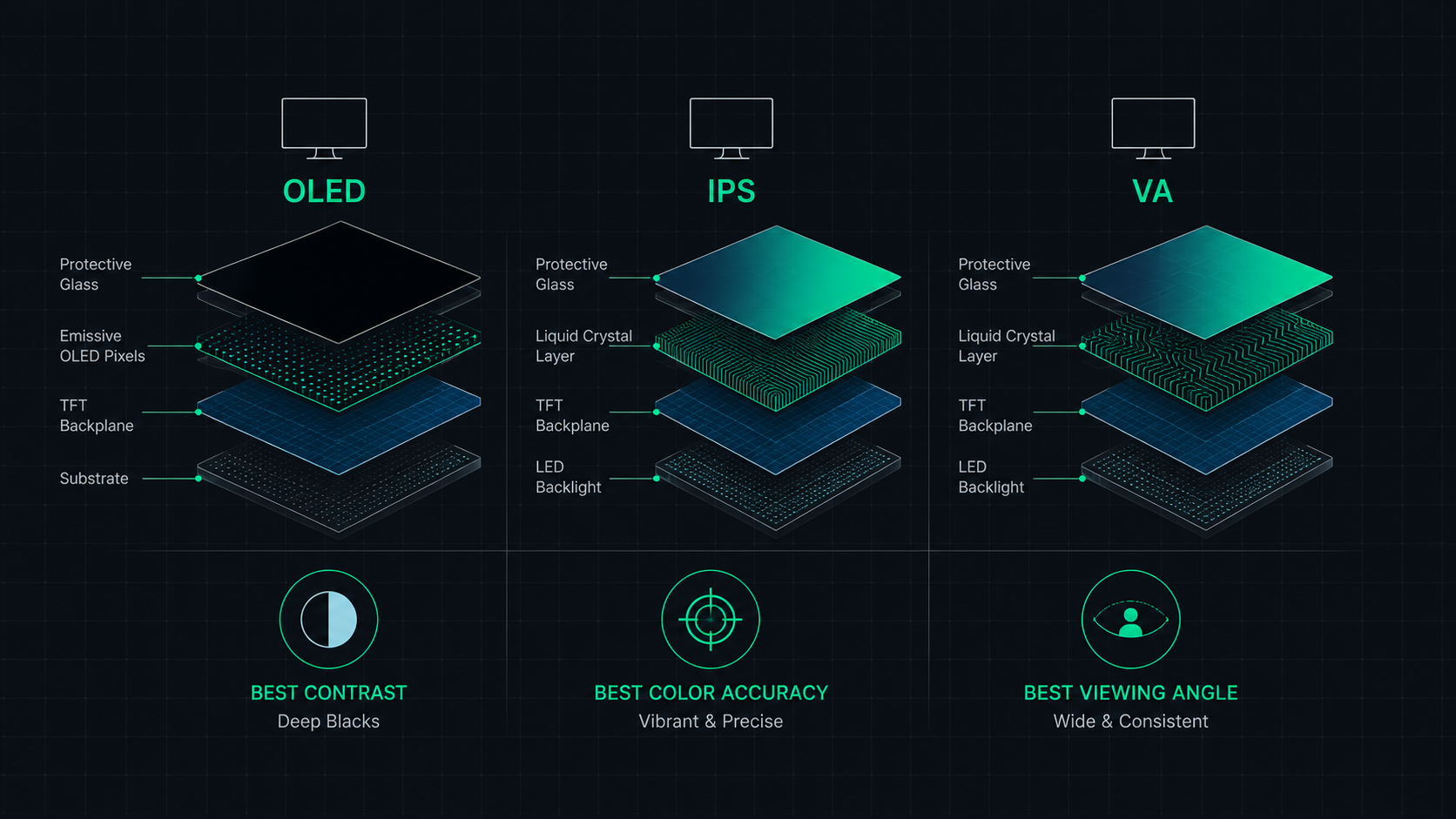
OLED vs IPS vs VA: Which Monitor Panel Type Is Best for You?
Complete comparison of OLED, IPS, and VA monitor panel technologies for gaming, creative work, and everyday use. Understand the trade-offs of contrast, color accuracy, response time, and burn-in risk to make the right choice in 2026.