Screen Resolution
Find out the exact size of your screen. We instantly detect your monitor's true physical pixels, sharpness, and aspect ratio.
The size that websites see when they adapt their layout to your screen.
How sharp your screen is. Higher numbers mean crisper text and images.
The number of bits used to display millions of colors smoothly.
The total number of individual dots that make up your screen.
Whether your screen supports standard or vibrant "wide" colors.
The current physical rotation of your device screen.
What is Screen Resolution?
Screen resolution is the total count of physical pixels displayed across a screen's horizontal and vertical dimensions (e.g., 1920×1080 for Full HD, 2560×1440 for QHD, and 3840×2160 for 4K UHD). Higher resolutions produce sharper text and images, while requiring more GPU performance.
What is Screen Resolution?
Screen resolution refers to the total number of pixels that can be displayed on a monitor, written as width by height (e.g., 1920x1080). A higher resolution means more pixels, resulting in sharper images, crisper text, and more workspace on your screen.
Common Monitor Resolutions
| Name | Resolution (Pixels) | Aspect Ratio |
|---|---|---|
| HD / 720p | 1280 x 720 | 16:9 |
| Full HD / 1080p | 1920 x 1080 | 16:9 |
| QHD / 1440p | 2560 x 1440 | 16:9 |
| 4K Ultra HD | 3840 x 2160 | 16:9 |
| 5K Display | 5120 x 2880 | 16:9 |
Frequently Asked Questions
Learn about monitor resolutions, pixels, and scaling rules.
How is physical screen resolution calculated in the browser?
The browser reads the logical width and height of the display via window.screen, then multiplies it by window.devicePixelRatio to yield the real hardware pixels. For example, if logical size is 1440x900 and DPR is 2, the physical resolution is 2880x1800.
Why does this tool show a lower resolution than my monitor package claims?
This is due to operating system display scaling (e.g., 150% on Windows or Retina 'looks like' mode on macOS). Your OS renders interfaces at a lower logical resolution to keep items readable, while using multiple physical pixels to keep details sharp.
Why does text on my 4K monitor look blurry at 125% or 150% Windows scaling?
Fractional scaling (like 125% or 150%) forces the graphics engine to interpolate pixel boundaries, causing font subpixel antialiasing to slightly misalign. To fix this, use integer 200% scaling for razor-sharp HiDPI text, or run Windows ClearType Text Tuner.
How do I check what resolution my monitor hardware actually supports?
Our tool above reads your monitor's active physical pixels in real time. To view all hardware-supported display modes, open Windows Advanced Display Settings or macOS System Settings > Displays > Advanced to check max supported resolution and refresh rate.
How do I check my screen resolution on Windows or Mac?
On Windows 11, right-click the desktop and select 'Display settings' to find the Display Resolution. On a Mac, open System Settings, click 'Displays', and look at your current resolution. Alternatively, use our free screen resolution size detector online.
What is a good screen resolution for a 27-inch monitor?
For a 27-inch monitor, 1440p (2560x1440), also known as QHD, is considered the sweet spot. It offers a sharp pixel density (around 109 PPI) without making UI elements too small, which can happen with 4K at that size.
Why does my screen resolution look stretched?
A stretched screen usually means your computer is outputting a resolution that doesn't match your monitor's native aspect ratio (e.g., sending a 4:3 signal to a 16:9 widescreen monitor). Fix this in your OS display settings by selecting the 'Recommended' resolution.
What is the true screen resolution meaning?
Screen resolution meaning refers to the total number of physical pixels displayed on your screen horizontally and vertically. It determines the clarity and sharpness of the image. Higher screen resolution sizes generally mean a crisper display.
How can I run a screen resolution test or check?
You can run a screen resolution check instantly using our tool above. It reads your browser's data to perform a screen resolution test, calculating the exact physical pixels of your monitor.
What is the standard screen resolutions list?
A common screen resolutions list includes 1920x1080 (Full HD / 1080p), 2560x1440 (Quad HD / 2K), and 3840x2160 (Ultra HD / 4K). These are the most popular screen resolution sizes for modern monitors and laptops.
Recommended Technical Guides
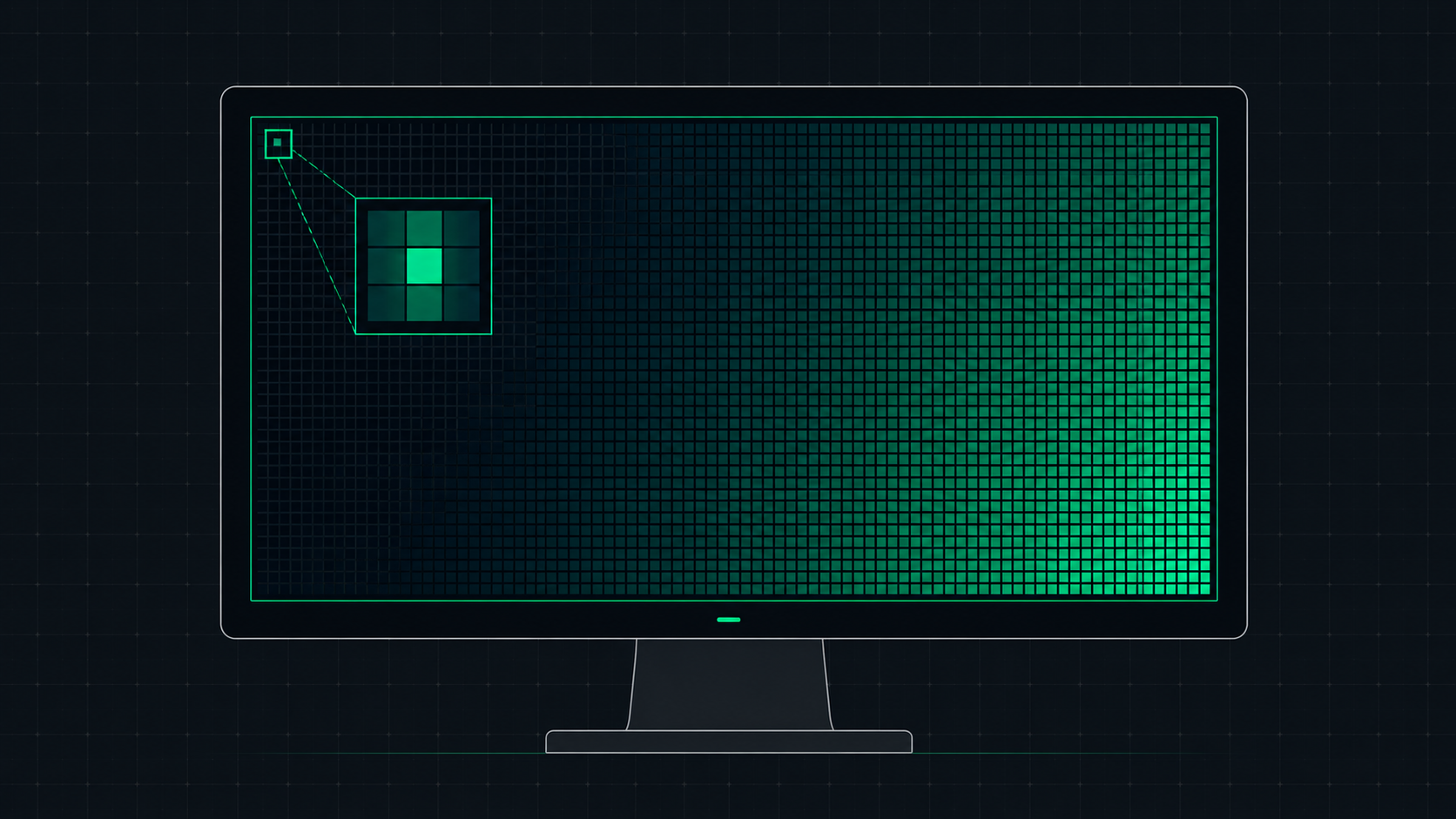 5 min read
What is Screen Resolution? A Plain-English Guide
Screen resolution is the number of pixels displayed on your screen horizontally and vertically. Learn what resolution means, the difference between HD, Full HD, QHD, and 4K, and how to check and change your display resolution.
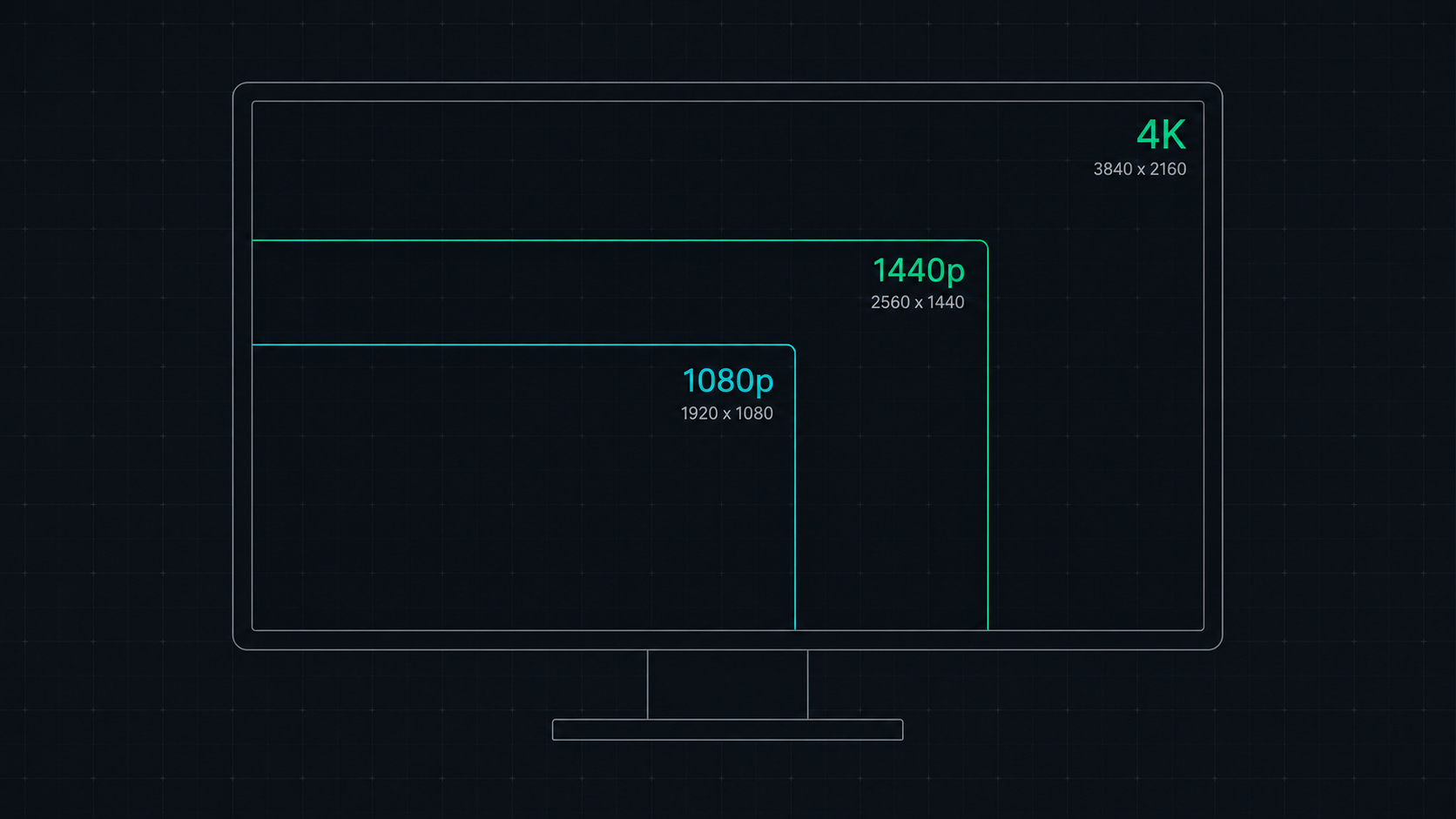 8 min read
1080p vs 1440p vs 4K: Which Resolution Is Right For You in 2026?
Comprehensive comparison of 1080p, 1440p, and 4K resolutions for gaming, work, and creative use. Find out which screen resolution is worth it in 2026 based on your monitor size, GPU, and viewing distance.
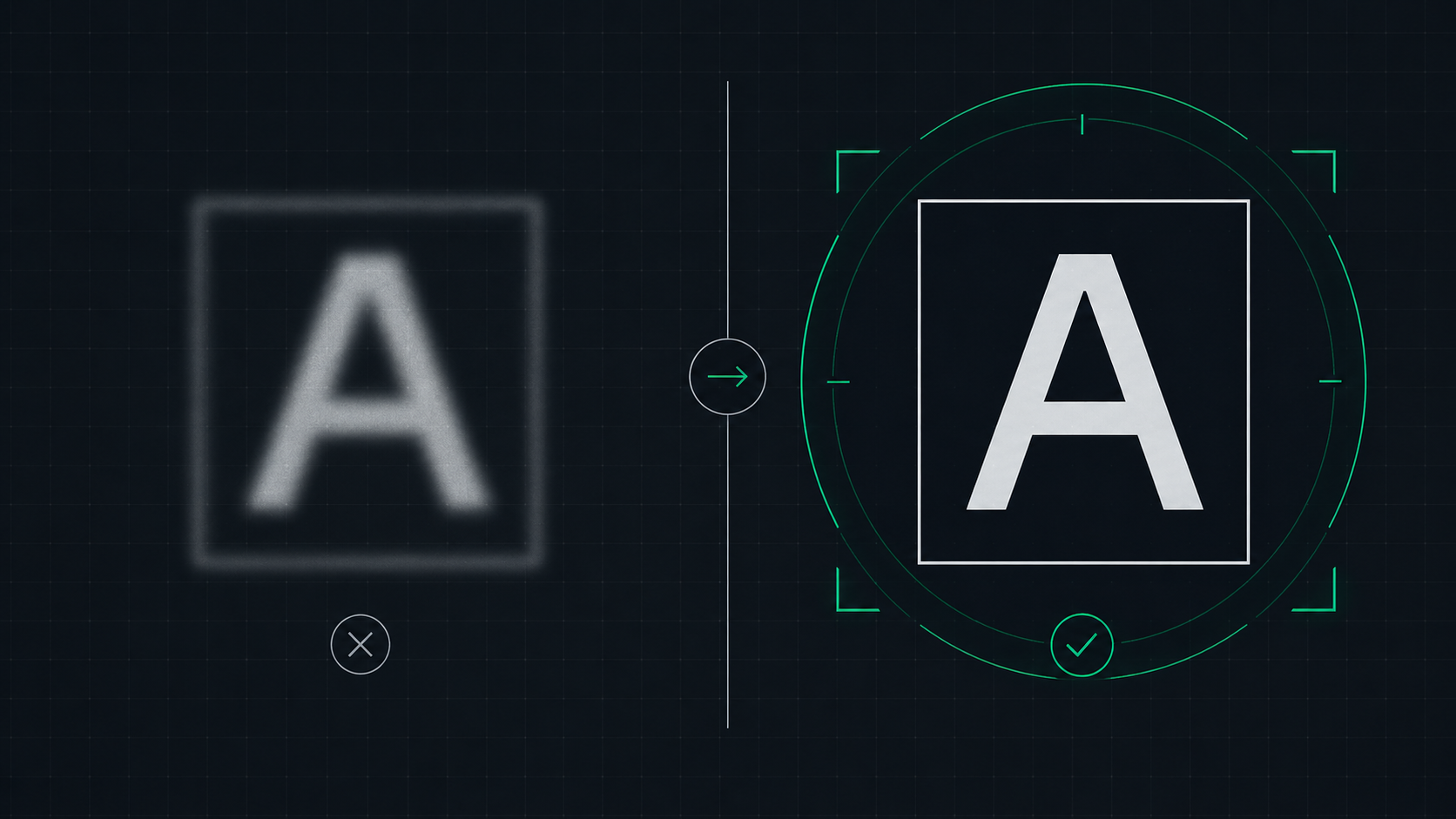 6 min read
How to Fix a Blurry Screen on Windows and Mac (2026 Guide)
Step-by-step guide to fixing blurry text and blurry displays on Windows 11, Windows 10, and macOS. Fix display scaling issues, ClearType settings, and external monitor blurriness caused by incorrect resolution or HiDPI settings.