Frame Skip & Stutter Test
Detect if your monitor is dropping internal frames when running at high refresh rates (144Hz, 240Hz, 360Hz) or custom overclocks.
Camera Pursuit Photo Grid
Take a 1/10s camera photo of the moving row below.
In your photo, you should see a continuous, unbroken sequence of adjacent lit blocks (e.g. 1 2 3 4 5 6 7 8). Every frame was displayed by your panel.
If your photo shows black missing gaps between lit blocks (e.g. 1 2 [GAP] 4 5 [GAP] 7), your monitor is failing internal frame delivery and dropping frames.
What is Monitor Frame Skipping?
Frame skipping occurs when a display hardware scalar or TCON board drops GPU-rendered frames before presentation, resulting in micro-stuttering and uneven motion despite high reported frame rates.
Frequently Asked Questions
What causes a monitor to skip frames? ↓
Frame skipping occurs when a monitor fails to display every frame sent by the GPU. This commonly happens when overclocking a monitor beyond its panel limits, using low-bandwidth DisplayPort/HDMI cables, or using unverified display custom resolutions.
How do I test for frame skipping with a camera photo? ↓
Start the pursuit grid test below, set your camera or smartphone camera to Manual/Pro mode with a 1/10 second (0.1s) shutter speed, and take a photo of the moving blocks. A healthy monitor shows a continuous row of lit blocks. A frame-skipping monitor shows black missing gaps between lit blocks.
How do I fix frame drops on my monitor? ↓
To fix frame drops: 1) Revert custom monitor overclocks to native panel refresh rate (e.g., 144Hz), 2) Upgrade to a VESA-certified DisplayPort 1.4 or HDMI 2.1 cable, and 3) Update your graphics card drivers.
Is frame skipping the same as low FPS? ↓
No. Low FPS means your GPU is generating fewer frames per second (e.g. 30 FPS game). Frame skipping means your GPU IS sending 144+ frames, but your monitor hardware drops frames internally, causing severe motion micro-stutter.
Recommended Technical Guides
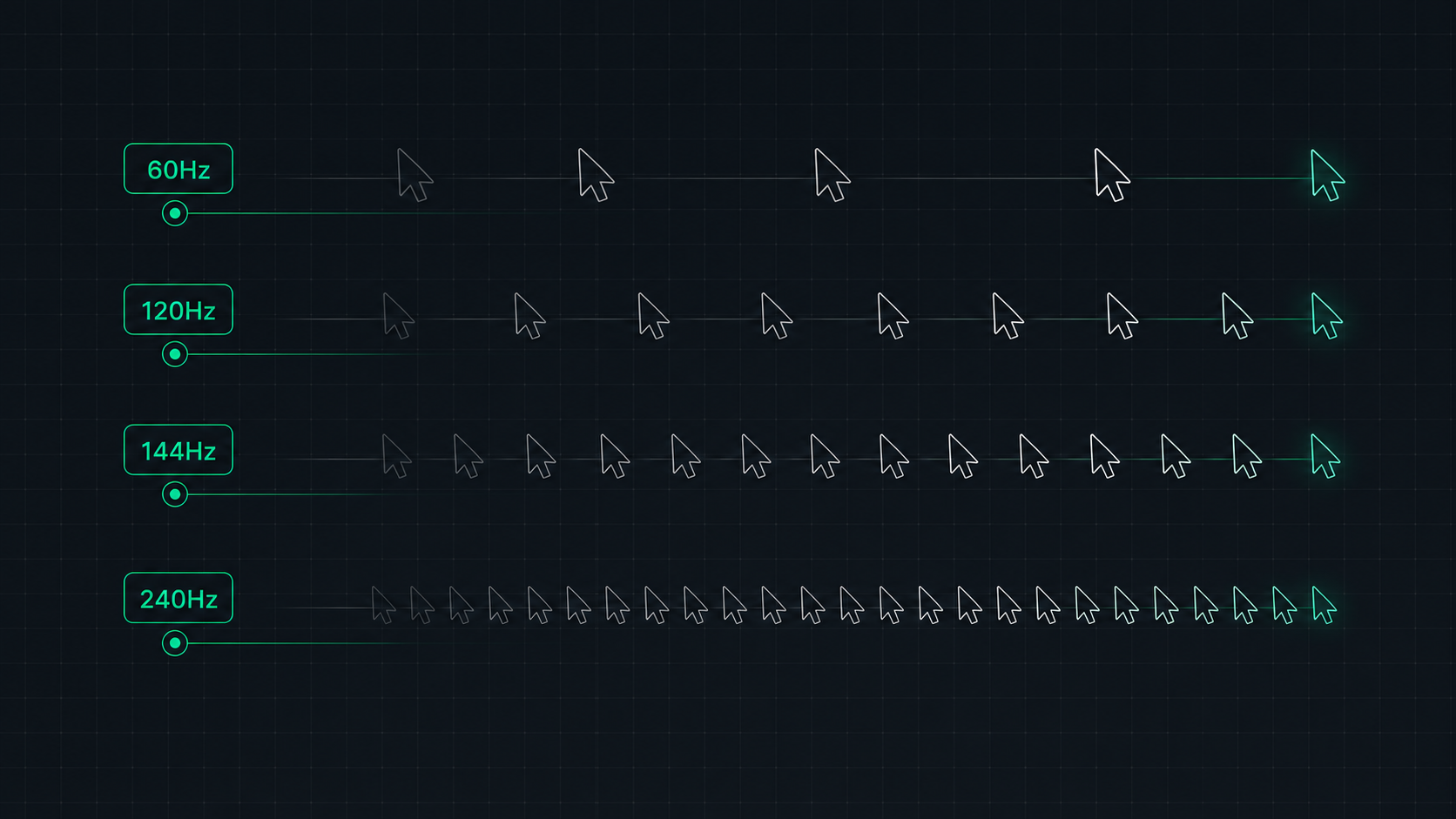 7 min read
Monitor Refresh Rate Explained: 60Hz vs 120Hz vs 144Hz vs 240Hz
Understand monitor refresh rates and how they impact gaming, video, and everyday use. Learn the real difference between 60Hz, 120Hz, 144Hz, and 240Hz displays and which is right for your setup in 2026.
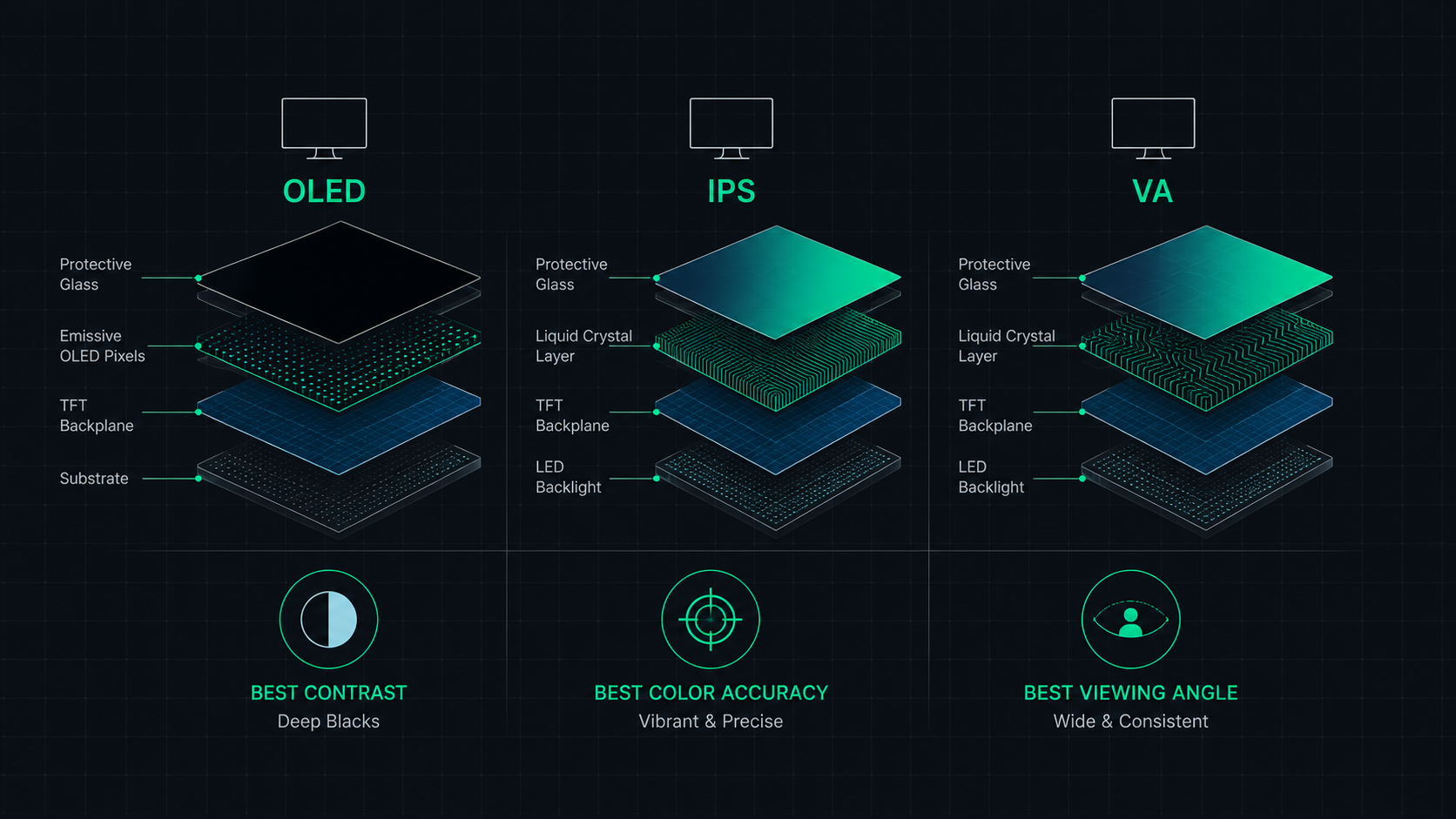 9 min read
OLED vs IPS vs VA: Which Monitor Panel Type Is Best for You?
Complete comparison of OLED, IPS, and VA monitor panel technologies for gaming, creative work, and everyday use. Understand the trade-offs of contrast, color accuracy, response time, and burn-in risk to make the right choice in 2026.
 6 min read
How to Fix a Blurry Screen on Windows and Mac (2026 Guide)
Step-by-step guide to fixing blurry text and blurry displays on Windows 11, Windows 10, and macOS. Fix display scaling issues, ClearType settings, and external monitor blurriness caused by incorrect resolution or HiDPI settings.