Input Lag & Reaction Test
Measure your click-to-render event queue delay, browser frame compositing, and visual reaction latency in milliseconds.
When the red box turns GREEN, click as fast as you can!
Your reaction + display delay.
Completed: 0 / 5
Esports grade tier.
What is Display Input Lag?
Input lag is the total elapsed time between sending an input command (such as a mouse click or keystroke) and seeing the resulting visual frame rendered on your display screen.
Input Lag Rating Benchmarks
| Latency Range | Rating Tier | Suitability & Performance |
|---|---|---|
| < 15 ms | Ultra-Fast (Esports) | Flawless for competitive FPS (Valorant, CS2, Apex) |
| 15 – 30 ms | Fast Gaming | Excellent for fast-paced action & gaming monitors |
| 30 – 50 ms | Moderate | Standard for casual gaming & 60Hz office screens |
| > 50 ms | High Delay | Noticeable mouse lag; check TV Game Mode settings |
Frequently Asked Questions
What is a good input lag for a gaming monitor? ↓
For competitive gaming (Esports, FPS), an input lag of under 15 ms is considered ultra-fast. Standard gaming monitors range between 15 to 30 ms. Anything over 50 ms is noticeable and can delay mouse and key actions during gameplay.
Can web browsers accurately measure click input lag? ↓
Web browsers measure event queue and display rendering latency (from pointerdown event dispatch to requestAnimationFrame compositing). While true physical click-to-photon hardware testing requires a photodiode oscilloscope, in-browser testing accurately evaluates system, browser, and display pipeline delay.
How do I reduce input lag on my monitor? ↓
To reduce input lag: 1) Enable 'Game Mode' in your monitor OSD settings, 2) Disable V-Sync in games or use Nvidia Reflex/AMD Anti-Lag, 3) Use a DisplayPort cable instead of HDMI, and 4) Ensure your browser hardware acceleration is enabled.
Does V-Sync increase input lag? ↓
Yes. Traditional V-Sync forces the GPU to wait for the monitor's refresh cycle before sending a new frame, adding 1 to 3 frames of buffering delay (approx 16 to 50 ms at 60Hz). G-Sync or FreeSync with V-Sync Off eliminates this delay.
Recommended Technical Guides
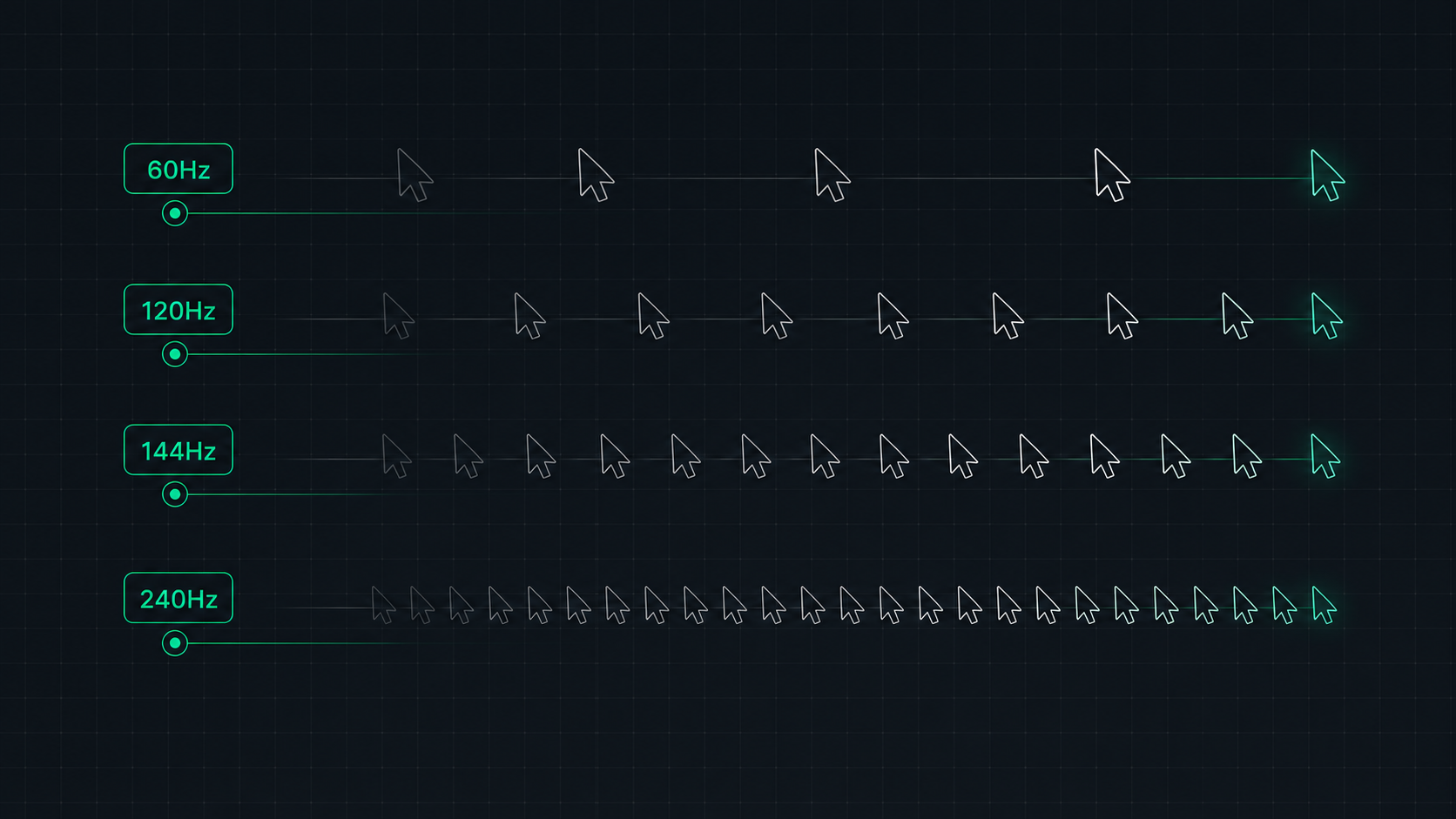 7 min read
Monitor Refresh Rate Explained: 60Hz vs 120Hz vs 144Hz vs 240Hz
Understand monitor refresh rates and how they impact gaming, video, and everyday use. Learn the real difference between 60Hz, 120Hz, 144Hz, and 240Hz displays and which is right for your setup in 2026.
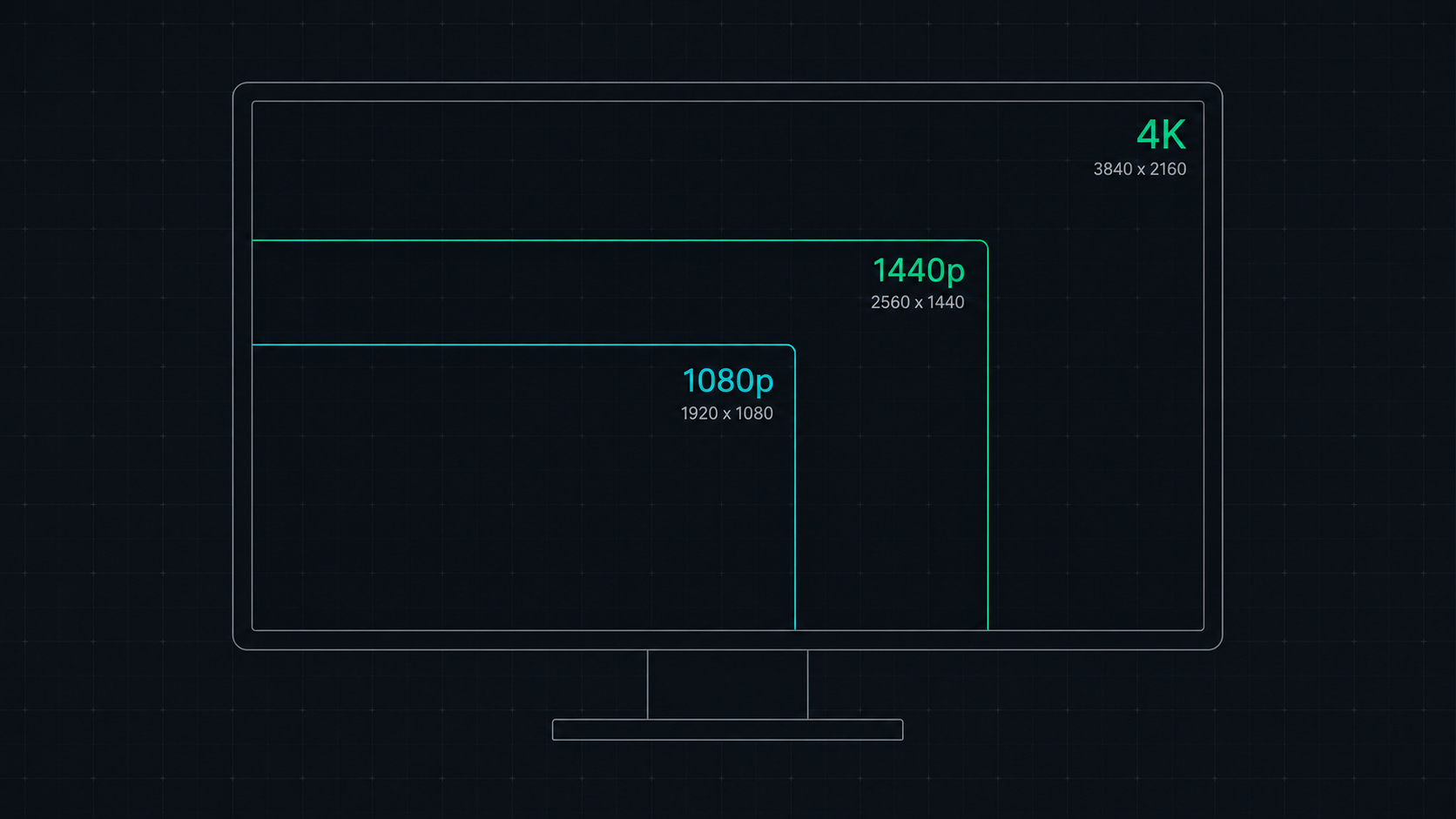 8 min read
1080p vs 1440p vs 4K: Which Resolution Is Right For You in 2026?
Comprehensive comparison of 1080p, 1440p, and 4K resolutions for gaming, work, and creative use. Find out which screen resolution is worth it in 2026 based on your monitor size, GPU, and viewing distance.
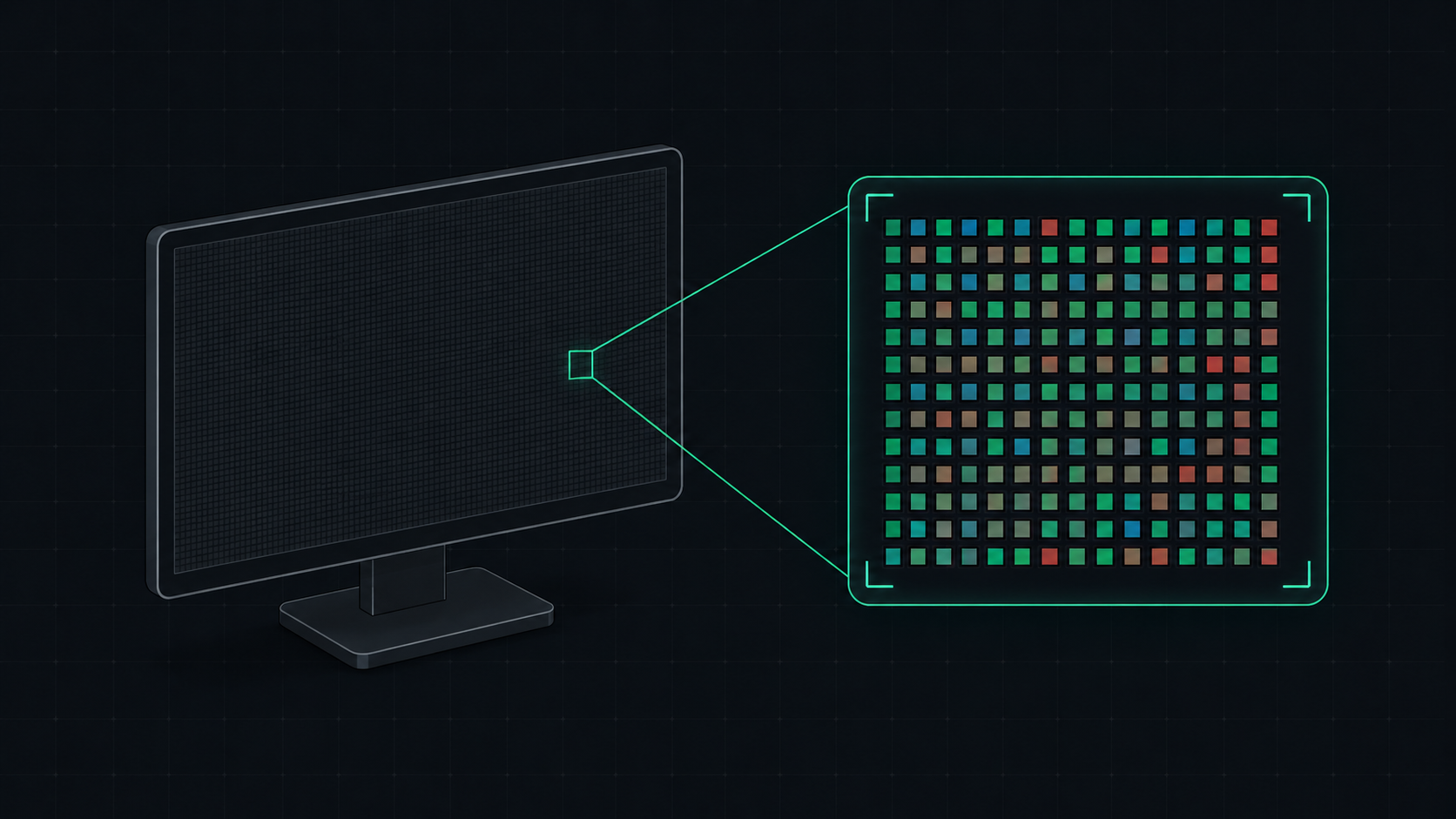 5 min read
What is PPI? Pixels Per Inch Explained Simply
PPI (Pixels Per Inch) measures how many pixels are packed into one inch of a display screen. Learn what PPI means, how it affects image quality, and what a good PPI is for monitors, phones, and TVs.