Touch Screen Test
Swipe across the grid matrix below to test for dead touch zones. Place multiple fingers to test multi-touch capability.
Swipe your finger or pen across every square until the screen is 100% green.
What is Touchscreen Digitizer & Multi-Touch?
A touchscreen digitizer is an electronic sensor layer embedded over a display that senses capacitance changes from human skin contact, converting physical finger or stylus gestures into precise X/Y coordinate inputs.
Frequently Asked Questions
How do I test my touchscreen online? ↓
Open our free Touchscreen Test tool on your mobile phone, tablet, or touch laptop. Swipe your finger across the interactive grid matrix. All touched blocks will light up green, revealing any unresponsive touch dead zones.
What is multi-touch testing? ↓
Multi-touch testing evaluates how many simultaneous finger touch points your screen hardware can detect at once (e.g., 2-point pinch zoom, 5-point, or 10-point full hand gestures).
Why is a section of my touch screen not responding? ↓
Unresponsive touch zones can be caused by physical digitizer cable damage, cracked glass, screen protector air bubbles, or software driver crashes. Run our grid test to pinpoint the exact dead zone coordinates.
Can I test touchscreen on a touch-enabled Windows laptop? ↓
Yes! Our web tool supports HTML5 Pointer Events and touch APIs across Windows 11 touch laptops, Microsoft Surface devices, iPads, iPhones, and Android smartphones.
Recommended Technical Guides
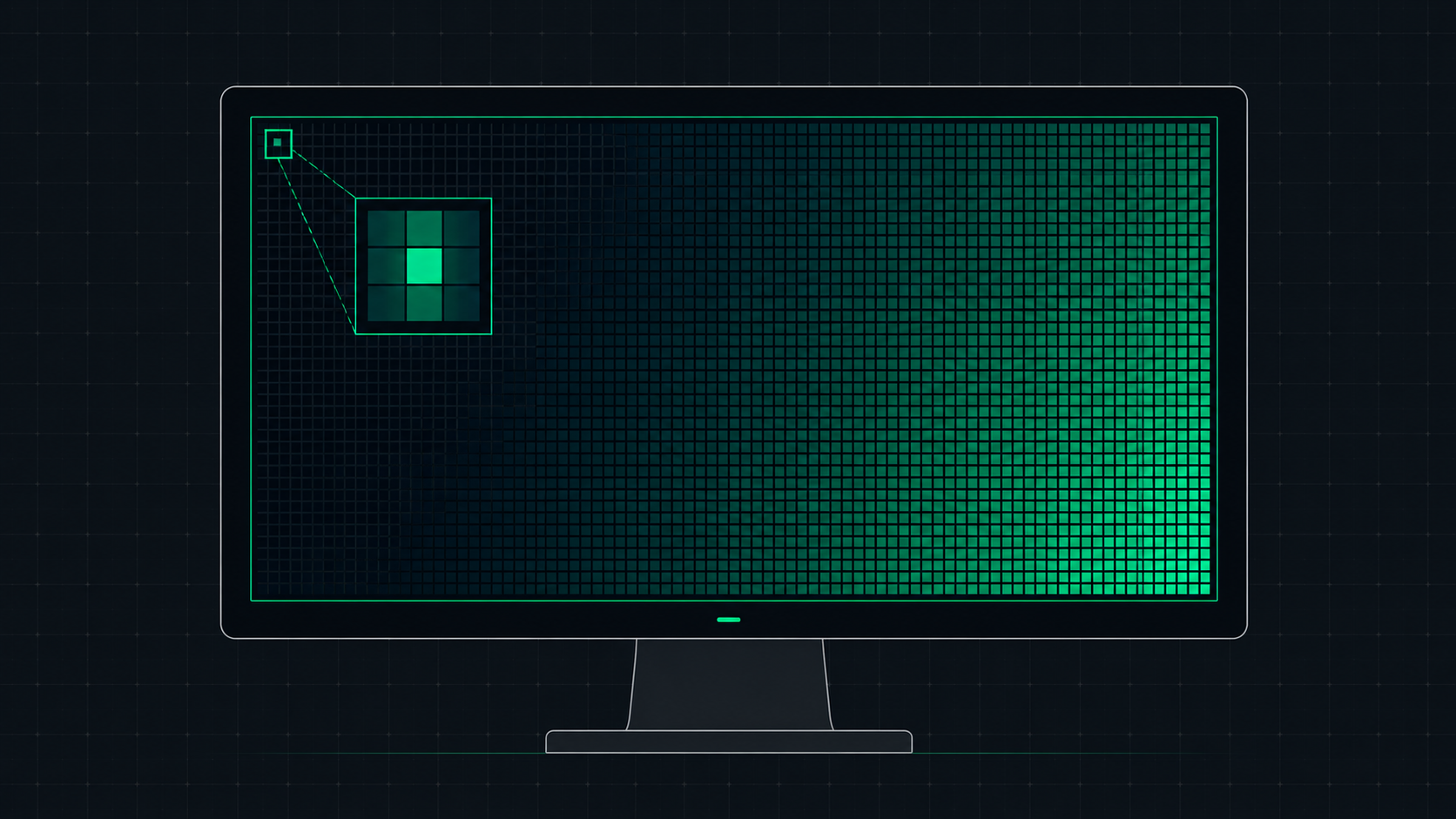 5 min read
What is Screen Resolution? A Plain-English Guide
Screen resolution is the number of pixels displayed on your screen horizontally and vertically. Learn what resolution means, the difference between HD, Full HD, QHD, and 4K, and how to check and change your display resolution.
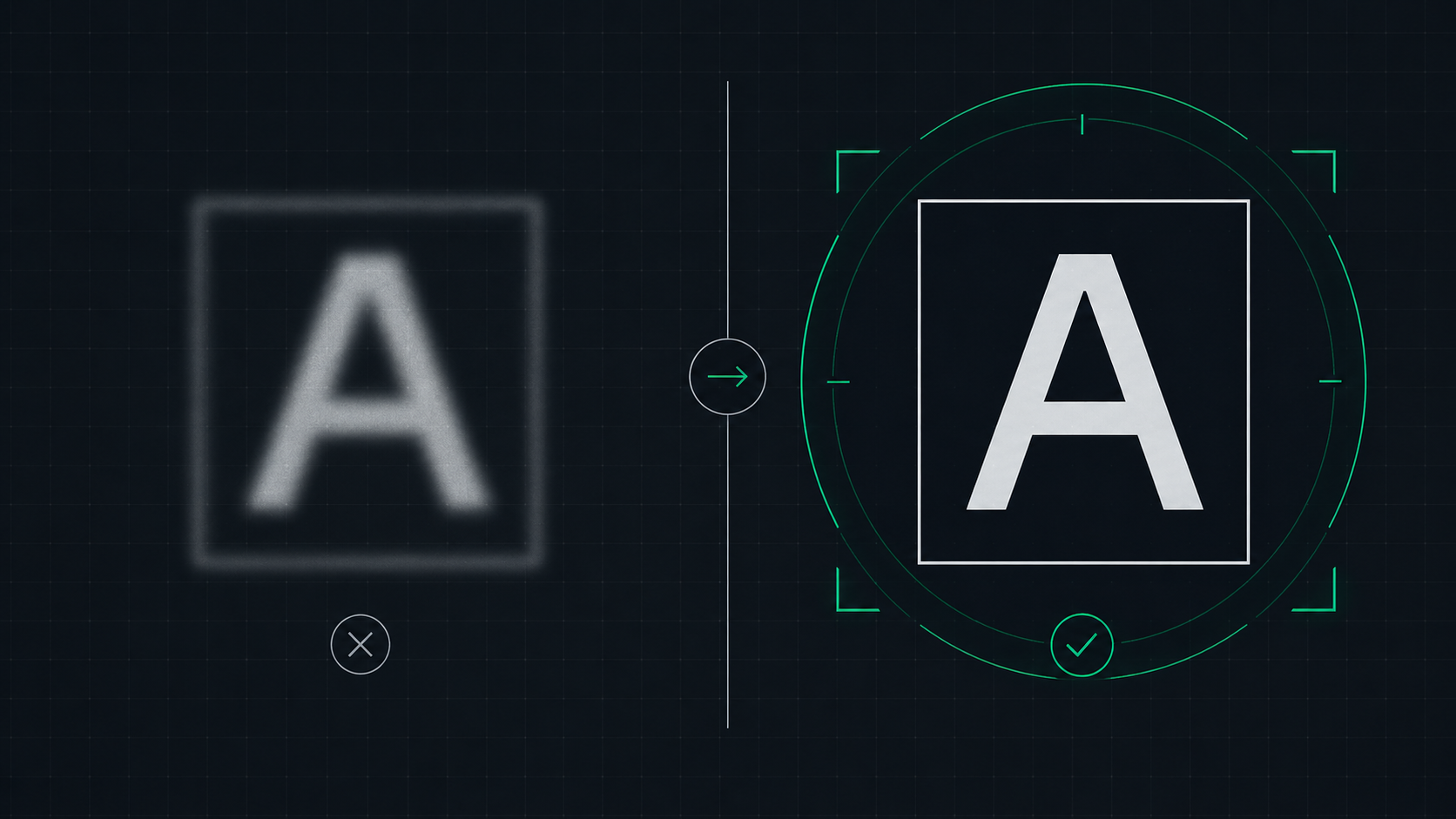 6 min read
How to Fix a Blurry Screen on Windows and Mac (2026 Guide)
Step-by-step guide to fixing blurry text and blurry displays on Windows 11, Windows 10, and macOS. Fix display scaling issues, ClearType settings, and external monitor blurriness caused by incorrect resolution or HiDPI settings.
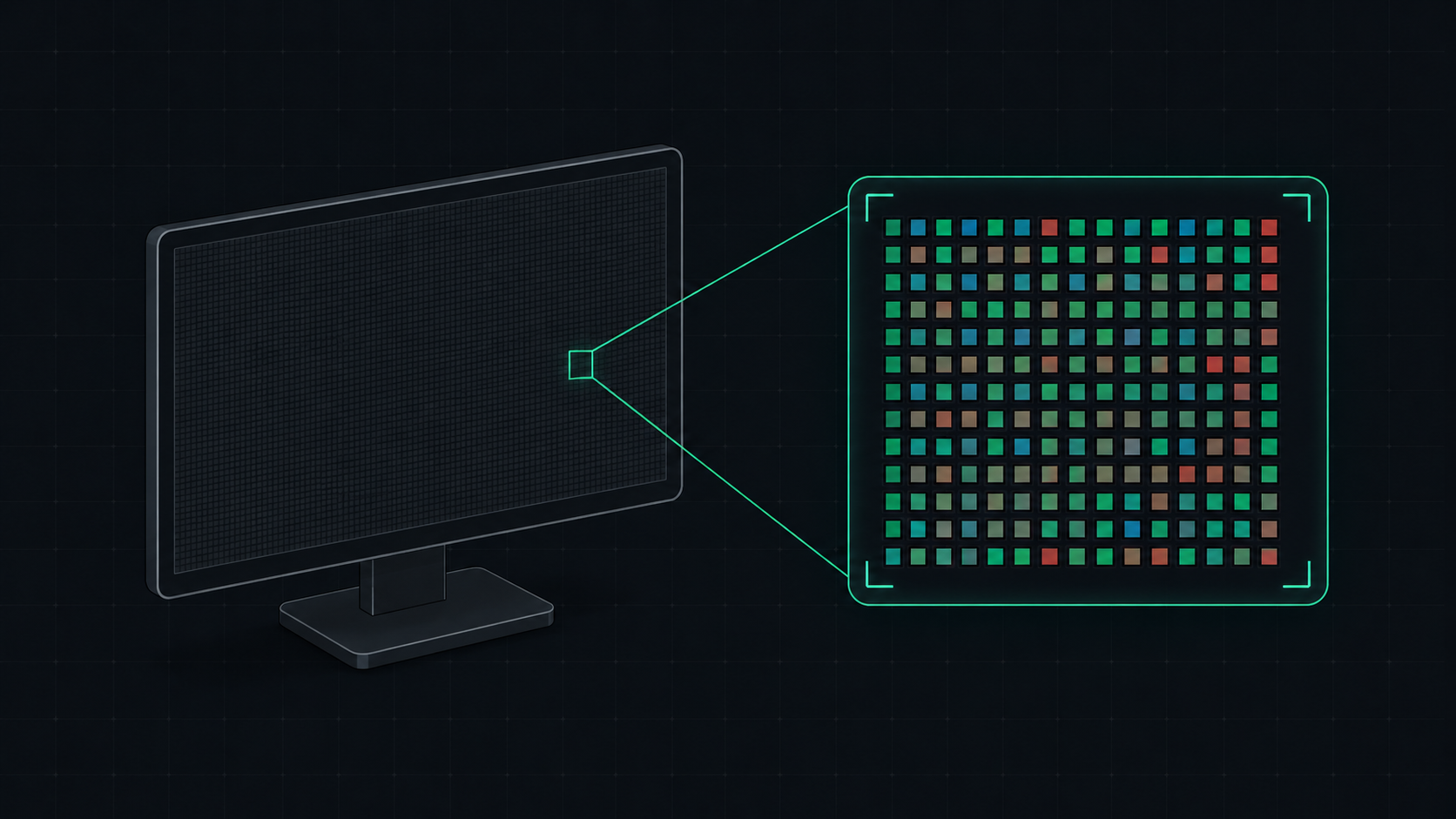 5 min read
What is PPI? Pixels Per Inch Explained Simply
PPI (Pixels Per Inch) measures how many pixels are packed into one inch of a display screen. Learn what PPI means, how it affects image quality, and what a good PPI is for monitors, phones, and TVs.