Monitor Ghosting Test
Test your display's pixel response time (G2G) and motion clarity. Watch high-speed moving blocks across different gray backgrounds to spot trails and overdrive coronas.
Understanding Motion Artifacts
Standard Ghosting (Smearing)
A dark or blurry trail following behind the moving box. Common on VA panels when switching from dark gray to black.
Fix: Lower response time setting or upgrade to IPS/OLEDInverse Ghosting (Corona)
A bright white or glowing cyan halo leading or trailing the object. Caused by aggressive voltage overdrive.
Fix: Turn monitor Overdrive down from 'Extreme' to 'Fast'What is Monitor Ghosting?
Monitor ghosting is a visual motion artifact where a trailing silhouette or smear follows moving objects across the screen. It is caused by liquid crystal (LCD) sub-pixels transitioning too slowly between color states (Gray-to-Gray response time) relative to the display's active refresh rate.
Frequently Asked Questions
What is monitor ghosting? ↓
Monitor ghosting is a visual artifact where a trailing shadow or ghost image follows fast-moving objects on screen. It occurs when a display's liquid crystal pixels cannot change colors fast enough to keep up with the frame rate.
How can I tell if ghosting is caused by my monitor hardware or the game engine motion blur? ↓
To isolate hardware ghosting from in-game blur, run this browser test: if you see trails here, your monitor's pixel response time is the culprit. If moving blocks are sharp here but blurry in games, disable 'Motion Blur' and 'Temporal Anti-Aliasing (TAA)' in your game graphic settings.
Why does dark-level ghosting (smearing) happen more on VA panels than IPS or OLED? ↓
VA (Vertical Alignment) panels excel at deep 3000:1 contrast ratios, but their liquid crystals rotate significantly slower when transitioning between dark gray and black (0-20% luminance), creating noticeable dark smears in nighttime scenes.
What is inverse ghosting (overshoot)? ↓
Inverse ghosting (or pixel overshoot) occurs when a monitor's Overdrive setting is set too high. The voltage applied to the sub-pixels overshoots the target color, causing a bright white or colored trail (corona artifact) behind moving objects.
How do I fix ghosting on my gaming monitor? ↓
To reduce ghosting, access your monitor's OSD menu and adjust the Response Time or Overdrive setting to 'Normal' or 'Fast'. Avoid 'Ultra Fast' or 'Extreme' modes if you notice bright halos behind moving objects.
Which panel type has the least ghosting? ↓
OLED panels have virtually zero ghosting due to instantaneous sub-pixel response times (<0.1ms). Fast IPS panels are second best, while VA panels generally experience the most severe dark-level ghosting (smearing).
How do I test my monitor response time online? ↓
Use our motion ghosting tool below. It renders high-speed moving test blocks across different gray-to-gray contrast levels. Watch for dark trails (slow response) or bright halos (overdrive overshoot).
Recommended Technical Guides
 7 min read
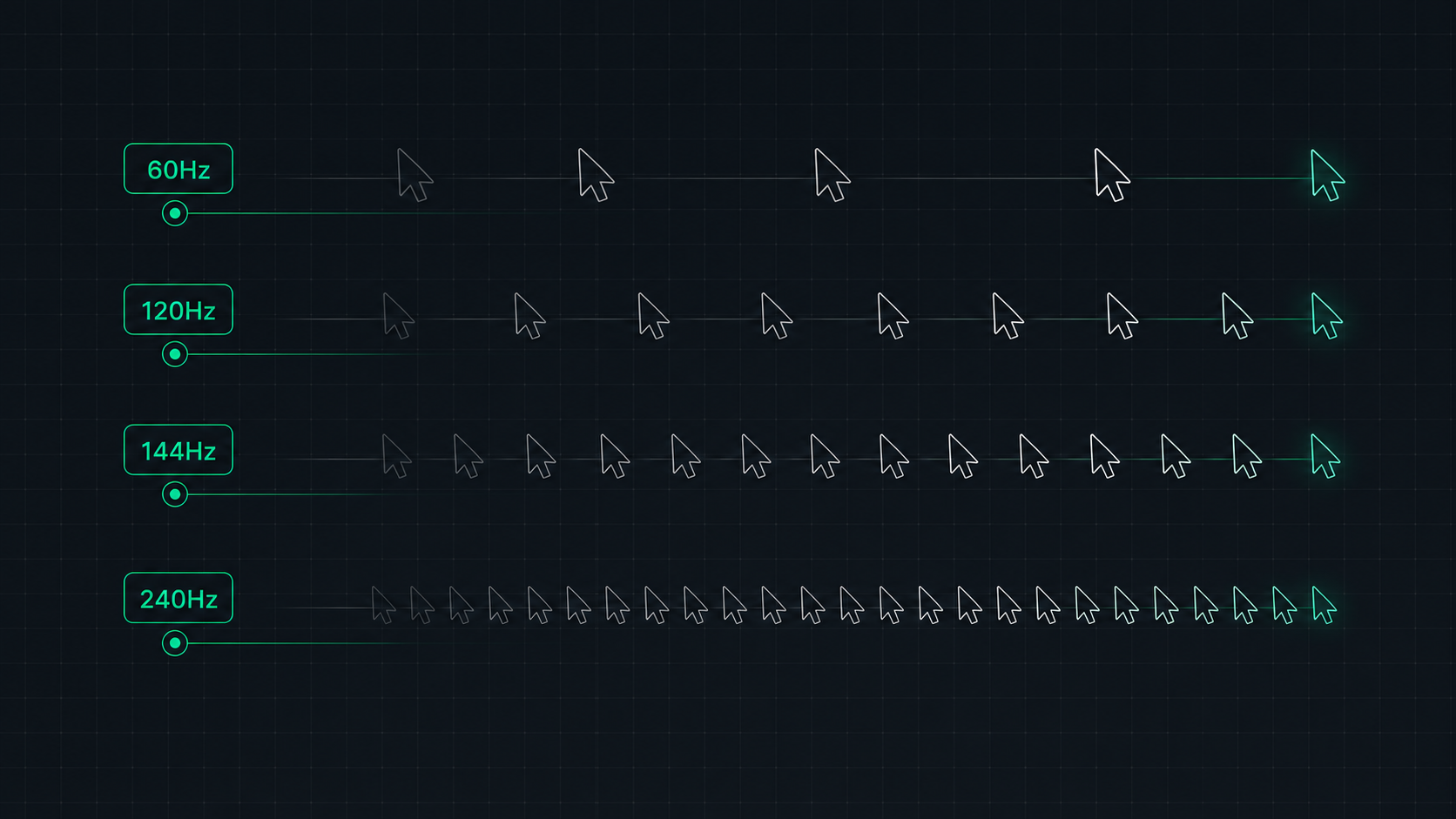
Monitor Refresh Rate Explained: 60Hz vs 120Hz vs 144Hz vs 240Hz
Understand monitor refresh rates and how they impact gaming, video, and everyday use. Learn the real difference between 60Hz, 120Hz, 144Hz, and 240Hz displays and which is right for your setup in 2026.
 9 min read
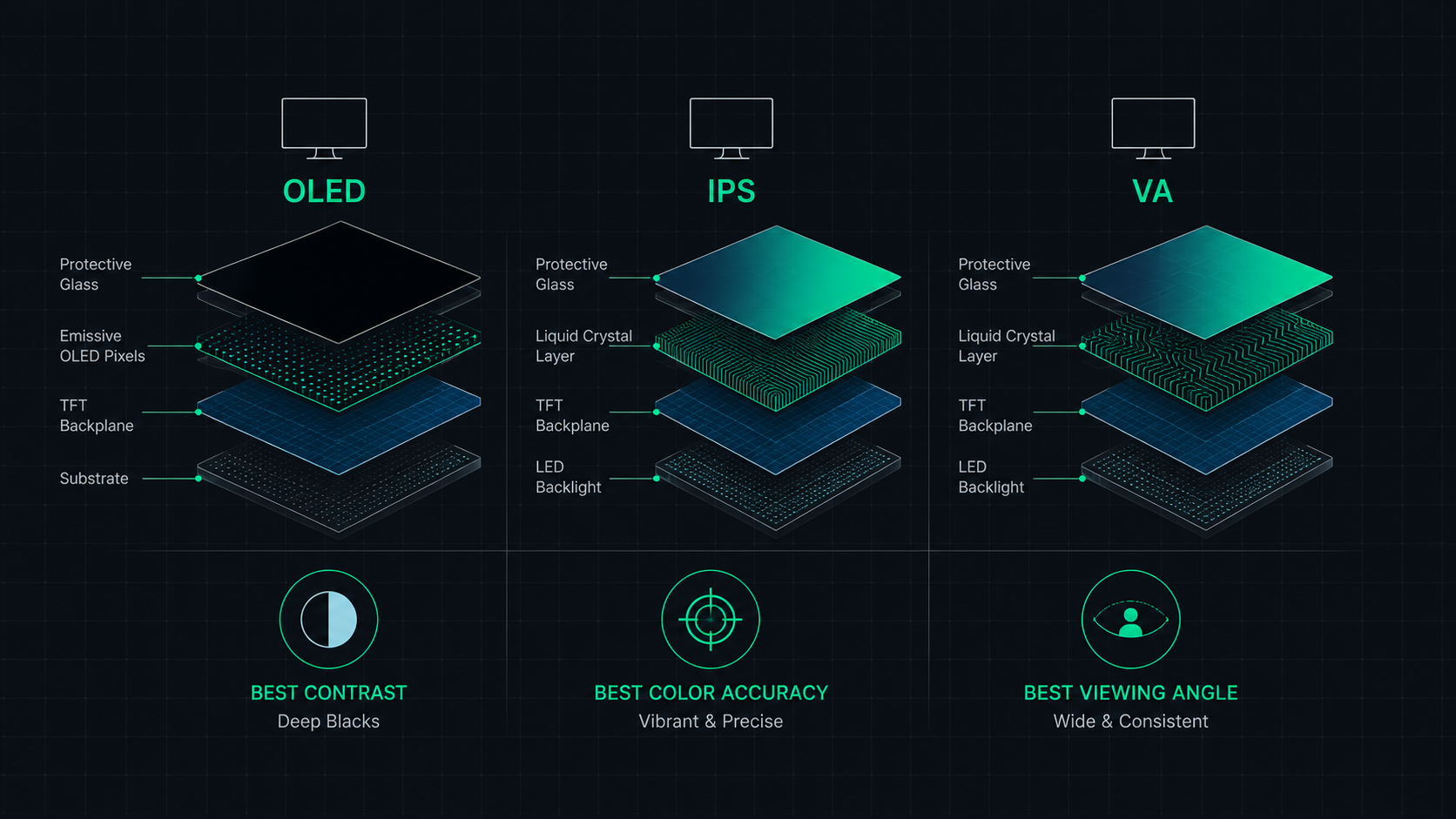
OLED vs IPS vs VA: Which Monitor Panel Type Is Best for You?
Complete comparison of OLED, IPS, and VA monitor panel technologies for gaming, creative work, and everyday use. Understand the trade-offs of contrast, color accuracy, response time, and burn-in risk to make the right choice in 2026.
 8 min read
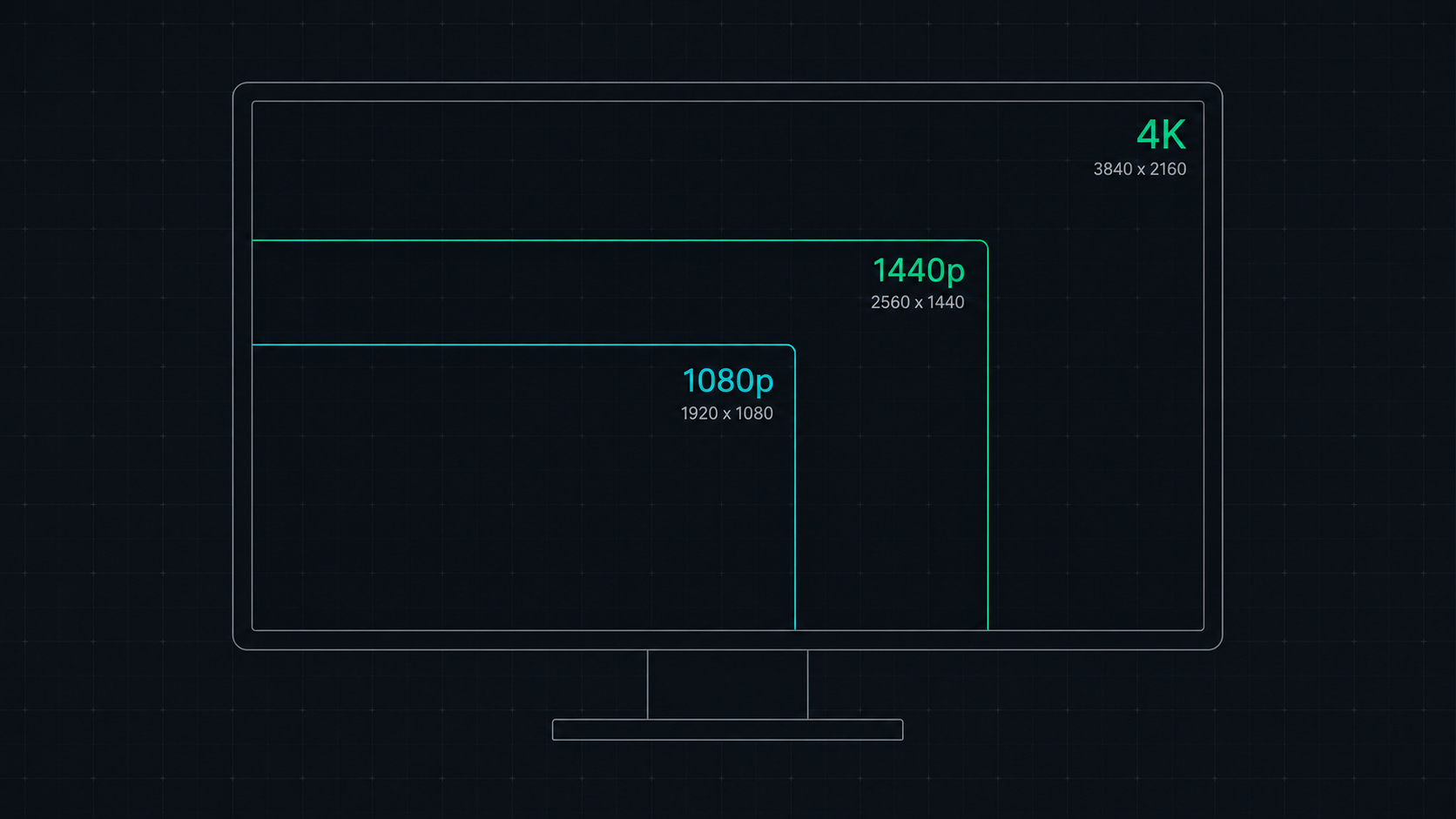
1080p vs 1440p vs 4K: Which Resolution Is Right For You in 2026?
Comprehensive comparison of 1080p, 1440p, and 4K resolutions for gaming, work, and creative use. Find out which screen resolution is worth it in 2026 based on your monitor size, GPU, and viewing distance.